Upscale an Avatar Without Inventing a Face
A profile crop is a face with too few pixels and a circle waiting to hide the mistakes. Sharpness is not identity.
- No signup for the first three
- Deleted after 24 hours
JPEG, PNG, WebP, or AVIF. No account for the first three repairs.
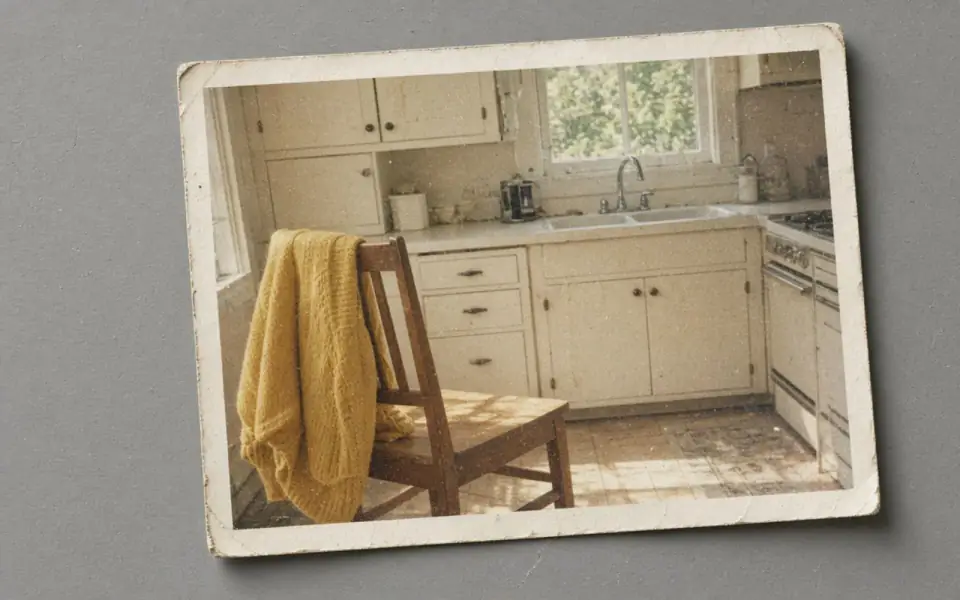
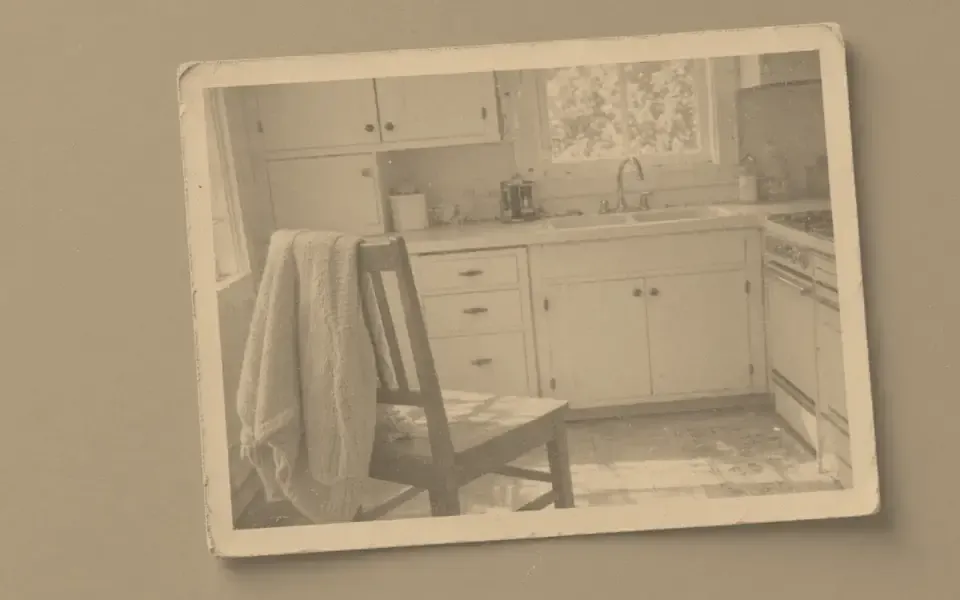
Left: the faded black-and-white photo. Right: the clearer scan.
Avatar
Count the pixels in the head
If the head is forty pixels tall, there is not a person left to restore. There is a suggestion of a person. 4× makes 160, which is still a small head, and face restore will fill it with a plausible stranger. Unblur on a head that still has eyes is the guest test. Face restore is Pro, two credits, and it requires the likeness check on the portrait page. A circle crop does not make a wrong face harder to notice. It makes it easier to post.
Many avatars are already large enough. A 400 px circle inside a 2000 px photo does not need an upscale. It needs a crop. Instagram and similar grids are covered by the free download of 3,200 px. Do not buy 8× to make a forum avatar. You will enlarge compression, a JPEG fringe, and whatever the last app did to the cheeks.
Group photos cropped down to one face are the worst evidence. You threw away the body and the room that made the person recognizable, then asked a model to invent the rest. If the full frame still exists, use it, even if you will crop later. Repair the large file. Crop after.
Compression is the usual defect
Avatars travel as tiny JPEGs. The blocks sit on the cheeks and the mosquito noise sits on the hair. Denoise can quiet that and can also wax the skin. One pass. Read the artifact page if the grid is the whole picture. Do not sharpen a blocky cheek. You will outline the squares.
A logo used as an avatar is not a face. Send it to the logo page. Face restore on a mark pulls the mark toward a head. Colorize on a one-color icon paints a guess you did not ask for. 2× on a clean PNG is the only mode that belongs, and only if you cannot find the vector.
Illustrated avatars and anime faces are a poor fit for a photograph model. Bigjpg’s meta description aims at anime artwork. This tool does not. If the crop is a drawing, expect the model to add skin texture that fights the line. Often you should leave the drawing at its native pixels.
Rights and retention
Commercial use is allowed when you have the rights to the face and the photograph. A profile you do not have rights to enhance is still not allowed, and a circle crop is not a fair-use argument we will invent. Free pages show ads. The preview is unmarked.
We delete the crop and the result after 24 hours. The account picture that lasts is the one you upload to the service you actually use. A failed job returns the credit. A successful stranger does not. Guests have three credits. Face restore is not on the free tool.
The API can run unblur or 2× on a set of crops inside the batch limit. It should not be a pipeline that face-restores customers. If you build that, the likeness failures are yours, and the 24-hour deletion does not make them acceptable. Pro is $12 or $120 a year if you truly need the face mode.
A worked frame
A 96 px forum avatar is a JPEG of a face and a corner of a logo. Separate them. The logo goes to the logo page or, better, to the SVG. The face at 96 px is not enough to unblur into a person you could identify in a room. Denoise will wax what little cheek there is. Face restore will invent a stranger and is not even available on the free tool. The honest action is to find the photograph the avatar was cropped from. If that photograph is 1800 px and the face is merely soft, unblur the large file, then crop the circle. 1800 is inside the 3200 px free download. The circle does not need 4×. If the large file does not exist, leave the 96 px image at 96 px and accept the stairs. A drawing of a character should stay at its native pixels because this model wants photographs. Bigjpg is the site whose own description leans anime. This one does not. Commercial use of a staff portrait still requires the right to use that face. Deletion in 24 hours does not create the right. Do not build an API job that face-restores every new account. A staff page that starts from the photographer’s file does not need this page at all. Crop the circle and stop. The 96 px JPEG is a thumbnail of a photograph, not a photograph that forgot how to be large. Find the sitting, crop the circle, and leave the forum file where it is.
Three steps on this file
01
Crop from the largest file
Repair that file. A 40 px head is not enough evidence.
02
Unblur if the eyes are still theirs
One credit. Reject a new smile.
03
Skip 8×
A profile does not need it. A feed does not display it.
Settings that matter here
- Circles hide corners, not identity errors.
- Do not face-restore a logo.
- Drawings want their native pixels.
- JPEG cheeks block. Do not sharpen the blocks.
Where this shows up
A forum avatar from 2009
It is a small JPEG. Denoise once if the blocks are the veil. Do not expect a portrait.
A staff page
Use the photographer’s original. 2× only if the export was genuinely tiny.
Limits and formats
JPEG, PNG, WebP, and AVIF decode on the server. HEIC from a phone needs to be exported to JPEG first. The preview is not watermarked. Guest and Free plan downloads are capped at 3,200 px on the long edge. Pro and Studio download the full file. Nothing on this site is an ad.
Guest
- Price
- $0
- Credits
- 3 / day, no account
- Batch
- 1
- Upload
- 6 MB
- Long edge
- 2,000
- Download
- 3,200 px
Free
- Price
- $0
- Credits
- 3 repairs / day
- Batch
- 1
- Upload
- 8 MB
- Long edge
- 2,560
- Download
- 3,200 px
Pro
- Price
- $12/mo
- Credits
- 120 credits / month
- Batch
- 12
- Upload
- 20 MB
- Long edge
- 4,096
- Download
- Full size
Studio
- Price
- $29/mo
- Credits
- 500 credits / month
- Batch
- 40
- Upload
- 40 MB
- Long edge
- 8,192
- Download
- Full size
| Plan | Price | Credits | Batch | Upload | Long edge | Download |
|---|---|---|---|---|---|---|
| Guest | $0 | 3 / day, no account | 1 | 6 MB | 2,000 | 3,200 px |
| Free | $0 | 3 repairs / day | 1 | 8 MB | 2,560 | 3,200 px |
| Pro | $12/mo | 120 credits / month | 12 | 20 MB | 4,096 | Full size |
| Studio | $29/mo | 500 credits / month | 40 | 40 MB | 8,192 | Full size |
Questions worth asking first
Can I try this without an account?
Yes. Guests get 3 credits a day. 2×, denoise, and unblur cost one. Colorize costs two. 4× and face restore start on Pro. 8× is Studio.
Will the person still look like themselves?
Only if you check. Face restore can change them. Unblur is the safer first mode.
Is the preview watermarked?
No. Guest and Free plan downloads are capped at 3,200 px on the long edge. Pro and Studio download the full file.
What if the job fails?
The credit is returned. A failed job is not charged. A finished file you dislike does not return the credit or the subscription fee.
How long do you keep the upload?
Uploads and results are deleted 24 hours after the job is created.
Can I use the result commercially?
Yes, on every plan, including the free tool, when you have the rights to process the file.
Related tools
From the guides
Run it on the file you actually have
Three guest repairs a day, no card. If the slider invents a detail you cannot defend, do not download it. Paid plans cancel anytime and are not refunded. A failed job is not charged. The file is deleted after 24 hours.