Enhance a Portrait and Keep the Same Person
A portrait fails when the repair is sharper and the sitter is gone. Skin, eyes, and the gap in the teeth are the record. Crispness is optional.
- No signup for the first three
- Deleted after 24 hours
JPEG, PNG, WebP, or AVIF. No account for the first three repairs.
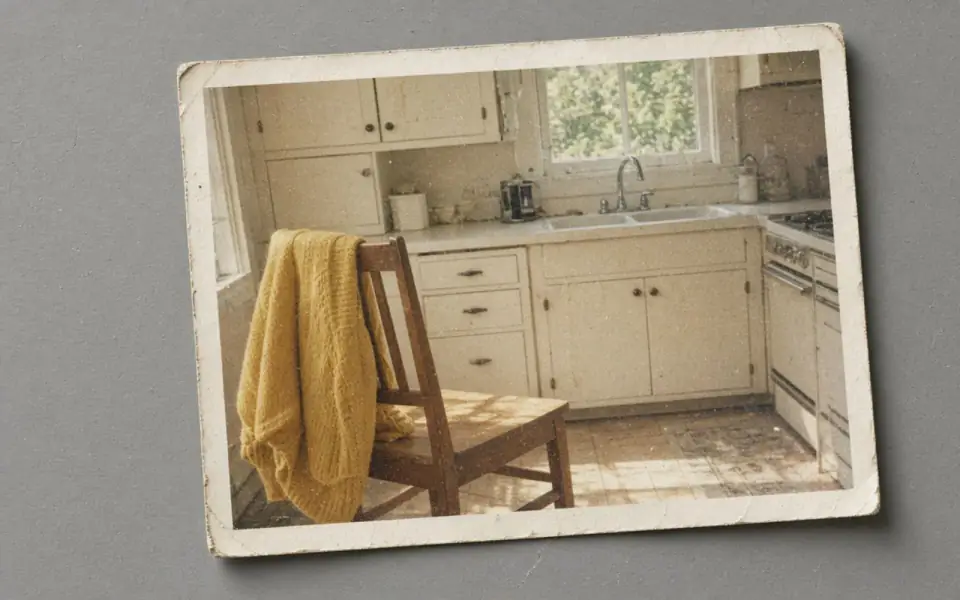
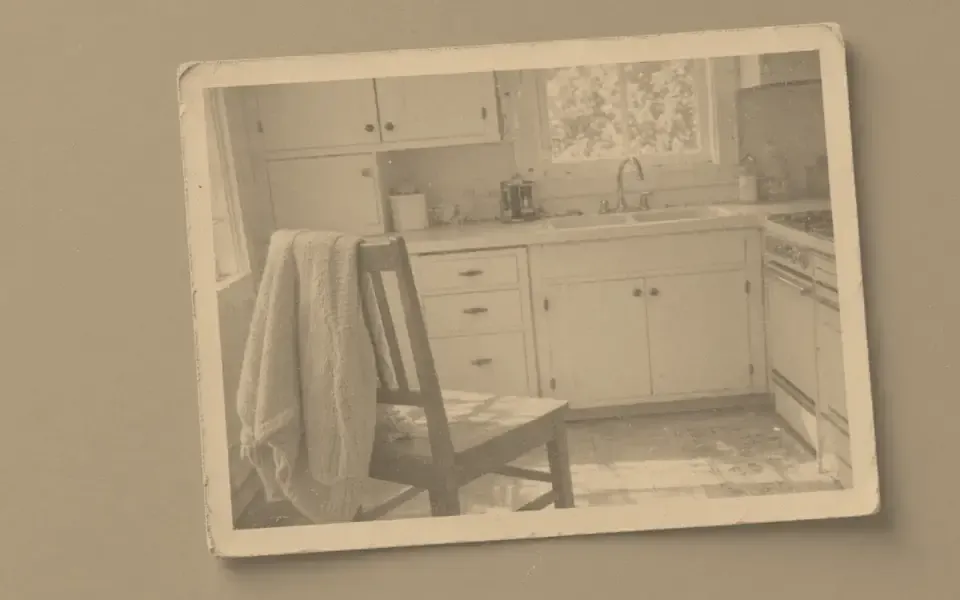
Left: the faded black-and-white photo. Right: the clearer scan.
Portrait
Decide whether the face is soft or collapsed
A soft portrait still has a catchlight, a nostril, and a mouth that belongs to one person. Unblur is the mode for that file. It costs one credit and a guest can run it. Face restore is a different claim: the features have turned to mush and the model will invent a plausible face. That mode costs two credits and starts on Pro. Using it on a face that was merely soft is how a familiar person acquires a new smile.
Put a second photograph of the same person next to the screen if you have one. Compare the ear, the crease beside the nose, and any mark you would notice in a room. If those moved toward a generic head, the mode was confident and wrong. Keep the softer file. An 8×10 will not make a stranger familiar, and 3,000 px on the long edge of that print fits in the free download, so the size is not an excuse to accept the drift.
Crowds are a worse input than one face. The model has less of each person and more temptation to average them. Crop to the sitter you mean to keep, run the job, and leave the group frame as the record of who else was there. Sunglasses, a hard profile, and a hand across the mouth give the model less to hold. Say so before you spend the credit, not after the reunion has started.
Skin is not a surface to be sanded
Beauty filters and heavy denoise do the same damage from opposite directions. Denoise is for speckle that was never a choice: high ISO, scanner dust. Film grain and the texture of a cheek are often the point of the picture. If a flat wall in the background loses its colored noise and the cheek turns to wax in the same pass, you have gone too far. One denoise, then a look. A second denoise is a new job, not a refinement, and it usually melts the file.
Order the portrait like this. If the night was dark, denoise the shadows first and read the night page. If the lens missed, unblur once. If the head is the size of a thumbnail and the features are gone, then consider face restore, with the second photograph nearby. Enlarge only when the print calculator says the paper is short of pixels. A phone portrait is often already larger than a 4×6 at 300 ppi, which wants 1,800 on the long edge. Do not upscale it to feel productive.
Colorize is a separate decision and a separate two-credit mode. Judge the likeness in grayscale before you paint a skin tone, because a wrong face in color is harder to argue with. Hand-tinted prints already have color. Do not denoise the tint off and do not colorize them as if they were negatives. A yellow cast on a color portrait is fading, which belongs on the faded-photo page, not here.
What you are allowed to deliver
Commercial use is allowed on every plan, including the free tool, when you have the rights to the sitting. A photographer delivering a client file still has to be able to defend the likeness. The license is not a promise that the model was right. Free pages show ads. Pro and Studio are ad-free. The preview is not watermarked.
Free plan downloads stop at 3,200 px on the long edge. That covers a 300 ppi 8×10 and a 4×6 with room. A larger master, a batch of a wedding, or 4× is Pro at $12 a month or $120 a year, batches of 12. Studio is $29 or $290 a year, batches of 40, and 8× for a tiny booth photo. Credits do not roll over. You can cancel anytime. The fee is not refunded. A failed job returns the credit.
Download the keeper the day you make it. Uploads and results are deleted after 24 hours on every plan, including a portrait you meant to frame next month. The camera roll or the studio archive is the copy that lasts. The API, if you are delivering from a script, uses the same credits and the same clock. It is documented at /docs/api.
A worked frame
A yearbook scan at 1200 px wide still shows the mole and the gap in the teeth, and the eyes are soft rather than empty. Unblur is the mode, one credit, not face restore. Put a later photograph of the same person on the desk. If the mole moves or the gap closes, reject the result even though the eyes look awake. The 1200 px file at 2× becomes 2400, which a 4×6 and an 8×10 can use, and 2400 sits inside the 3,200 px free download. Face restore would spend two Pro credits to risk a new mouth. Colorize, if the print is black and white, waits until that likeness check is done and then spends two of the three guest credits, so it does not fit in the same day as a one-credit unblur plus another experiment. Download both the gray file and, later, the color file. We will not have either tomorrow.
Three steps on this file
01
Crop to one face
A tiny head in a wide scene will not be the thing that gets repaired.
02
Unblur if the features are still there
One credit. Compare a second photo of the same person before you accept it.
03
Face restore only when the face collapsed
Pro or Studio. Reject the file if the person changed.
Settings that matter here
- Profile views and heavy sunglasses are thin evidence.
- Do not denoise film grain you meant to keep.
- Colorize after the likeness check, not before.
- A school photo reduced for a PDF is often a face-restore case, and still a guess.
Where this shows up
A yearbook scan
The oval is soft but the smile is still theirs. Unblur first. Face restore only if the features are gone.
A studio sitting at a small export
Find the large original before you repair the web JPEG. The large file may need nothing.
Limits and formats
JPEG, PNG, WebP, and AVIF decode on the server. HEIC from a phone needs to be exported to JPEG first. The preview is not watermarked. Guest and Free plan downloads are capped at 3,200 px on the long edge. Pro and Studio download the full file. Nothing on this site is an ad.
Guest
- Price
- $0
- Credits
- 3 / day, no account
- Batch
- 1
- Upload
- 6 MB
- Long edge
- 2,000
- Download
- 3,200 px
Free
- Price
- $0
- Credits
- 3 repairs / day
- Batch
- 1
- Upload
- 8 MB
- Long edge
- 2,560
- Download
- 3,200 px
Pro
- Price
- $12/mo
- Credits
- 120 credits / month
- Batch
- 12
- Upload
- 20 MB
- Long edge
- 4,096
- Download
- Full size
Studio
- Price
- $29/mo
- Credits
- 500 credits / month
- Batch
- 40
- Upload
- 40 MB
- Long edge
- 8,192
- Download
- Full size
| Plan | Price | Credits | Batch | Upload | Long edge | Download |
|---|---|---|---|---|---|---|
| Guest | $0 | 3 / day, no account | 1 | 6 MB | 2,000 | 3,200 px |
| Free | $0 | 3 repairs / day | 1 | 8 MB | 2,560 | 3,200 px |
| Pro | $12/mo | 120 credits / month | 12 | 20 MB | 4,096 | Full size |
| Studio | $29/mo | 500 credits / month | 40 | 40 MB | 8,192 | Full size |
Questions worth asking first
Can I try this without an account?
Yes. Guests get 3 credits a day. 2×, denoise, and unblur cost one. Colorize costs two. 4× and face restore start on Pro. 8× is Studio.
Will face restore change the person?
It can. That is why it is not the first mode, and why a second photograph belongs next to the slider.
Is the preview watermarked?
No. Guest and Free plan downloads are capped at 3,200 px on the long edge. Pro and Studio download the full file.
What if the job fails?
The credit is returned. A failed job is not charged. A finished file you dislike does not return the credit or the subscription fee.
How long do you keep the upload?
Uploads and results are deleted 24 hours after the job is created.
Can I use the result commercially?
Yes, on every plan, including the free tool, when you have the rights to process the file.
Related tools
Run it on the file you actually have
Three guest repairs a day, no card. If the slider invents a detail you cannot defend, do not download it. Paid plans cancel anytime and are not refunded. A failed job is not charged. The file is deleted after 24 hours.