Clean Up and Restore Scanned Photos
A scan is a photograph of a photograph, made by a machine with a lamp and a sensor. The dust might be on the glass. The softness might be the scanner’s interpolation. Fix those before you blame the print, and do not expect a tear in the paper to heal.
- No signup for the first three
- Deleted after 24 hours
JPEG, PNG, WebP, or AVIF. No account for the first three repairs.
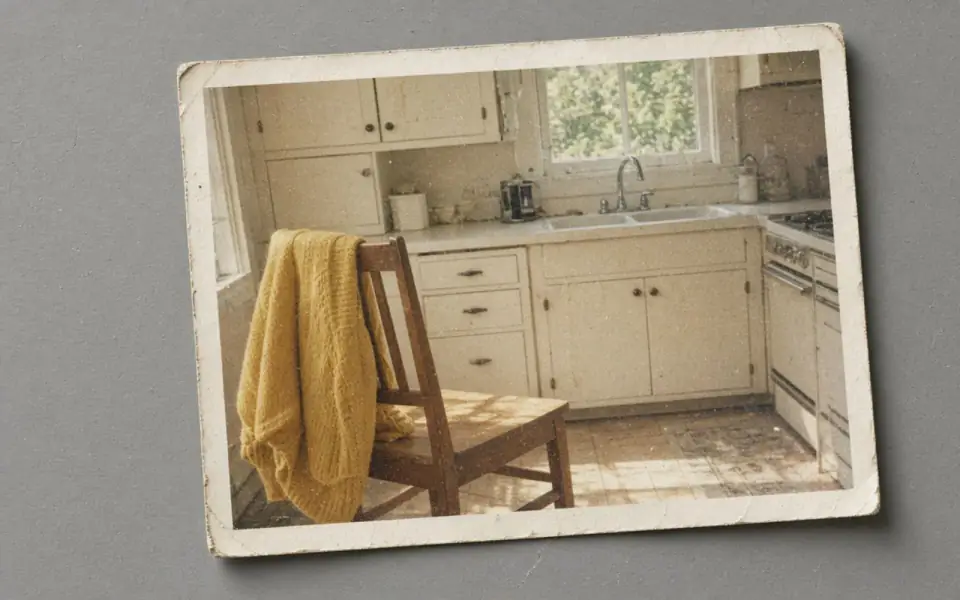
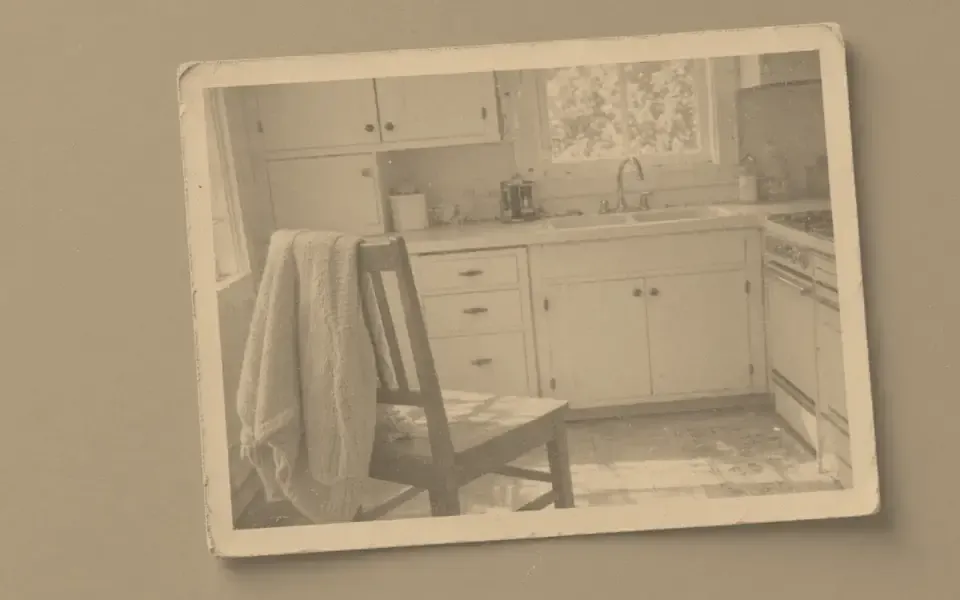
Left: the faded black-and-white photo. Right: the clearer scan.
Scanned photo
Scanner settings that save a credit
Scan at the optical resolution, not a higher number the software interpolates. Interpolation is a resize, and you would then pay us to guess what the scanner guessed. 600 ppi optical is plenty for a snapshot. A 4×6 at 600 ppi is already 2,400 by 3,600, which clears 300 ppi for that paper with room to crop. You may not need an upscale at all.
Save TIFF or a high-quality JPEG once. Do not let the scanner’s “document” preset threshold the picture into a photocopy. Color mode, even for a black-and-white print, keeps the tonal steps. Dust the glass. A denoise can lift what you missed. It should not be your duster.
If the file is a phone picture of a print under a lamp, you have glare and a keystone. Rescan. No mode here removes a reflection honestly.
Then the tool
Denoise for the remaining mist. Unblur if the scan is soft. 2× only if the optical scan was small, which usually means the print was a slide or a tiny booth photo. Face restore if a head collapsed, with a check on identity. The order is the whole method.
Guests can try the free modes three times a day. No account, no watermark on the preview. Pro and Studio are for a box: batch 12 or 40, full-size downloads, 4× and, on Studio, 8×. Subscriptions cancel anytime and are not refunded. Failures are not charged.
We delete the scan and the result after 24 hours. Your archival copy is the file on your disk, not the job row.
Most of the quality is decided at the glass
If the scanner offers 1200 and the optics are 600, the extra samples are a resize you would then pay to reinterpret. Scan at the optical number, dust the glass, and save a high-quality JPEG, PNG, or WebP. TIFF is a fine archival master on your disk and is not a format this decoder reads, so export one of the four we do read when you want a job. Color mode, even for a black-and-white print, keeps the tonal steps a document preset would threshold away.
A 4×6 scanned at 600 ppi is already 2,400 by 3,600. That clears 300 ppi for the same paper with room to crop. Measure it in the calculator before you buy an upscale. Denoise is for the mist the glass still left. Unblur is for a scan that is soft because the print sat above the glass or the lid was open. Neither mode removes a glare spot from a phone picture of a framed print. Rescan. Neither mode inverts a color negative. Do that in the scanner software first.
Test three frames from a shoebox on the free tool. Three a day, no account, unmarked preview, download capped at 3,200 px. If the paper grain survives and the dust lifts, Pro or Studio is the batch, not a promise that every frame will behave. Subscriptions are not refunded. Failures are. The archival copy is the scan you made, because the copy you uploaded is deleted after 24 hours along with the result.
A last look at the glass
If you can rescan, do it before you spend Studio credits on a tray. Optical resolution, dusted glass, color mode, a master on your disk. TIFF can be that master. We still need JPEG, PNG, WebP, or AVIF for the job. A 4×6 at 600 ppi optical is already a print. The tool is for the mist and the softness that remain, and for the slide that was never that many pixels. Negatives need an inversion before they get here.
What to keep beside the slider
The scan software’s interpolated DPI is a resize with a uniform on. If the optics are 600, scan at 600. A 4×6 at that number is already 2,400 by 3,600, which clears the same paper at 300 ppi with room to crop. You may not need us at all. Dust the glass so the denoise is not your duster. Save a master you can read later. Bring us JPEG, PNG, WebP, or AVIF. Leave TIFF and color negatives for the tools that understand them. Test three frames on the free tool before Studio's batch of forty. One honest failure is cheaper than forty invented ones, and a failed job is the kind that returns the credit.
The decision you can defend
Rescan at optical resolution before you buy a batch. A 4×6 at 600 ppi is already a print. Dust the glass. Export JPEG, PNG, WebP, or AVIF. Test three frames as a guest. Studio's forty is for the set that survived, not for the set you hope will survive. Failures return the credit. The scan you keep is the one on your disk.
Three steps on this file
01
Rescan at optical resolution
Dust the glass. Skip interpolated DPI. Save a clean JPEG or TIFF, then a JPEG we can read.
02
Denoise the mist, then look
If the paper’s own grain disappears, you went too far.
03
Measure before you upscale
Use the print calculator. A good scan of a normal print is often already enough.
Settings that matter here
- TIFF may need to be exported to JPEG, PNG, or WebP. We decode those, plus AVIF, not TIFF directly.
- Color negatives need an inversion in a scanner tool first. We do not invert negatives.
- One honest test print before a batch of forty.
- Scratches that break a face are still scratches after a denoise.
Where this shows up
A shoebox for a reunion
Scan well, test three frames on the free tool, then decide whether Studio's batch is worth it.
Slides from a tray
The frame is small. 4× may be the print size. Judge one slide’s grain before you batch the tray.
Limits and formats
JPEG, PNG, WebP, and AVIF decode on the server. HEIC from a phone needs to be exported to JPEG first. The preview is not watermarked. Guest and Free plan downloads are capped at 3,200 px on the long edge. Pro and Studio download the full file. Nothing on this site is an ad.
Guest
- Price
- $0
- Credits
- 3 / day, no account
- Batch
- 1
- Upload
- 6 MB
- Long edge
- 2,000
- Download
- 3,200 px
Free
- Price
- $0
- Credits
- 3 repairs / day
- Batch
- 1
- Upload
- 8 MB
- Long edge
- 2,560
- Download
- 3,200 px
Pro
- Price
- $12/mo
- Credits
- 120 credits / month
- Batch
- 12
- Upload
- 20 MB
- Long edge
- 4,096
- Download
- Full size
Studio
- Price
- $29/mo
- Credits
- 500 credits / month
- Batch
- 40
- Upload
- 40 MB
- Long edge
- 8,192
- Download
- Full size
| Plan | Price | Credits | Batch | Upload | Long edge | Download |
|---|---|---|---|---|---|---|
| Guest | $0 | 3 / day, no account | 1 | 6 MB | 2,000 | 3,200 px |
| Free | $0 | 3 repairs / day | 1 | 8 MB | 2,560 | 3,200 px |
| Pro | $12/mo | 120 credits / month | 12 | 20 MB | 4,096 | Full size |
| Studio | $29/mo | 500 credits / month | 40 | 40 MB | 8,192 | Full size |
Questions worth asking first
Do you read TIFF?
Export JPEG, PNG, WebP, or AVIF. TIFF is not in the decoder.
Should I scan at 1200?
Only if the scanner’s optics are really 1200. A software 1200 from a 600 sensor is a resize.
Can the first scans be tried free?
Yes. Three guest repairs a day.
Will you archive the shoebox?
No. Twenty-four hours, then deletion. Keep your scans.
Is batch on the free plan?
No. One file at a time until Pro or Studio.
What does a failed scan job cost?
Nothing. The credit returns.
Related tools
From the guides
Run it on the file you actually have
Three guest repairs a day, no card. If the slider invents a detail you cannot defend, do not download it. Paid plans cancel anytime and are not refunded. A failed job is not charged. The file is deleted after 24 hours.