Turn Low-Resolution Photos into HD
HD is a screen size, not a moral category. A 1280-pixel-wide file is already HD. A 400-pixel crop is not, and enlarging it invents the difference. This page is about that invention, and about when you should not bother.
- No signup for the first three
- Deleted after 24 hours
JPEG, PNG, WebP, or AVIF. No account for the first three repairs.
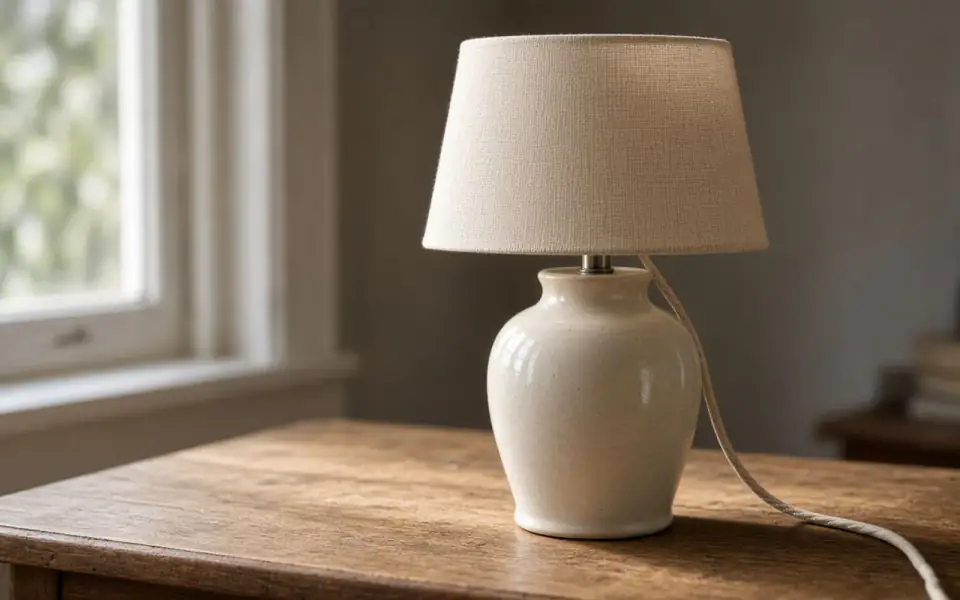

Left: the lamp broken into blocks. Right: the clear photo.
Low resolution
Count the edge before you buy a scale
The long edge is the number that matters. A guest upload can be up to 2,000 px. Free plan allows 2,560. Pro allows 4,096. Studio allows 8,192. If your file is already near the cap, you do not need 8×. You need a crop, or you need to accept the size you have.
2× doubles the edge and is the free mode. 4× multiplies it by four and costs two credits on Pro or Studio. 8× multiplies by eight, costs four credits, and is Studio only. A 500 px portrait at 4× becomes 2,000 px, which is a plausible framed photo. A 500 px portrait at 8× becomes 4,000 px of a much larger guess.
“HD” in a product title often means 1920 on the long side. You can get there with 2× from a 1000 px file, or you may already be there. The print calculator on the print pages is the stricter test, because paper has a physical size and 300 ppi is a real count.
Quality is the slider, not the word HD
A larger file can look worse. Plastic skin, doubled window mullions, letters that changed. The comparison is the product. We do not show a star rating, because an average score would hide the frames that drifted.
Try three repairs a day with no account. The preview is not watermarked. The free download is capped at 3,200 px, which is often the HD-ish file people mean, while the paid download keeps the full upscale. Free pages show ads. Deletion at 24 hours. Cancel a subscription anytime. It is not refunded. A failed job is not charged.
Formats in: JPEG, PNG, WebP, AVIF. HEIC needs an export to JPEG first. That limit is the decoder, not a marketing tier.
Resolution is a count, and the count has to match a use
A low-resolution photo is a file with too few samples for the size you want to show it. That is a number, not a mood. A 1200-pixel-wide frame is already enough for a phone screen and short of a 300 ppi 8×10, which wants about 2,400 by 3,000. Write the target down before you pick 2×, 4×, or 8×. 2× is the guest and Free plan upscale. 4× is Pro, two credits, full-size download. 8× is Studio, four credits, and the jump most likely to invent texture the camera never recorded.
The free download cap changes the arithmetic. Guest and Free plan results download at 3,200 px on the long edge even when the model built something larger. That cap is the gate. The preview you judge is not watermarked and is not an ad. If you need the larger file, the plan is Pro at $12 or Studio at $29, with no rollover and no refund of the subscription. Failed jobs are not charged on any plan.
Do not upscale a file that is already the right size and merely soft. That is the unblur page. Do not upscale a file whose only problem is stair-steps from a bad resize until you have read the pixelation page, because the diagnosis changes the crop. And do not throw away the small original. The large file is a prediction. Both copies on our side are deleted after 24 hours.
A last look at the target edge
Write the edge you need on a piece of paper before you pick a scale. A screen, a 4×6, an 8×10, a 4K delivery, and an 8K spec are different numbers, and the other pages do the arithmetic. Low resolution is not a mood. If the file already meets the number, the remaining work is blur or noise, and enlarging it spends a credit to invent texture you will only scale back down.
What to keep beside the slider
Resolution is the long edge divided into the use. A phone screen will forgive 1200 pixels. An 8×10 at 300 ppi will not. 4K means about 3840. 8K means about 7680. 2×, 4×, and 8× are the only jumps, and they cost one, two, and four credits on the plans that include them. The free download then imposes its own edge, 3,200, so a guest can judge a larger preview and still not leave with a 4K master. That is the gate. Write it down before you describe the file as low resolution in the abstract.
The decision you can defend
Put the target edge in writing, then pick the scale that meets it and no more. A screen, a 4×6, an 8×10, 4K, and 8K are different jobs. The free download’s 3,200 px cap is its own target and it is not 4K. If the file already meets the number, stop enlarging and fix blur or noise instead.
Three steps on this file
01
Read the long edge
If it is already 2,000 px or more, crop before you upscale.
02
Run 2×
Judge the subject. HD for a screen is often this step and nothing more.
03
Buy 4× only for paper
Use the print calculator. If 2× already clears 300 ppi, stop.
Settings that matter here
- Do not upscale a screenshot of a webpage and expect the type to become a font.
- Denoise first if the small file is also noisy.
- 8× is for thumbnails and stamp-sized scans, not for files that are already large and soft.
- Keep the original. Ours is deleted after a day.
Where this shows up
A marketplace photo that was resized to 600 px
2× gets you a file a template can use. 4× is for a zoom that still has to look like the object.
A camera JPEG someone saved through email
The mailer crushed it. You can enlarge what remains. You cannot get the camera original back from us or from anyone else.
Limits and formats
JPEG, PNG, WebP, and AVIF decode on the server. HEIC from a phone needs to be exported to JPEG first. The preview is not watermarked. Guest and Free plan downloads are capped at 3,200 px on the long edge. Pro and Studio download the full file. Nothing on this site is an ad.
Guest
- Price
- $0
- Credits
- 3 / day, no account
- Batch
- 1
- Upload
- 6 MB
- Long edge
- 2,000
- Download
- 3,200 px
Free
- Price
- $0
- Credits
- 3 repairs / day
- Batch
- 1
- Upload
- 8 MB
- Long edge
- 2,560
- Download
- 3,200 px
Pro
- Price
- $12/mo
- Credits
- 120 credits / month
- Batch
- 12
- Upload
- 20 MB
- Long edge
- 4,096
- Download
- Full size
Studio
- Price
- $29/mo
- Credits
- 500 credits / month
- Batch
- 40
- Upload
- 40 MB
- Long edge
- 8,192
- Download
- Full size
| Plan | Price | Credits | Batch | Upload | Long edge | Download |
|---|---|---|---|---|---|---|
| Guest | $0 | 3 / day, no account | 1 | 6 MB | 2,000 | 3,200 px |
| Free | $0 | 3 repairs / day | 1 | 8 MB | 2,560 | 3,200 px |
| Pro | $12/mo | 120 credits / month | 12 | 20 MB | 4,096 | Full size |
| Studio | $29/mo | 500 credits / month | 40 | 40 MB | 8,192 | Full size |
Questions worth asking first
What does HD mean here?
Usually a long edge around 1920 px. It is a screen label. Print wants a ppi count instead.
Which scale is free?
2×, plus denoise and unblur. Three guest jobs a day.
When do I need 4× or 8×?
When the math for the paper says 2× still misses 300 ppi, and you have looked at 2× and accepted the invention.
Is there a watermark?
Not on the preview. Free downloads are size-capped.
Can I upload HEIC?
Not directly. Export JPEG, PNG, WebP, or AVIF.
How long is the file stored?
24 hours, then it is deleted.
Related tools
Run it on the file you actually have
Three guest repairs a day, no card. If the slider invents a detail you cannot defend, do not download it. Paid plans cancel anytime and are not refunded. A failed job is not charged. The file is deleted after 24 hours.