Upscaling · October 24, 2026
How AI upscaling works, and when a resize is better
What super-resolution actually predicts, how it differs from bicubic resize, and when Real-ESRGAN-style upscaling should be refused.
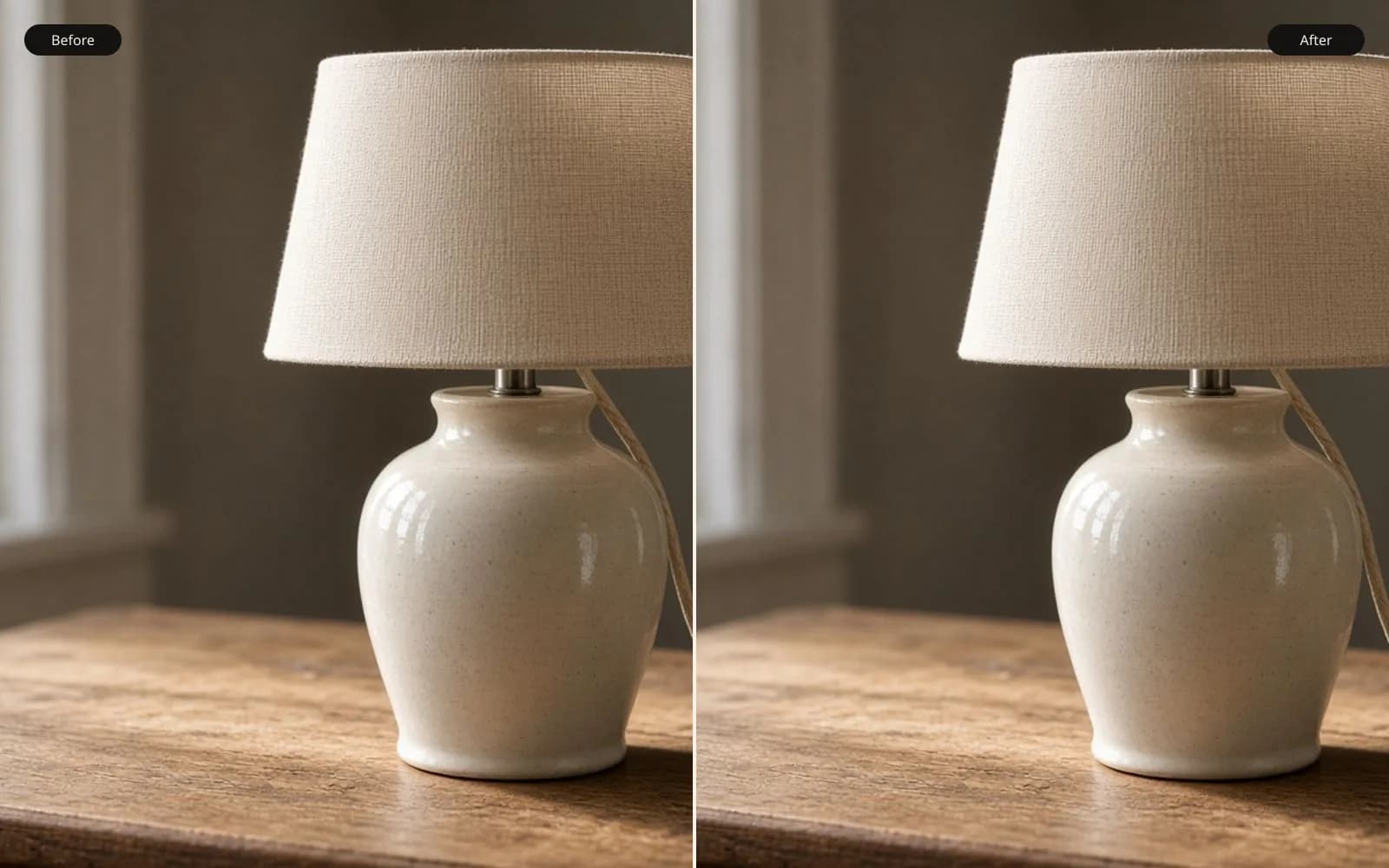
A resize repeats pixels. A model guesses the ones in between. Try the upscaler on a file whose original you can still see.
“AI image upscaler” is now a product term people search on its own, about 18,100 times a month in the US, which is a problem and a compliment. The compliment is that people know a plain resize is not doing the job. The problem is that the phrase hides a mechanism. An upscaler does not retrieve the original photograph from a smaller one. It proposes a larger photograph that would have been likely, given the small one and a prior learned from other pictures.
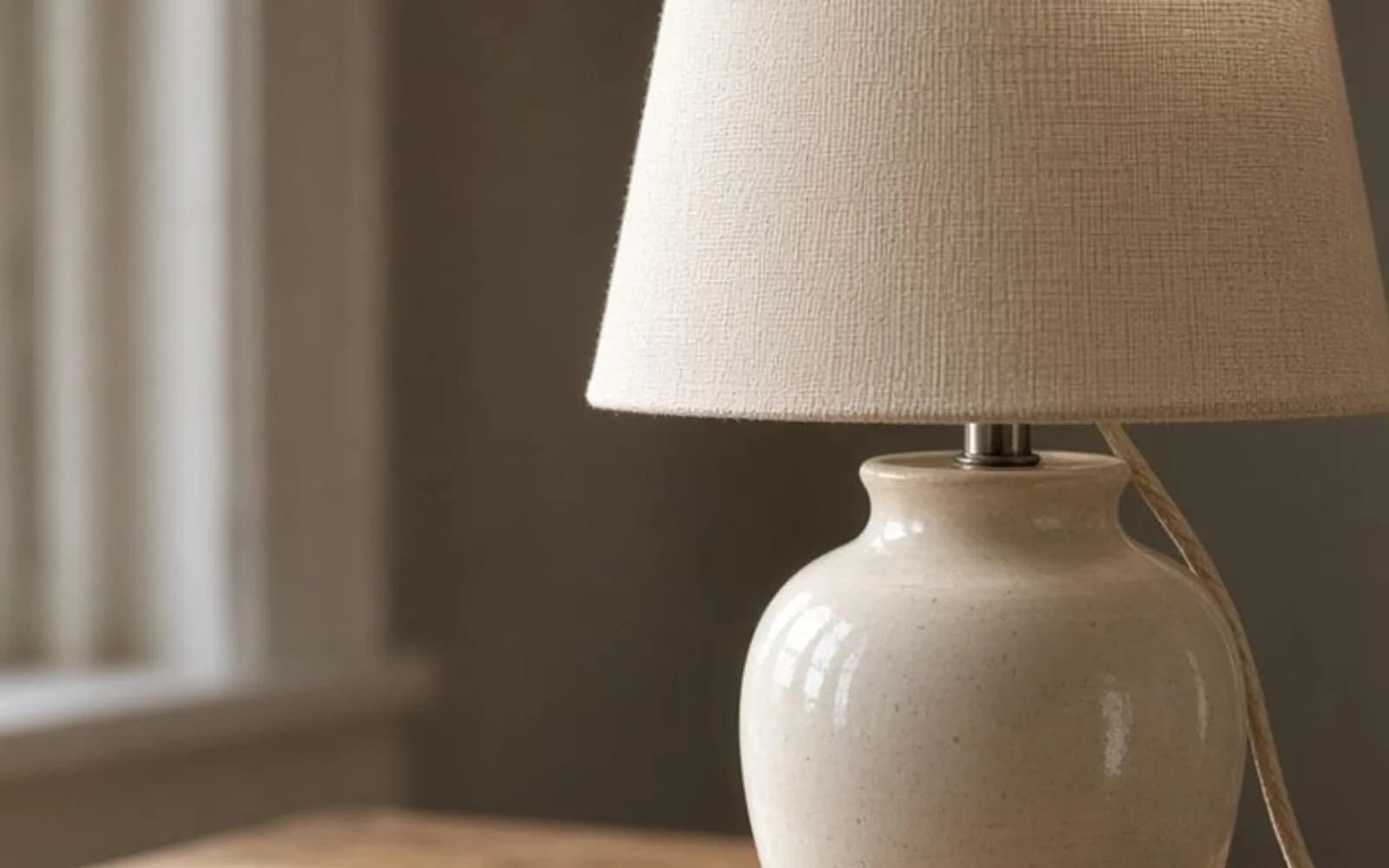
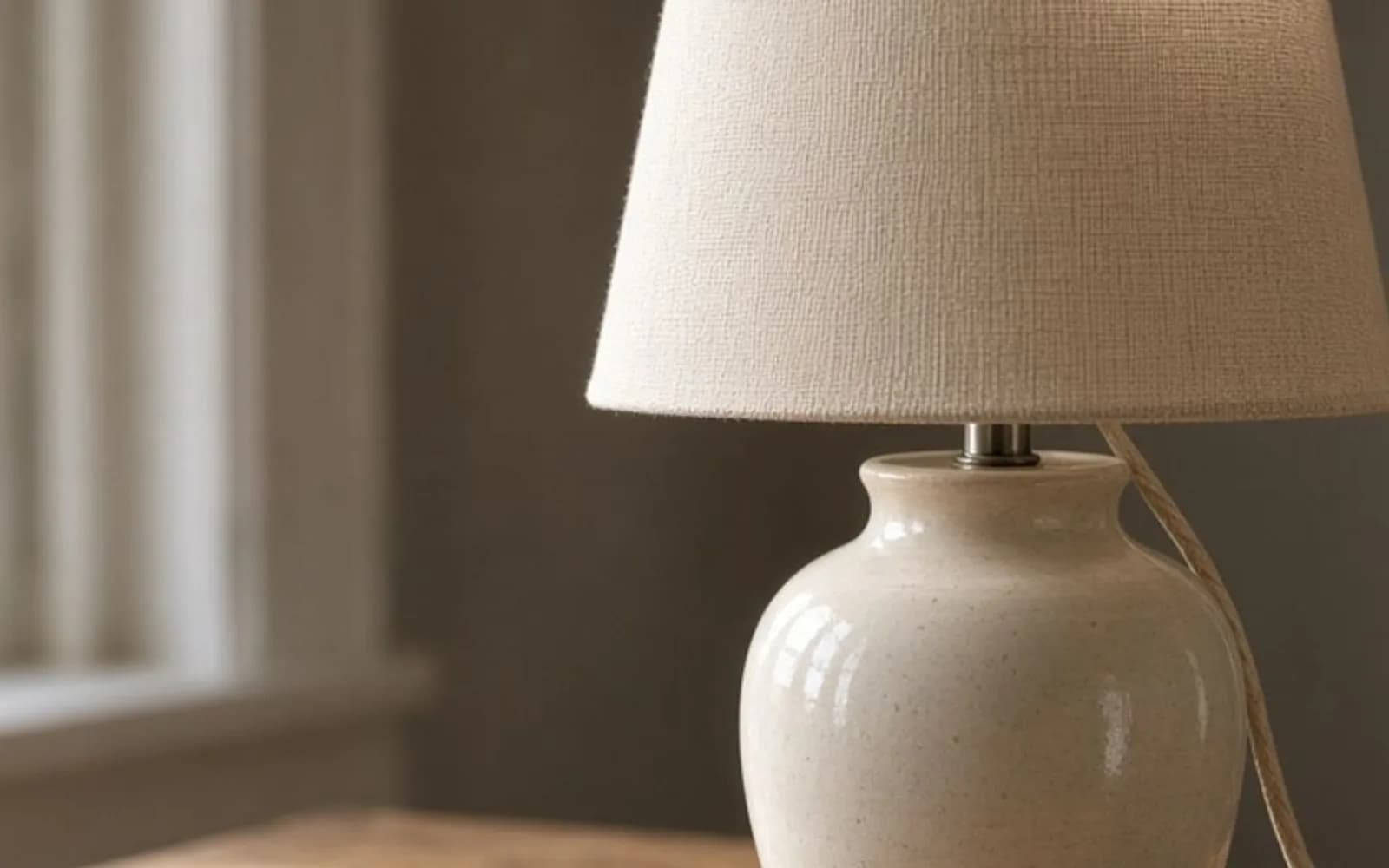
If you only remember one distinction, remember this. Traditional resizing computes new pixels from the pixels nearby, using a formula you can write down. AI upscaling computes new pixels from a learned guess about the world. The formula cannot surprise you with a window that was not there. The guess can.
What a resize is allowed to do
A digital photograph is a grid of samples. When you ask for more pixels, interpolation invents samples that lie between the ones you have. Nearest-neighbor copies the nearest sample, which is why it looks like blocks and why it is the right tool for pixel art you do not want smeared. Bilinear blends the closest neighbors. Bicubic and Lanczos look a little farther and weight the blend so edges stay somewhat crisp. They are still blends.
The blend cannot add an eyelash, a brick, or a strand of hair that occupied less than a pixel in the source. That information was never in the file, or it was thrown away by an earlier resize, a crop, or a JPEG. Making the document 4000 pixels wide does not create it. This is the entire reason pixelated photos survive “image size” looking larger and worse.
Resize is the better tool when the source is already sharp and you are changing the document size a little. A 4000-pixel scan going to 3600 for a layout does not need a neural prior. A logo, a UI capture, or a chart should be resampled with a method that will not grow extra strokes, or it should be re-exported from vector. A photograph you will only view at the original size does not need upscaling at all. Upscaling for its own sake adds invented texture you then have to manage.
What a model is doing instead
Super-resolution models are trained by taking sharp images, making them small, and teaching a network to propose the sharp image again. The loss function rewards proposals that look like the original on average. The network therefore learns statistical habits of photographs: edges continue, skin has a certain grain, windows repeat, text is rare and poorly modeled unless the training set cared about text.
Real-ESRGAN, the default upscale family on this tool, is built for real-world degradation rather than a clean laboratory downsample. Camera blur, JPEG, and noise are part of the mess it expects. That is why it is a reasonable default for the files people actually have, and why it can still look “processed” on a clean studio file that did not need it. Swin2SR-style models, used here for denoise, pay more attention to repeating texture versus speckle. CodeFormer, used for face restore, is more willing to rebuild eyes and mouths, which is exactly why it can change a likeness. The model ids are configurable because the right checkpoint depends on the file in front of you, not on a slogan.
Scale is not free. A 2× proposal has fewer pixels to invent than a 4× or 8× proposal. The larger jump leans harder on the prior and less on your file. Clarity-style models add an explicit creativity control. Turned up, they make a more “detailed” picture that is less obligated to your pixels. That can save a tiny, hopeless crop for a mood board. It is the wrong setting for a face you need to recognize, a news photograph, or evidence.
The tool uploads the file to the model host, waits for a prediction, and stores the result beside the original. You see both. Nothing in that pipeline checks whether the invention is true. You are the check.
How to judge a result without fooling yourself
Pixel-peeping at 200 percent will always show a difference, and it is the wrong courtroom. Judge at the size you will print or publish, then zoom in on three regions.
The subject of record. For a person, that is the eyes, the mouth, and any mark a relative would notice. For a building, that is the irregularities: a cracked pane, a handwritten sign, a wire that is not quite straight. If those have been normalized, the model cleaned the document into a different document.
A flat area. Sky, walls, and out-of-focus backgrounds are where false texture and leftover JPEG both appear. A wall that becomes busier than the original is not “more detail.” It is a prior.
A high-contrast edge. Halos, double lines, and crunchy railings mean the model or a later sharpen fought the edge. Step down in scale or switch from face restore to a plain 2×. The 4× page is for the case where 2× already survived this test and you need the print size.
Compare against a plain Lanczos resize of the same dimensions. If you cannot tell them apart at print size, ship the resize. It is cheaper, it invents less, and it will not add pores. If the resize is mush and the model holds the edge without changing the subject, ship the model. That comparison is the whole product decision behind an AI image upscaler.
When to refuse the larger file
Refuse it for text, logos, and screenshots of software. Refuse it for medical, legal, or news use where an invented detail could be read as fact. Refuse it when the person looks related to the subject but is not the subject. Refuse 8× on a file that already failed at 4×. A longer jump does not correct a wrong identity. It prints the wrong identity bigger.
Refuse it when the original defect was motion. A subject who moved during the exposure was in many places. The model picks one, often a smeared compromise with invented texture on top. Short camera shake is sometimes recoverable through the unblur path. A dancer’s hand during a half-second exposure is not.
Do the cheap test first. Crop to the subject. Run 2×. Drag the slider. If you would not hand the result to the person who was there, do not buy a clean 4× of it. The mark on the free file is there so that decision stays honest. The pixelation guide and the grain guide cover the two defects that most often get mistaken for “it just needs to be bigger.” Often the file needs to be cleaner, or smaller, not larger.
Questions that come up after the file is open
Does AI upscaling recover the original pixels?
No. It proposes pixels that were typical for edges like the ones still in the file. Compare it with a plain resize before you trust it.
When is a normal resize the better tool?
When the file is already sharp, when the subject is text or a logo, or when you cannot see a difference at the size you will print.