Pixelation · October 20, 2026
How to fix pixelated photos
A practical sequence for pixelated photos: tell JPEG blocks from nearest-neighbor stairs, crop to the subject, and stop when the repair invents a person.
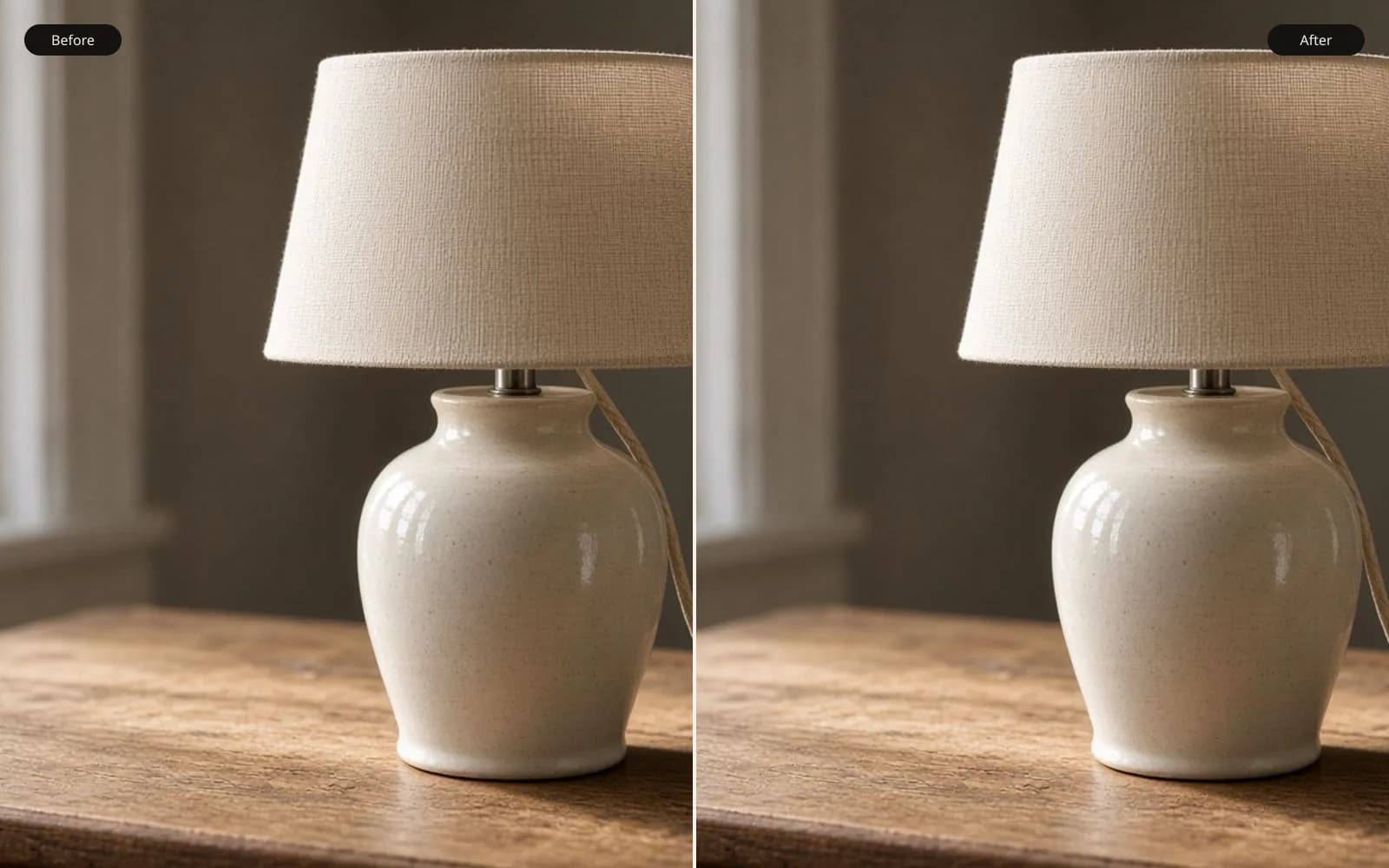
Stair-steps are repeated pixels, not a focus miss. Fix the pixelated photo and compare a diagonal that should have been smooth.
A pixelated photo is a file that no longer contains the samples you wish it had. Something threw away the in-between pixels, and a later step drew the leftovers as squares. Fixing it is not the same job as sharpening a soft portrait. Sharpening outlines what is already there. Pixelation means the edge itself was replaced by a step.
People search for this after a specific disappointment. A relative texts a crop from a group photo. A marketplace listing is a screenshot of a screenshot. A scan of a printed page was saved small “to email it,” then enlarged in a layout program until the diagonal of a roof became a staircase. The first page of search results is still forum threads and app-store listings, which is a clue that the usual advice is incomplete. The usual advice is “increase the resolution.” That changes the file’s dimensions. It does not put the missing samples back.
Name the squares before you fight them
Look at a diagonal, a window frame, or the edge of a cheek, and decide which of these you are holding.
Nearest-neighbor enlargement repeats pixels. The squares are hard, even, and the same size across the frame. You see this on old game captures, on some “export for web” mistakes, and on phone screenshots of a photo that was already small. The information per block is one color. There is no hidden detail inside the square.
JPEG blocking is different. The classic grid is 8 by 8, and the color inside a block smears or rings, especially in sky, walls, and dark clothing. The photo may also be pixelated if it was small to begin with, so you can have both problems in one file. A denoise-style pass helps the smear. An upscaler helps the missing samples. Running them in the wrong order, or running a heavy sharpen on top of the blocks, outlines the grid and makes the next model treat the outline as a real edge.
A screenshot of a photo is a third case. The screen’s pixels, the interface chrome, and any scaling the operating system applied are now part of the image. Crop the chrome away before you restore anything. A model that sees a like-button and a face in the same frame will spend capacity on both.
Text, logos, and UI are the hostile case. Photographic upscalers are trained to continue fur, foliage, skin, and architecture. A letter is a shape with a correct answer, and the model does not have the font. If the pixelated thing is a receipt, a slide, or a spreadsheet, export the original document. Do not ask a photo model to invent Helvetica.
Why “image size” feels like it failed
Bicubic and Lanczos resampling are honest tools. They blend neighboring pixels so a diagonal stops looking like stairs. The blend is a weighted average, which is why the result goes soft. Soft is the correct output of interpolation. The algorithm is not allowed to claim it saw an eyelash.
That is also why a second sharpen after a big resize looks crunchy. You blurred, then you outlined the blur. The file is larger. The photograph is not more resolved. If you only needed the squares to stop being obvious at a small print size, interpolation can be enough and it will not invent a face. If you needed the file to survive a crop or a 4-inch print of a face that was 120 pixels tall, interpolation has already told you its limit.
Super-resolution is a different bet. A model such as the Real-ESRGAN family used on the AI image upscaler tool has seen many photographs and predicts a continuation of edges that was typical for that kind of structure. The prediction can be beautiful and still be wrong. A window can gain a mullion. Hair can turn into felt. A mole can move. The slider exists so you can catch that before you send the file to a printer.
A sequence that respects the file
Start from the least-processed version you can find. The camera roll, the original attachment, the scan before it was emailed. Each messaging app and each “enhance” button in a gallery app is another chance to recompress.
Crop to the subject before you spend a credit. A 400-pixel face inside a 4000-pixel screenshot will not be the region the model attends to. If the damage is only in one corner, restoring the whole frame is how you pay to invent texture in the part that was already fine.
Run 2× first. On FixPhotoQuality that is the free and guest scale, with a mark on the download so you can judge the repair without paying to remove a mark you might not want. Look at three things only: identity, edges, and anything that has a correct answer. Does the person still look like that person at the size you will print? Do roof lines, eyeglass frames, and brick courses stay single? Did lettering, if you foolishly left it in, turn into ornament?
If 2× holds, 4× is the print jump. It costs more of the model’s capacity and more credits, and it is a paid mode because a clean file at that size is the thing people actually send. 8× is for an original that was tiny and still had a real subject. Each extra step invents more. If hair becomes a single mass or a highlight doubles, step back down and print smaller. A sharp wrong photograph is worse than a small right one.
Do not sharpen first. Sharpening a pixelated file draws a line around every block, and the upscaler will treat those lines as structure. Restore, compare, then add a little output sharpening only if the print still looks sleepy. If you also have grain, read the grain guide before you upscale. Noise that is still in the file becomes texture the model tries to explain.
Faces, windows, and the point where you stop
Faces fail in a specific way. Eyes get extra catchlights. Teeth become a single white shape. Pores appear in a pattern that belongs to the training set, not to your cousin. Face restore is a separate mode for a face that has already turned to mush, and it is more willing to invent. Use it when the 2× pass has lost the eyes, and reject it when the person becomes a different person who happens to be sharp.
Architecture fails by symmetry. The model likes repeating windows. If a building had an irregular repair, a missing pane, or a hand-painted sign, check that those irregularities survived. A restoration that “cleans up” a document of a place is rewriting the place.
Stop when any of these is true. The subject’s identity changed. A straight line grew a twin. The background gained objects you cannot point to in the original, even squinting. You are restoring text. You are about to print at a size where the invention will be obvious to someone who was in the room.
The tool at how to fix pixelated photos keeps the original beside the result for that reason. Drag the slider across an eye, a diagonal, and a flat wall. Flat walls are where hallucination and leftover JPEG both show. If the wall is busier than the original and the eye is someone else’s, the small file was the better photograph.
Questions that come up after the file is open
Can a pixelated photo be restored to the original?
No. The missing samples are gone. A useful repair draws a plausible continuation and leaves the small original beside it.
Should I sharpen a pixelated photo first?
No. Sharpening outlines the blocks. Restore first, then sharpen only if the print still looks sleepy.