Grain · October 22, 2026
How to fix grainy and noisy photos
Separate film grain, high-ISO noise, and scan dust, then denoise without sanding off the edges you meant to keep.
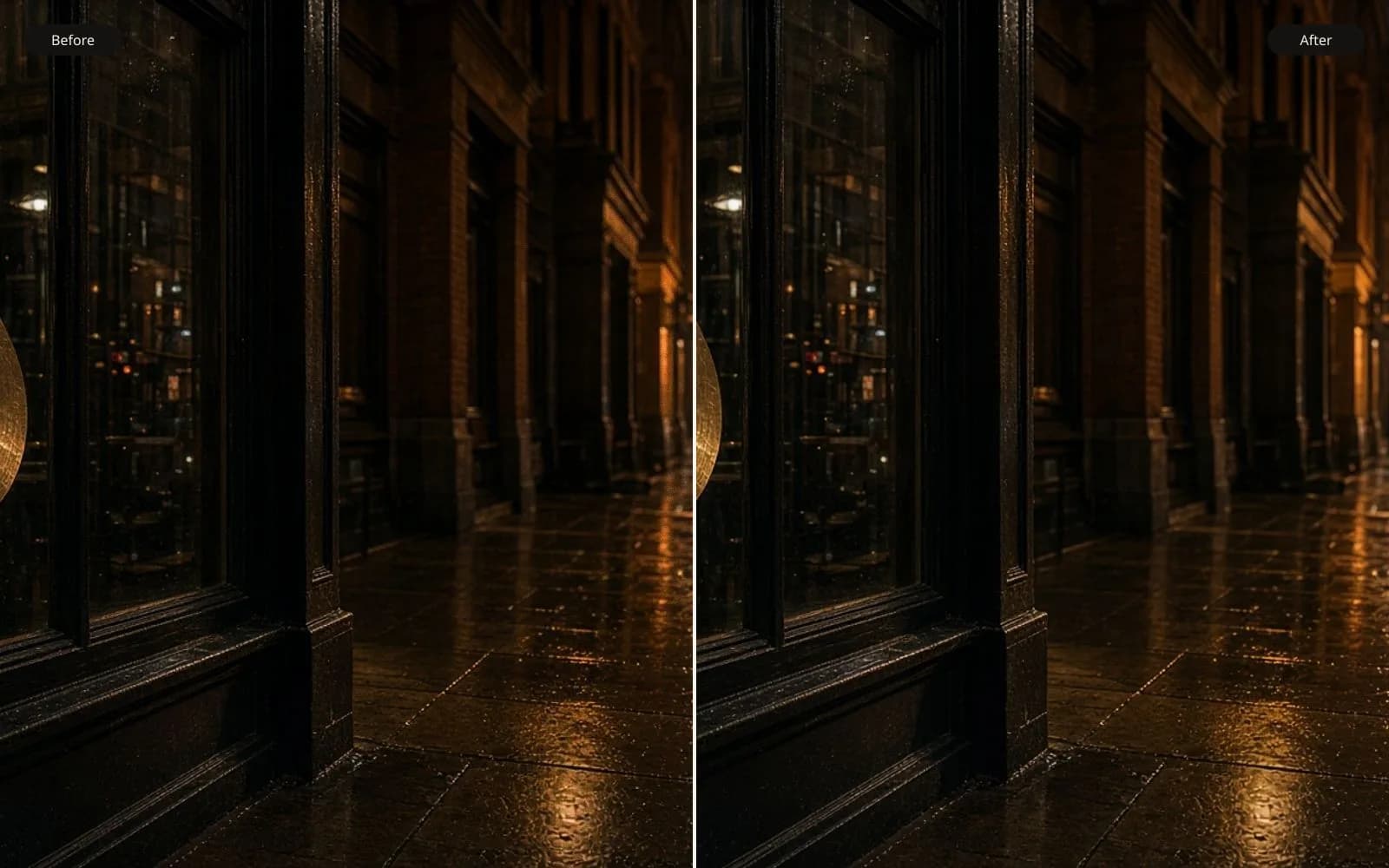
High-ISO speckle and a dusty scan are not the same noise. Fix the grainy photo and stop when hair starts to look painted.
A grainy photo is not one problem. Film grain is a texture with a shape, often larger in the shadows, and a photographer may have wanted it. Digital noise is mostly the camera guessing in the dark: shot noise from too few photons, read noise from the sensor, chroma noise that speckles color into a gray wall. A scan of a dusty print adds a third layer, specks that were never in the scene. The fix people want is usually “make the night shot printable.” The fix they get from a heavy slider is a face that looks poured.
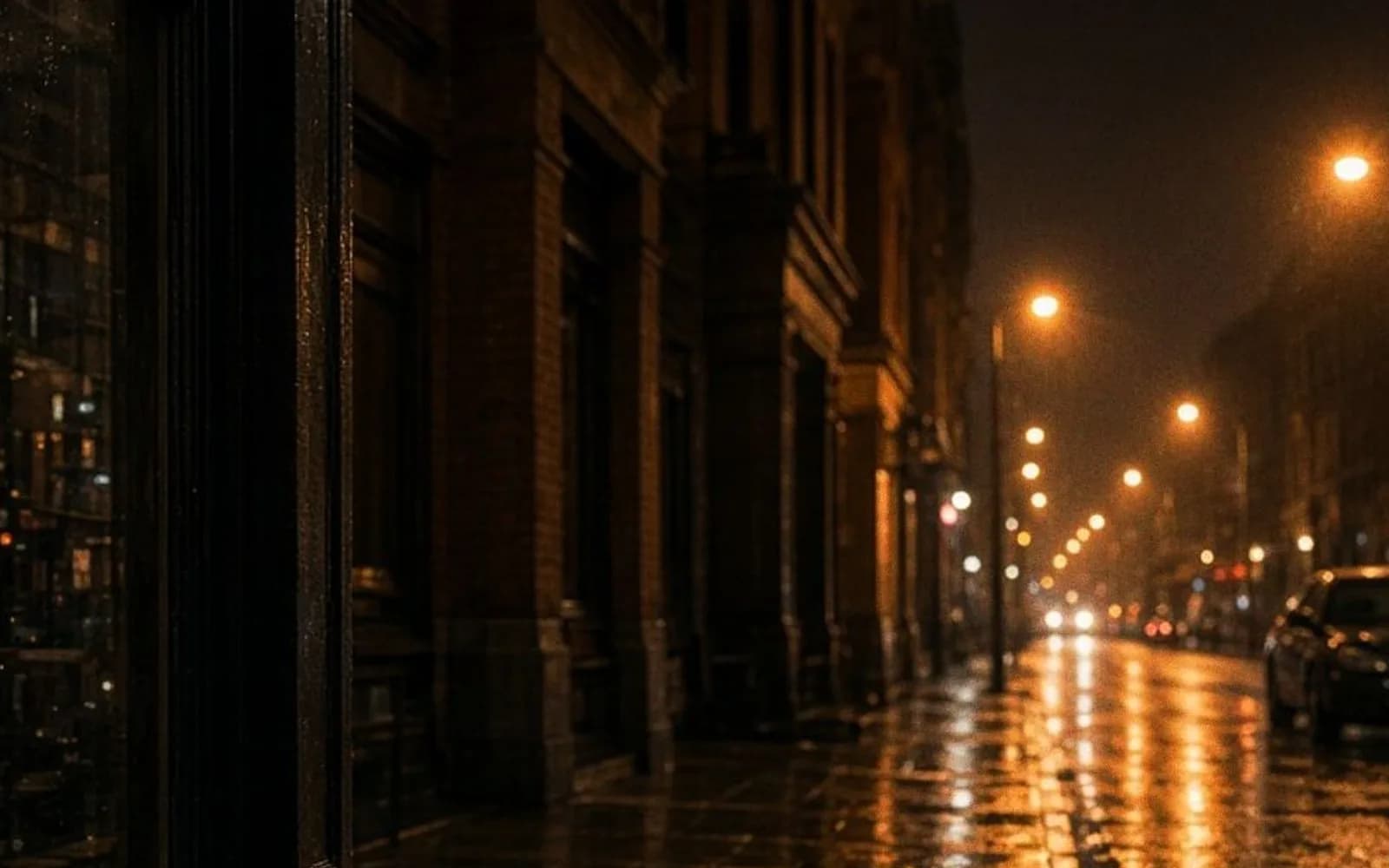
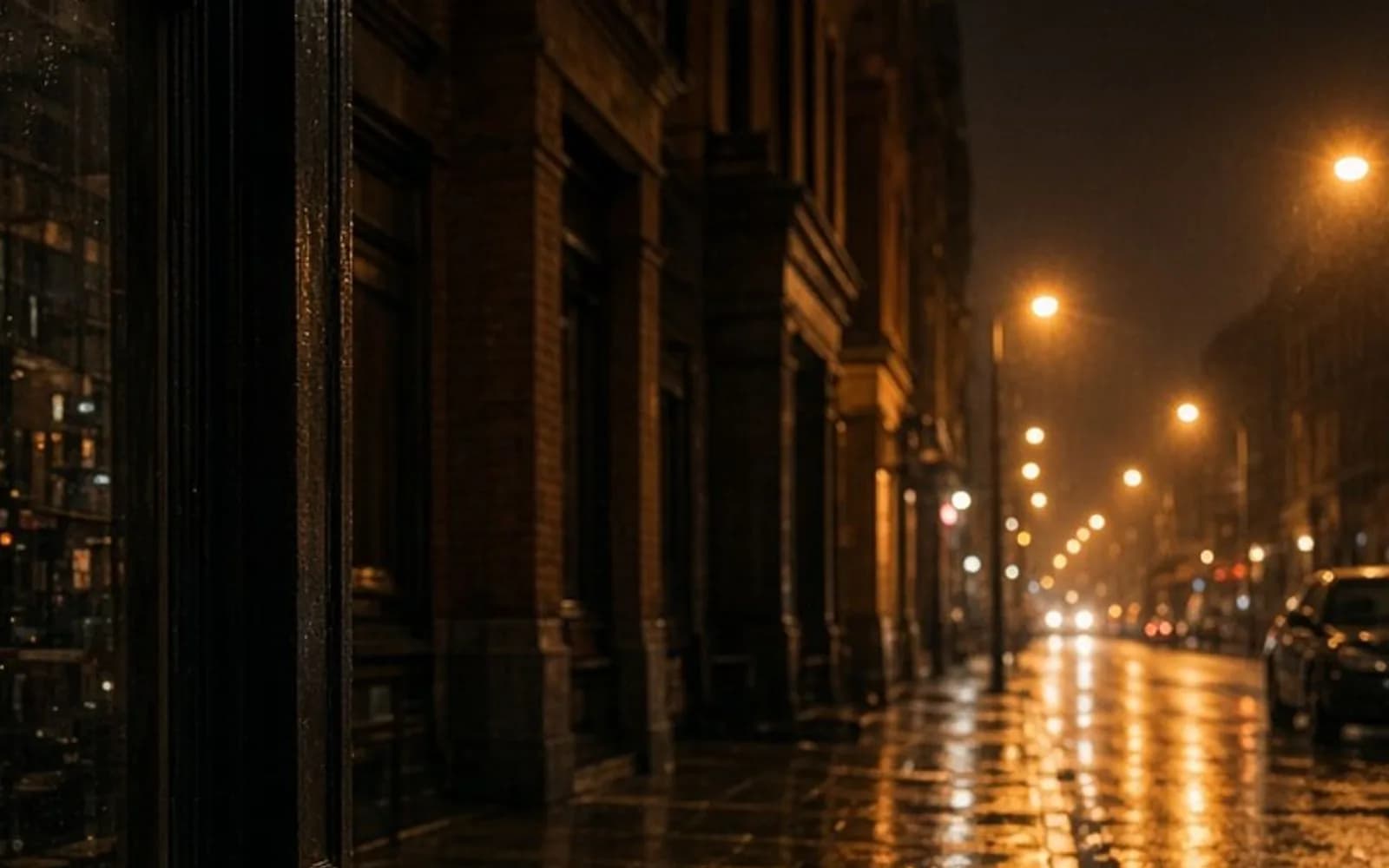
About 14,800 people a month look up how to fix grainy photos, and the advice they find tends to be a single slider named Noise Reduction. That slider can be the right tool. It is also how you erase eyelashes. This guide is the order of operations that keeps the edge.
Grain you chose, noise you didn’t
Hold the file at 100 percent and look at a flat area and an edge separately.
On film, grain clumps. It has size, it often follows the density of the negative, and it is sharp in its own way. If you loved the grain in a print from the same roll, do not denoise it. You will not get a “cleaner film photo.” You will get a digital file that lost the thing the film was for. Scan at a high enough resolution that the grain is resolved as texture, then stop.
On a digital night photo, the speckles are finer and more random, and they color the shadows blue, magenta, and green. A phone often already ran a denoiser before you ever saw the file. That is why some “grainy” phone photos are both noisy and waxy: the phone smoothed the midtones and left the chroma speckles, or it smoothed so hard that a later upscale has nothing to follow but plastic. If you have a RAW file, start there. The JPEG already baked in the phone’s opinion.
On a scan, look for dust, hair, and the halftone of a printed page. Dust is sparse and high-contrast. Halftone is a regular dot. A photographic denoiser treats a halftone as texture to continue, which makes a magazine scan look like a rash. Crop to the photograph and, if you are scanning type, use a different tool.
Color noise and luminance noise want different strengths. Color speckles in a wall can go almost completely. Luminance noise is entangled with pores, fabric, and distant leaves. If you kill luminance noise, you kill those too.
What actually removes it
Classical denoise, the kind in a raw processor, averages neighbors that the software believes belong to the same surface. It is predictable. Pushed too far, edges halo and detail turns to fog. That predictability is a virtue when you are finishing a picture you shot last night and you only need a stop of cleanliness.
A learned denoiser, including the Swin2SR-style path FixPhotoQuality uses for the grainy photo tool, tries to tell structured edges from random speckles. It can keep a brick line while flattening the wall beside it. It can also decide that a freckle was noise. The comparison slider is the check: drag across skin, then across a line you know was sharp in the room, such as a glasses frame or a window mullion.
There is a frequency story worth remembering, without the math getting in the way. Noise lives mostly in the fine, uncorrelated differences between neighboring pixels. Real edges are differences that continue in a direction. Anything that boosts fine contrast, including a clarity slider or an unsharp mask, boosts noise. Anything that enlarges the file before the noise is handled gives the next model more noise to explain. That is why the order is denoise, then upscale, not the other way around.
If the photo is also soft, decide which defect dominates. A noisy but focused frame wants denoise. A smooth but missed-focus frame wants unblur. A frame that is both will not become a studio portrait. Run the milder pass, compare, and accept a smaller print if the second pass starts inventing pores. The longer note on softness is the blurry photo page.
A working sequence
- Find the least-processed file. RAW over JPEG. The export from the scanner over the copy you emailed. Turn off any automatic “enhance” in the gallery app before you judge the damage.
- Set white balance and exposure first if you are in a raw processor. Denoise on a badly underexposed, greenish file makes the model clean the wrong color.
- Remove color noise more bravely than luminance noise. Zoom to 100 percent on a flat wall and on a cheek. Stop the luminance pass when the cheek loses its last real texture, not when the wall becomes perfect.
- Leave film grain alone unless the client asked for a clean digital look and understands the trade.
- Dust on scans is a spot-heal problem, not a denoise problem. A denoiser will blur the dust into a gray smudge and then the upscaler may texture the smudge.
- Only then enlarge. A 2× pass on a file you have already cleaned is cheaper to judge than an 8× pass on a noisy original. If you need the theory of why enlargement is a guess, the upscaling guide is the companion to this one.
- Sharpen last, and less than you think. If halos appear on the dark side of a bright edge, you went too far. Halos are a reason to reject the file.
Where the result should be refused
Refuse the file when skin looks airbrushed at the print size, even if the noise is gone. Refuse it when fine jewelry, wire, or hair has been eaten and the client will notice. Refuse it when chroma denoise has turned a colored light, a neon sign, a gel on a stage, into gray. Those colors were signal.
Refuse it when the “grain” was the point of the picture. A pushed Tri-X frame of a club, a salt print, a deliberate high-ISO aesthetic: cleaning them is a different photograph. Say so, and deliver the scan.
In the tool, denoise is one credit and available on the free plan with a mark, specifically so you can see this failure on your own file before you pay for a clean export. Run it on the crop that contains both a flat area and an edge. If the flat area cleans up and the edge stays put, you have a printable file. If only one of those is true, you have a demonstration, not a delivery.
Questions that come up after the file is open
Is film grain the same problem as digital noise?
No. Film grain has a shape you may want to keep. Digital noise is a random veil, and that is the one worth lifting.
Should I upscale before denoising?
Denoise first. Enlarging noise gives the next pass more speckle to explain as texture.