Grain · June 16, 2026
A grainy image at ISO 12800, and the cymbal edge I refused to sand away
A grainy image from a concert at ISO 12800 still had to keep the cymbal edge, so I refused to sand the metal smooth.
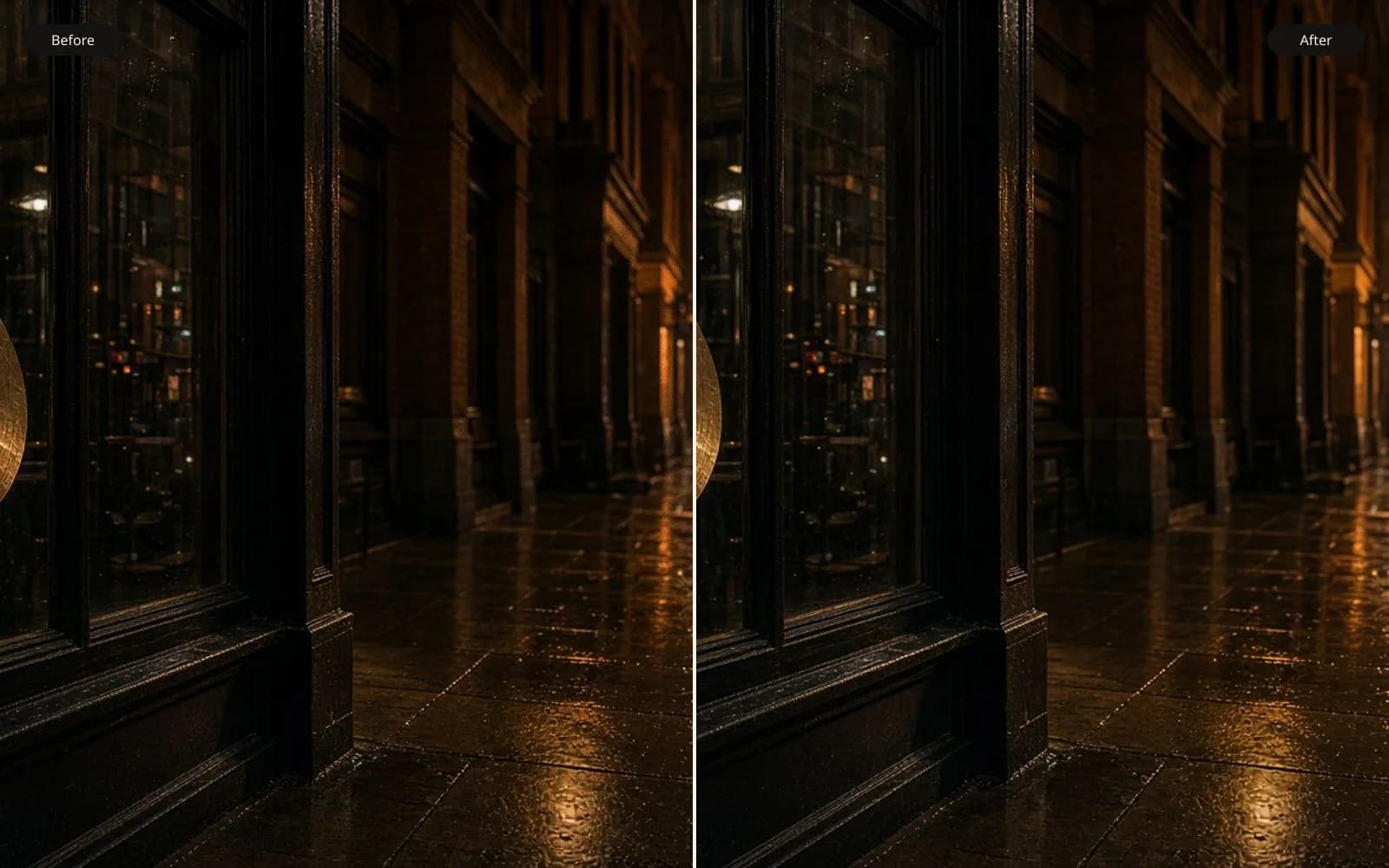
The cymbal edge is the detail the denoise is not allowed to eat. Fix the grainy photo and compare the rim at 100 percent.
The drummer sent a grainy image and a sentence about the poster. The file is concert-4412.nef, a Nikon frame, 6016 by 4016, 85 mm, ISO 12800, 1/250, f/2.8. The ride cymbal fills the right third. The stage behind it is close to black. He wants a 12 inch poster for the merch table, and he wants the edge of the metal to stay an edge. I have cleaned a lot of night files for families and for people who play clubs. The failure mode is always the same temptation. Sand everything until the black is pretty, and notice too late that the thing you came to see has gone soft.
TL;DR. At ISO 12800 the backdrop is full of magenta and green flecks, and the cymbal rim still jumps from about 16 to about 220 in two pixels. A heavy luminance denoise, concert-4412-heavy.jpg, turned that jump into a nine-pixel ramp and erased a dent in the bell. An unblur pass crusted the rim with speckle. I took color noise down across the frame, masked a milder luminance pass to the backdrop and the shirt, left the cymbal and the stick alone, and shipped concert-4412-ship.jpg. The dent is there. The poster is 12 inches. I did not upscale.
What the high ISO actually wrote
I converted the raw with noise reduction off and saved concert-4412-base.tif. Defaults in the converter want to help. Help, on a cymbal, is the start of the ramp. Off means the speckle is ugly and measurable.
In a patch of backdrop, crop noise-backdrop-src.png, 200 by 200, the pixels are not black. They hop. A dark pixel sits near 12. Its neighbor is 28 and green. The next is 22 and magenta. That is chroma noise, color the scene did not have, plus luminance noise, brightness hops. The club really was dark. The sensor at 12800 was guessing. I am allowed to be rude to the color hops. I am not allowed to decide the whole guess was the cymbal.
The rim is the test. I read a short line across it, ten pixels, and wrote the values down as a sentence so I would not fool myself later with a picture that merely looks "cleaner." Backdrop side: 18, 15, 21, 16. Then the rim: 140, 220. Then the metal: 190, 170, 160. The jump from the teens to 220 happens inside two pixels. That is an edge. A soft lens or a motion smear would have walked there in six or eight steps. It does not. The stick, a nylon tip on the left of the bell, is similarly sudden. 1/250 froze it. Whoever told him the photo was blurry was looking at noise and calling it blur, which is a very common misreading under club lights.
There is a dent in the bell, upper left of the dome, a dark nick about four pixels across with a brighter lip on one side. He put it there two years ago when a stand fell. He told me before I zoomed, the same luck I sometimes get and should not count on. I circled it on a JPEG named bell-dent-src.jpg. Any file that heals that nick is a file that repaired a drum that is still dented in the real club.
The grainy image is not film. Film grain would have a clump size and a relationship to density that a photographer might want to keep. This speckle is finer, colored, and worst in the blacks, which is the digital pattern. I am not preserving it for romance. I am removing the part that is false color and keeping the part that is entangled with a two-pixel rim. That split is the job. A longer general note on grain versus noise versus dust is how to fix grainy photos. This frame gets the cymbal, not the taxonomy.
The heavy pass that made a gray disc
I ran a strong luminance denoise on the whole TIFF, the amount you get when a preset says "ISO 12800" and someone clicks it without looking. concert-4412-heavy.jpg. The backdrop is beautiful if you love flat black. The magenta is gone. The green is gone. So is the club.
The rim values, same line, now read more like 40, 55, 80, 110, 140, 155, 160 across a stretch I measured at about nine pixels. The two-pixel jump became a ramp. At 100 percent the cymbal is a gray disc sitting in a void. At poster size, 12 inches, it still looks soft, which the drummer will call out of focus, and then someone will sharpen it, and the ramp will grow a halo, and we will have manufactured a glowing sticker.
The dent is gone in that file. I flipped between bell-dent-src.jpg and the same crop of the heavy pass. The nick filled in. The brighter lip averaged into the bell. A four-pixel dent is exactly the size of the noise the preset thinks it is hunting. The preset cannot tell a scar from a speckle. I can, because he told me, and because the lip of the dent is consistently on the spotlight side in the base file, not random.
The stick thickened. A two-pixel bright tip became a six-pixel blob. The contact point, stick on metal, is the gesture of the picture. Blob contact is a different gesture. I rejected the heavy file in the first ten minutes and kept it only as the cautionary export.
Color first, because color is the dishonest part
Chroma noise is the magenta and green. It is not the rim. A color-only pass, moderate, on the whole frame, produced concert-4412-chroma.tif. I read the rim line again. 17, 16, 20, 15, then 136, 214. The jump is intact. The absolute highlights dropped a few points, which I can live with. The backdrop neighbors stopped being green and magenta. They are still uneven in brightness. Uneven brightness in a black club is not a scandal.
This is the pass I almost always run before I touch luminance on a concert file. If you do it backward, luminance smoothing drags the colored specks into streaks, and then the color pass is averaging streaks. I have a streaked file from a different band, not this one, and I do not need another. Order is cheap.
The fix grainy photos tool is where I compare this chroma pass against the base, slider style, on the backdrop and on the rim in turn. If the rim moves, the pass is not as color-only as the checkbox claims. On this raw converter it behaved. I still checked. Checkboxes drift between versions.
The unblur I opened because he used the word blurry
He said blurry in the email. I opened the unblur image tool on the base TIFF so I could answer him with a file instead of a definition. concert-4412-unblur.jpg. The stick did not get more stuck. It was already stuck. The noise along the rim, those hops in the teens that sit just before the jump, got promoted into little spikes. The edge went from a clean two-pixel event to a crust, a jagged bright border that looks detailed and photographs no cymbal I have seen. Metal has pits. It does not have a noise beard.
The face, small in the dark on the left, also changed. A soft cheek, soft because of depth of field at f/2.8 and 85 mm, not because of motion, came back with a sharper nostril and a more symmetrical eye. He is not the subject of the poster. The cymbal is. I still will not quietly rewrite a nostril in the background of a poster. The unblur file went to _rejected with the heavy denoise.
I wrote him one line back. The shutter froze the stick. The grainy image is noise. Unblur is the wrong instrument. Then I went back to masks.
If the softness had been a moving stick, a trail, I would have had a different job and probably a different answer, closer to a wedding walk I have written about elsewhere. It was not a trail. The tip is one tip.
A mask that covers the black and not the metal
The luminance pass that I kept is masked. Backdrop, the dark shirt, the unlit part of the kit, the mic stand where it disappears into black. Not the cymbal. Not the stick. Not the hands. Not the dent. The mask is concert-4412-mask.tif, a soft gray painting, feathered so the boundary is not a cutout halo where the cymbal meets the void.
Inside the mask I used a moderate luminance denoise, less than the heavy preset. The backdrop grit calmed. It did not go to a single value. I sampled a 50 by 50 patch after the pass. The values still span about 8 levels, not 30. That is enough smoothness for a 12 inch print and not enough to look like a hole punched behind the kit.
Outside the mask the pixels are the chroma-cleaned original. The rim line still jumps. I remeasured after the flatten, because masks leak. 16, 18, 19, then 138, 218. Good. The dent still has a lip. I had the drummer's girlfriend look, since she was in the room for the drop-off and she has seen the dent more recently than I have. She found it in two seconds. That is the acceptance test. Not a waveform. A person who knows the cymbal.
The hands have grain. They also have pores and a ring. Denoising them on this frame made the ring's edge wobble in a test crop, hand-denoise-test.png, which I discarded. A wobbly ring is a tell. Grain on a hand at ISO 12800, on a poster, is honest. I left it.
Sharpening, the part I almost skipped
A poster tempts a final crisp. I tried a global unsharp, small, on a copy. The backdrop grit I had carefully left at 8 levels popped back toward a crunch, and the rim grew a one-pixel bright wire. Wire on a cymbal reads as a cutout. I undid it.
Then I tried a high-threshold sharpen only on the cymbal, amount low, radius 0.6, threshold high enough that the hops in the teens were ignored and the jump was not. The pits on the metal, real machining marks and stick marks, got a little clearer. The noise beard did not return. I kept that, inside a mask that is the inverse of the backdrop mask, contracted by a few pixels so it cannot catch the rim's dark side and wire it. The layer is at 60 percent opacity. More than that and the pits look engraved. He did not engrave them.
No clarity slider. I have seen what a broad clarity pass does to a roof against a sky, and a cymbal against black is the same geometry. A halo in the void is the heavy denoise's ramp in a sharper suit. The note on that kind of false crisp, when the file was a house rather than a kit, is how to improve the picture quality. Different subject, same refusal.
The 12 inch poster and the upscale I would not run
6016 pixels on the long side, printed at 12 inches, is about 500 pixels per inch. The merch printer asked for 300. We have it. An upscale would add pixels the rim does not need and would give every remaining speck a larger stage. I have watched people upscale night files first "so the denoise has more to work with." The denoise then has more noise, and it explains the noise as pores, or as brushed metal that was never brushed. I scaled slightly down to the printer's template, concert-4412-poster.jpg, 3600 on the long side, from the cleaned TIFF. Down, not up.
The template wanted a square. The cymbal is on the right. A center square cut the stick. I built concert-4412-square.jpg with the bell and the stick and the dent, and let the mic stand go. He agreed in a one-word reply. The stick stays. The stand is in every other photo he has.
Color: the spotlight is a cold white, a little blue. The club's practicals are red at the edge of frame. I did not balance the red out. Balancing it made the cymbal go sick and the file look like a product shot on white, which I proved in a rejected export, concert-4412-neutral.jpg. The red spill on the far rim is the room. The poster can hold a room. I pulled the blue noise out of the blacks during the chroma pass and left the red light alone.
There is a second frame, concert-4418.nef, same ISO, the cymbal tilted and the dent in shadow. He likes 4412 because the dent catches the spot. I did not blend the two. A blend would risk a double rim. One exposure is the poster.
What I measured so I would stop
- The rim line, before and after, written as numbers, not as "looks sharper."
- The dent, confirmed by someone who has seen the metal.
- A backdrop patch that still varies, so the black is not a cutout.
- The stick tip, still one tip, not a blob and not a crust.
- No new nostril on the drummer in the dark.
Those five kept me from the heavy preset. They are specific to this frame. A portrait at ISO 12800 would use a different list, skin and eyelashes, and I would read how to increase clarity of a photo before I borrowed a cymbal setting for a face. Do not borrow it. Eyelashes are four-pixel facts too, and they are not dents.
| File | What changed | Rim |
|---|---|---|
| concert-4412.nef | Raw, ISO 12800, 1/250 | Master |
| concert-4412-base.tif | NR off | Two-pixel jump, dent visible |
| concert-4412-heavy.jpg | Strong luminance, whole frame | Nine-pixel ramp, dent gone, gray disc |
| concert-4412-unblur.jpg | Unblur because he said blurry | Crust of speckle on the rim, nostril changed |
| concert-4412-chroma.tif | Color noise down | Jump intact |
| concert-4412-ship.jpg | Masked luminance, cymbal sharpen at 60 percent | Jump intact, dent intact |
| concert-4412-poster.jpg | 3600 px long side for the template | The print |
| concert-4412-neutral.jpg | Red spill removed | Rejected. Product-shot cymbal |
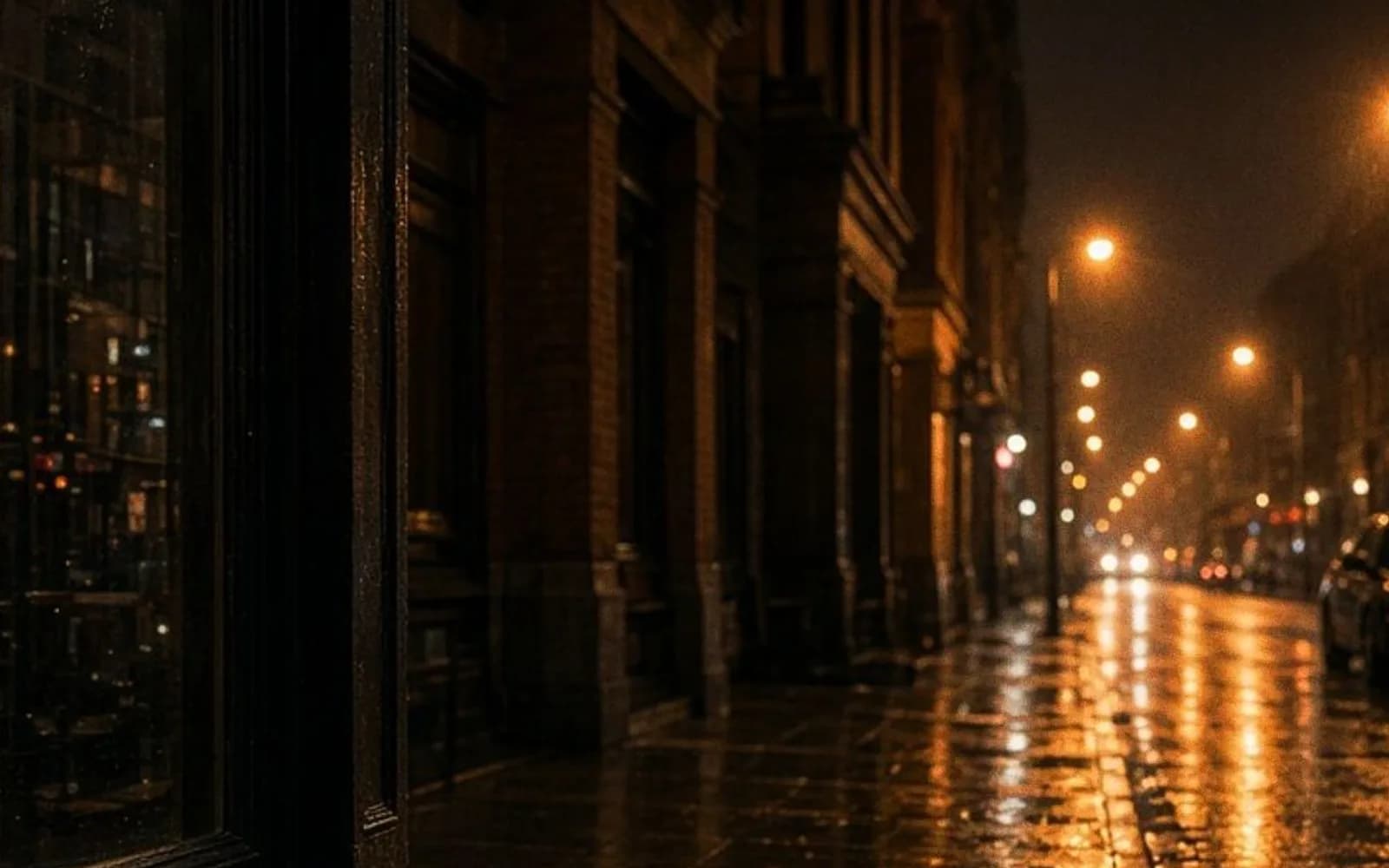
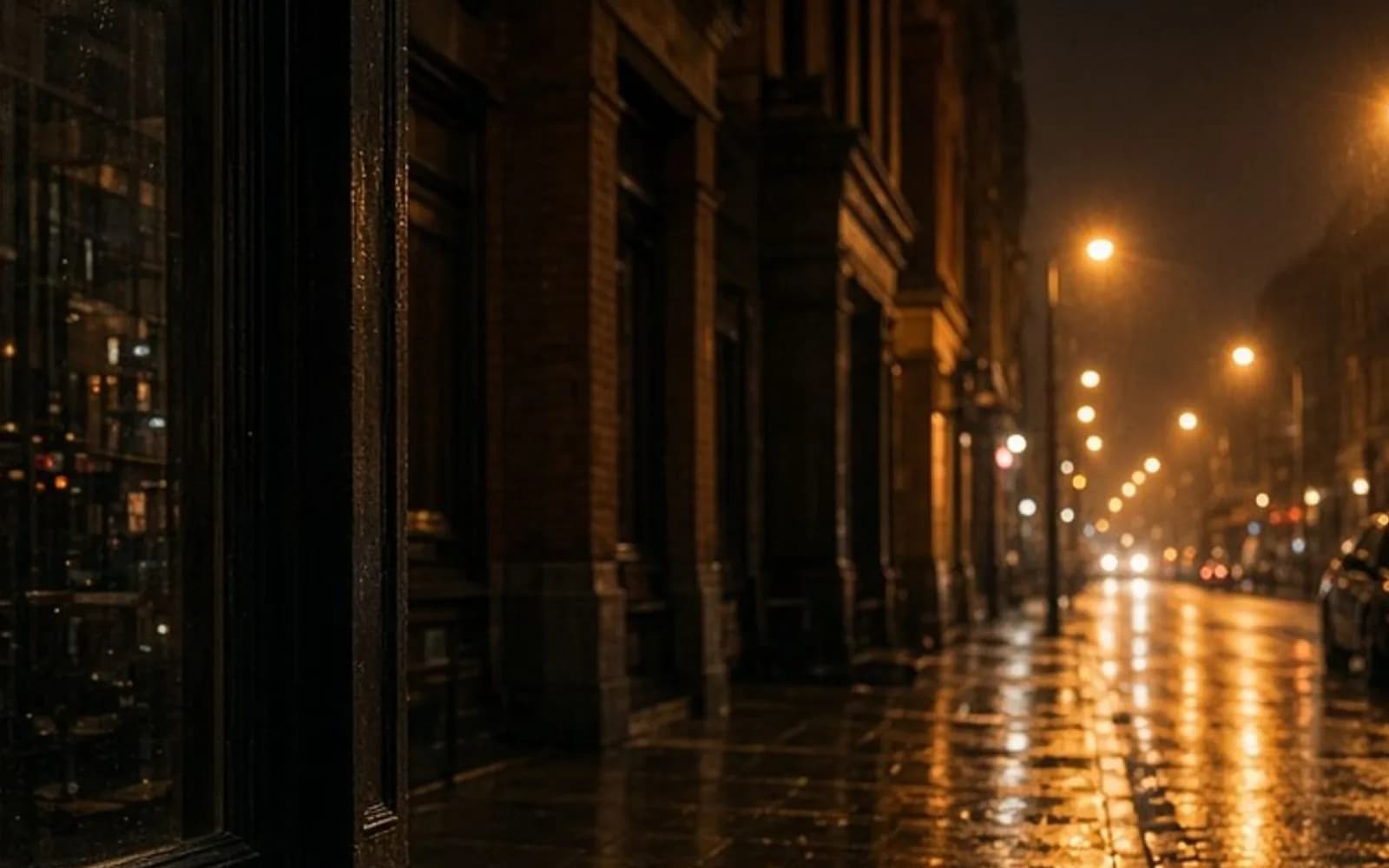
This sample is generated. A teal panel, a sun, a simple standing figure, the whole thing covered in coarse speckles. It is not the club and not a photograph of metal. I use it to separate two complaints that arrive in the same sentence. One complaint is speckle. The other is a missing edge. The sample has both, on purpose, and the shapes are still obvious because the shapes are huge. The cymbal's edge is not huge. It is two pixels in a noisy black. If I treat the frame like the sample and sand all of the speckle with one strength, I sand the rim. The mask is how I refuse to do that.
The poster on the table
He sent a photo of the print leaning on a guitar case. The rim reads. The dent is a small dark event you see if you know, and you do not need to know for the poster to work. The backdrop is dark and not hollow. Nobody asked what ISO it was. That is the correct outcome for a grainy image. The noise stops being the subject, and the cymbal does not pay for that comfort with its edge.
I kept the heavy file and the unblur file. The next time a preset offers to fix 12800 in one click, I will open the gray disc and the crust and then I will paint the mask. One click is how the dent disappears while you are still feeling efficient.
Questions that come up after the file is open
Is a grainy concert photo the same problem as a blurry one?
Not this one. The shutter was 1/250 and the stick is frozen. The cymbal edge jumps from near black to bright in about two pixels, which is a real edge buried in speckle. An unblur pass turned that speckle into a crust. I denoised color and left the edge.
Can I just pull luminance noise to zero on the whole frame?
I tried. The backdrop went smooth and the cymbal became a gray disc. The jump at the rim turned into a ramp about nine pixels wide, and a dent in the bell disappeared. The dent is the drummer's dent. It stays.
Should I upscale a grainy image before I print the poster?
No. concert-4412.nef is already large enough for a 12 inch print. Upscaling first gives the next pass more speckle to explain as texture. I denoised a masked version of the native file and scaled down slightly for the poster.
The backdrop still looks a little gritty. Did the repair fail?
The color flecks are gone and some luminance grit remains in the black. At poster size that grit reads as a dark club, not as a skin disease on the metal. A perfectly flat black behind a cymbal looks cut out. I stopped before that.