Upscaling · June 2, 2026
An ai image upscale of a 640px ceramic lamp for a poster
I ran an ai image upscale on a 640px ceramic lamp listing for a window poster after a plain resize only enlarged the blocks.
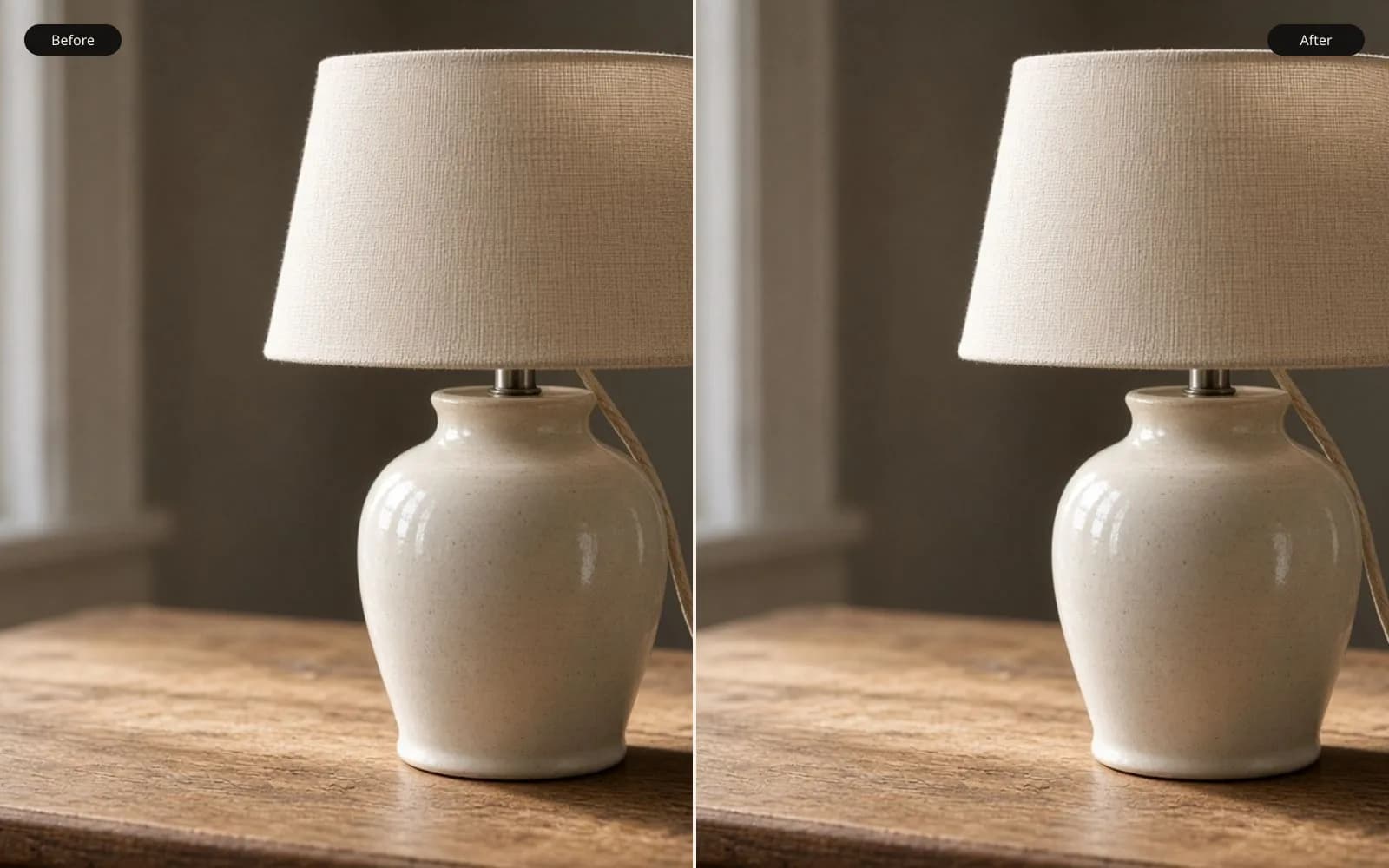
A 640 px lamp does not become a poster by wishing. Upscale the image on the tool, then judge the shade against the file you still have.
I took an ai image upscale job that started as a marketplace thumbnail. The client sells ceramic lamps from a small shop in Providence, and the listing photo was lamp-oak-640.jpg, a 640 by 640 JPEG. She wanted that same lamp on an 18 by 24 inch poster for the window. The shade is a crackle glaze the color of weak tea, the base is turned oak, and a cloth cord drops on the right. At 640 pixels the cord is about four pixels wide. I open these files for a living, family boxes and client drives both, and I say out loud what the file can still prove before I ask a model to guess the rest.
TL;DR. The listing file was lamp-oak-640.jpg, 640 by 640, written by a marketplace form that downscales the long side to 640. A bicubic resize to 2560 only made the shade into larger squares. A 4x ai image upscale predicted glaze and a cord shadow that were not in those squares, and one pass invented a floral repeat the lamp did not have. I kept the 2x file, painted out a fake knot, resized that cautious result to 1800 pixels for the shop's rule, and printed the poster at 18 inches wide. The sidewalk accepted it. A foot away, the oak looked combed, and we lived with that.
How the 640 file was made
She did not shoot it at 640. The camera file was probably 4000 pixels on the long side, sitting on a card she could not find that week. The marketplace form accepts a JPEG and writes a square. I can see the path in what is left. The EXIF is gone. The JPEG quant tables are harsh. If I compare the block noise to a known export from the same form, the quality sits near 60. The shade, which should be a mottled surface, is a stack of 8 by 8 blocks with the mottling averaged away. The oak grain is three horizontal smears. The background is a rented white wall that clipped.
I sampled the wall because clipped walls lie later. Upper left read 250, 250, 248. Near the floor it read 244, 244, 241. So the wall is not even a clean photo. There is a slow stain in the file, either the room or the JPEG. A model that "cleans" that stain is editing the room.
I opened lamp-oak-640.jpg in the tool and in a plain viewer at 100 percent. On my 27 inch display the lamp is about 6.5 inches tall at that zoom. Pleasant for a listing. Useless as a master for a poster. The client had already tried the usual move. She dropped the JPEG into a layout app, dragged the frame to 18 inches, and exported lamp-window-bad.pdf. The print shop wrote back one line. The image looks like tiles. She forwarded the PDF. The embedded image was still 640 by 640, stretched by the frame. The layout app had not added pixels. It had only changed how far apart the pixels sat on the page. That is not an upscale. That is a larger address for the same samples.
The filename inside the PDF was a generated blob, image0.jpg, which is why I renamed my working copy to lamp-oak-640.jpg the minute I extracted it. If you leave the blob name, you will upscale the wrong export in a month and not know which one went to the shop.
What a resize is allowed to put in the new pixels
I made the control file so we would have something honest to dislike. lamp-oak-bicubic-2560.png is a bicubic resize from 640 to 2560, four times on each side. Bicubic looks at a small neighborhood and blends. On the cord it produced a soft dark ribbon about 16 pixels wide with no twist in the cloth. On the shade it produced larger, softer squares. The crackle lines that might have existed in the camera file are not in the 640 file, so bicubic cannot draw them. It can only blur the boundary between a block of tea color and a block of slightly darker tea.
Nearest neighbor, saved as lamp-oak-nearest-2560.png and then moved out of the delivery folder so nobody would print it, repeated each pixel as a 4 by 4 stamp. The oak base became a stack of bars. The highlight on the shade, a region about 30 source pixels across, became a plateau of identical values. That file is useful for one measurement. It shows the information budget.
I counted the distinct shades in a 40 by 40 crop of the glaze in lamp-oak-640.jpg. I got 11 values. Eleven. A poster that pretends to resolve crackle is asking for hundreds of values that were averaged out before I saw the JPEG. I wrote that number in the job notes because the client asked why her friend's sofa poster looked fine. The friend's file was 3000 pixels wide. Different budget. No setting on my side changes 11 into a kiln log.
People say make it bigger as if the grid were a pitcher you could pour detail into. The grid is the detail you have left. A resize respects that poverty. It will not surprise you with a window, a petal, or a knot. It will also not save you. If the source looks like tiles, the bicubic file looks like softer tiles, and the nearest-neighbor file looks like the sample I keep on the tool for exactly this conversation.
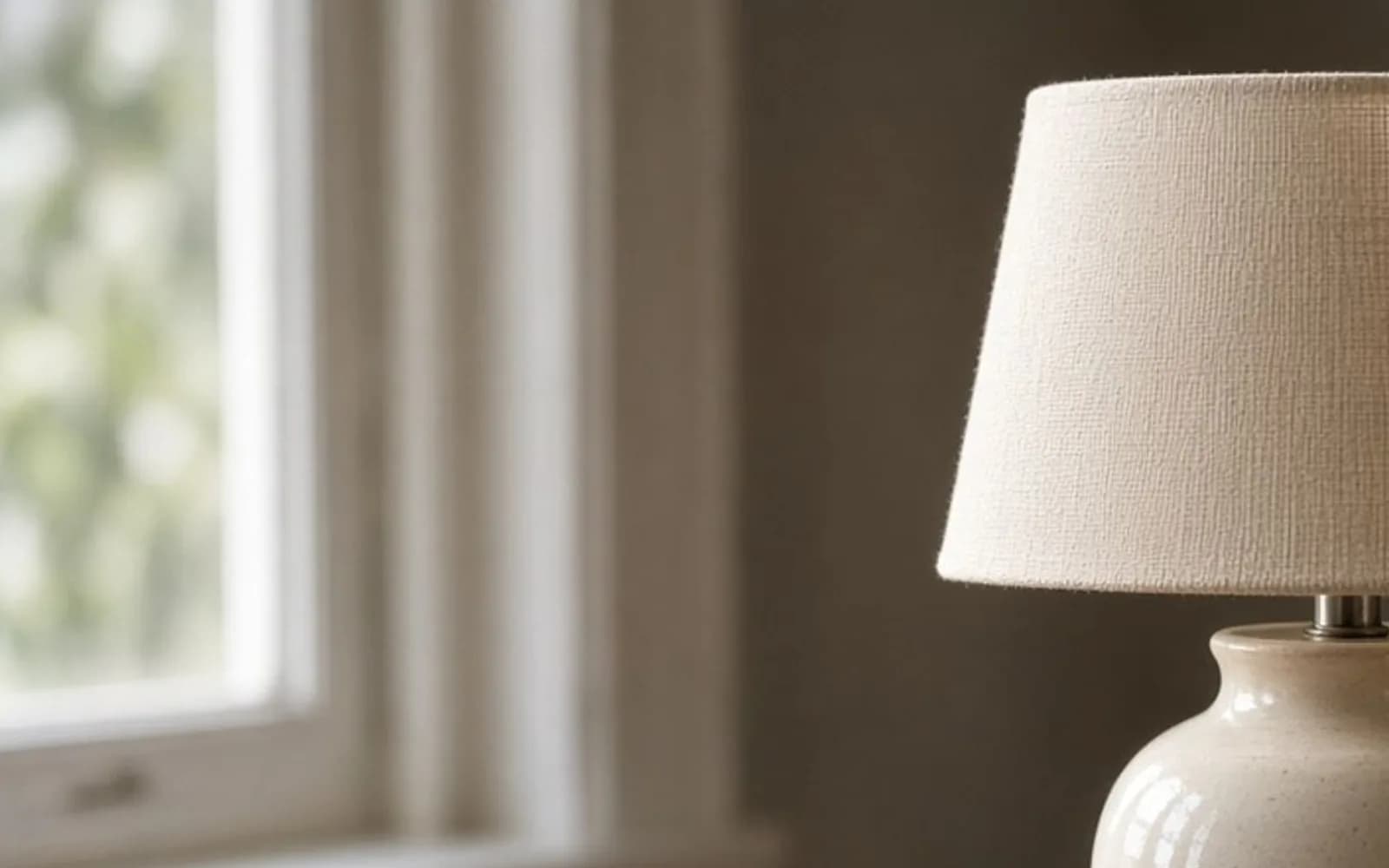
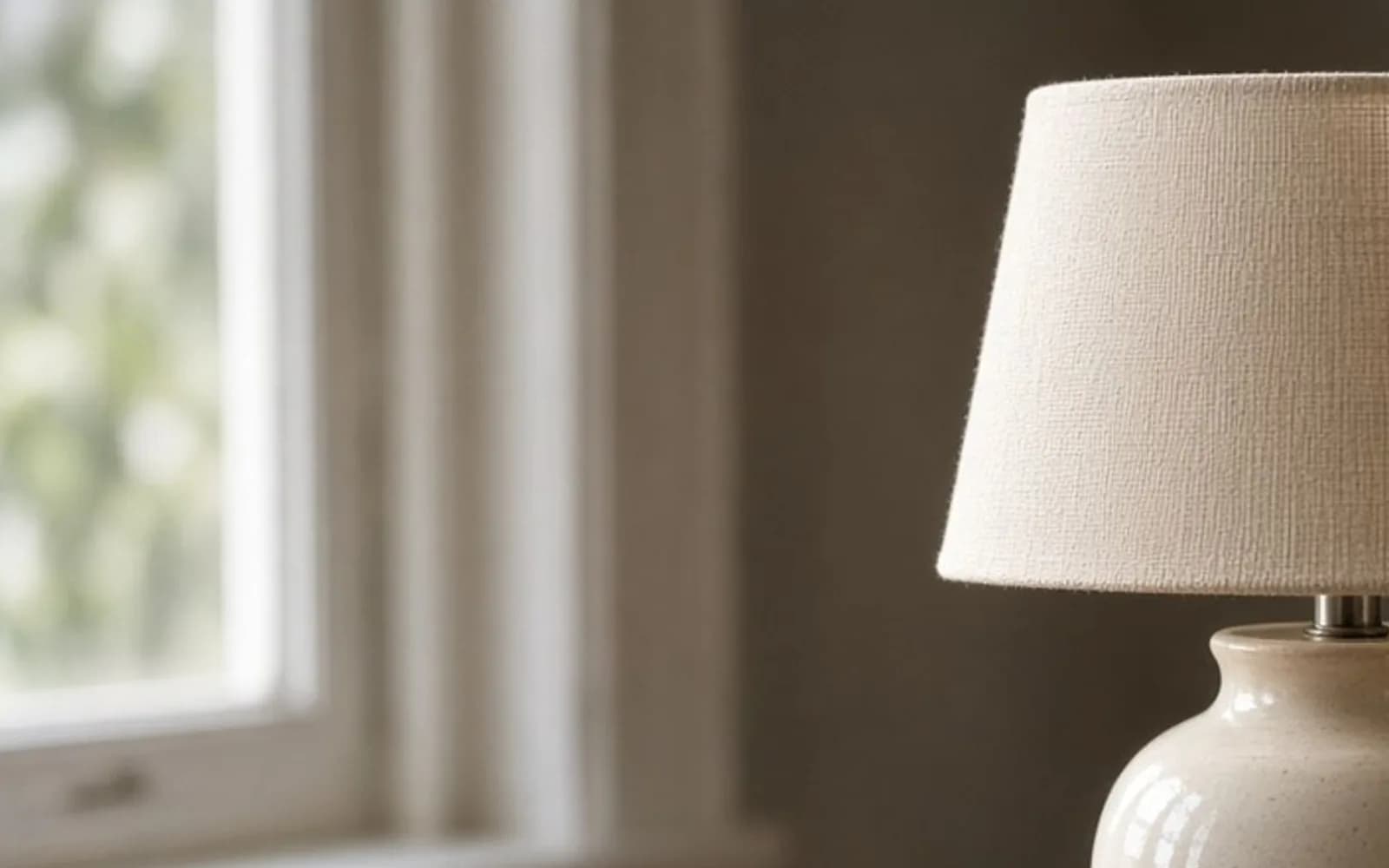
That picture is not her lamp. It is a flat generated room, a teal panel, a sun in a white square, a simple figure, enlarged by repeating pixels until the window becomes blocks. I show it when a client thinks the squares are a display glitch. The squares are the file. Her shade did the same thing in lamp-oak-nearest-2560.png. The cartoon is easier to admit than a product photo, so we look at the cartoon first, then we look at the lamp.
What the model predicts instead of blending
An ai image upscale does not blend the neighbors and stop. It proposes a larger picture that would have been plausible given the small one and a prior learned from other pictures. The AI image upscaler is the tool I ran. I used 2x first and 4x second, because a four-times jump from a marketplace JPEG leans hard on whatever the model has seen of lamps, shades, and white rental walls. The mechanism, the part about training on degraded files and why a longer jump invents more, is in how AI upscaling works. I am not going to restate that page. I am going to tell you what the prior did to this glaze.
The 2x file, lamp-oak-sr2x.png, is 1280 by 1280. On the oak it continued the three smears into something that reads as grain from across a room and as combed plastic if you lean in. On the cord it added a slight twist and a highlight on the left edge of the cloth. The 640 file does not contain that highlight as its own shape. I compared an 80 by 80 crop. In the source the cord is a dark column with two mid-gray pixels on its left. In the 2x file those two pixels became a soft specular line. That line is a prediction. I can live with it here, because a round cloth cord in room light usually does have a highlight, and the client said the cord is cream cloth, not a black wire. The model guessed the material well enough that she recognized her own lamp.
The wall stayed quiet at 2x. That was the test I cared about more than the cord. A white wall that grows stipple is the model decorating a flat field. I sampled five points. Source upper left, 250. The 2x file, 249. Source near the floor, 244. The 2x file, 243. The slow stain survived. Good. The model was not inventing plaster, and it was not "correcting" the wall into a catalog sweep.
One JPEG block, written out so the prediction is visible
I picked a single 8 by 8 block on the left side of the shade, about a third of the way down, and wrote the values into the notes as a sentence instead of a grid so I would still understand them later. The four center pixels were 196, 198, 197, and 195. The upper left corner of that block was 188. The lower right was 201. There is no edge inside the block. There is a gentle slope of six or seven levels, which is what JPEG leaves when a soft glaze was crushed.
Bicubic, blown up, turns that slope into a ramp. You can see the ramp if you squint. You cannot see a petal, because a ramp has no reason to grow one.
The 4x model put a boundary through the middle of the same block. On one side of the invented line the values sat near 188. On the other side they jumped to about 210, then fell back. That jump is not in the source block. It is the model deciding that tea-colored squares of this kind often contain a drawn edge. In this lamp they do not. The edge became the side of a small five-petal shape. I saved the crop as lamp-oak-sr4x-shade-crop.png, 400 by 400, from the upper left of the shade, and I put it beside the same region from the 2x file. The 2x region is mottled and dumb. The 4x region is pretty and false.
This is the whole difference I want the word predict to carry. A resize distributes the 188 and the 201 across more addresses. A model is allowed to claim that a boundary belongs between them. Sometimes that claim is a restored brick. Sometimes it is a flower on a lamp that was glazed plain. The file will not tap you on the shoulder. You have to know the lamp, or you have to ask the person who glazed it.
The flower, the leaf, and the file I refused
lamp-oak-sr4x.png is 2560 by 2560. I ran it on the 4x upscale path with creativity left at the default. That was a mistake I will not repeat on a product photo. The shade, starved of real crackle, came back with a repeating floral. Not a photograph of glaze. A motif. Small five-petal shapes, slightly yellow, tiled across the tea-colored region, stronger on the left where the highlight gave the model a place to hang contrast.
There is a kiln scar near the bottom rim, a crescent about the size of a grain of rice. In the 640 file that scar is one darker pixel and its neighbor. In the 4x file the scar became a small leaf, attached to the floral as if the shade had been printed with a transfer. I called the client and described the leaf before I sent the pretty file. She laughed, then got angry at the file, which is the correct order. The lamp's shade is plain crackle. A poster with a vine is a different SKU.
I ran a second 4x with creativity pulled down and saved lamp-oak-sr4x-low.png. The floral weakened. It did not vanish. Once you are inventing three out of every four pixels on each axis, the new pixels have to be something. Lower creativity put a fine grain in place of petals. The grain looked like noise added so the file would feel detailed. From poster distance it was less of a lie than the flower and still a lie about the ceramic. I did not ship it. Both 4x files went into a folder named _rejected. The next person who opens this job, who might be me in August, should not "find" the floral master and think it is the one that printed.
The rim of the shade gave me a second, independent reason to reject the 4x. In the source the rim is a one-pixel dark arc. In the 2x file it stays one clean arc. In the 4x file it grew a second edge, a pale halo about two pixels outside the rim. On polypropylene in a window that halo reads as a gray outline around the whole shade, the look of a bad cutout. I do not need a flower to say no. A double rim is enough.
The cord knot that was not a knot
The 2x file was mostly usable, and it still lied in one place. Where the cord meets the oak, the source is a dark block. The cord ends. You cannot see a hole. The 2x model invented a small knot, two loops and a tail, sitting on the oak like a tied bundle. I have watched models do this to cables, drawstrings, and the arms of eyeglasses. A dark blob near a textured surface becomes the knot the training set found plausible.
The client said there is no knot. The cord goes into a drilled hole and a switch sits on the far side of the base, out of frame. I cloned the knot out of the working file. The repair is about thirty pixels across in the 1800 pixel version. I sampled the oak color from a smear just to the left, not from the model's grain, because the model's grain was already a comb. The clone is hand work. I do not bill it as upscaling. I bill it as removing an object the upscale added.
If I had not known to ask about the knot, the poster would have shown a knot. Most viewers would not write a complaint. The client would have seen it every morning while opening the shop, and the poster would have become the kind of object you stop looking at. That is a real failure even when nobody outside the shop can name it.
What the shop's number actually demanded
I wanted to ship lamp-oak-sr2x.png placed at 18 inches wide. 1280 pixels across 18 inches is about 71 pixels per inch. For a window poster seen from the sidewalk, 71 can be enough. It was more honest than 2560 pixels of invented petal. The shop on Wickenden prints on matte polypropylene and asked for 100 pixels per inch minimum at final size. Eighteen times 100 is 1800. I did not have 1800 honest pixels. I had 1280 cautious ones.
The compromise is written in PRINT-NOTE.txt in the job folder, and the compromise is the actual work. I took lamp-oak-sr2x.png and resized it bicubic to 1800 by 1800. That file is lamp-oak-sr2x-to-1800.png. The second step is a resize of a prediction, not a new prediction. It softens the 2x result a little. It does not have room to grow a flower, because bicubic does not invent motifs. I did the knot clone on this 1800 file, not on the 1280, so the repair would be at the pixels the printer received.
The shop reprinted. From the sidewalk the shade reads as ceramic. From a foot away the oak looks combed. The client stood a foot away, saw the combing, and decided the poster was for the sidewalk. We added a line of type under the lamp, set in the layout, not baked into the photograph. I will not ask a model to draw letters on a product poster. Letters are where these models embarrass you, a switched serif, a melted digit, a word that is almost the glaze name and not quite.
Color was the boring part and I am glad it was boring. I converted nothing. The JPEG was sRGB, the layout was sRGB, the shop's RIP for this media takes sRGB and does its own sheet. I soft-proofed only to see if the tea color would die on matte poly. It dulled, which tea glaze does, and she accepted the dulling. I did not push saturation to fight the media. A more saturated shade would have been a third lamp, after the floral one and the real one.
The scar that a new photo solved
I refused to rebuild the kiln scar. One darker pixel is not a scar I can honestly draw. The poster from the listing file simply does not carry it. I told her. She said the scar is how regulars tell this lamp from the other tea-colored one on the same plinth. That is a product fact, not a nostalgia fact, so it mattered.
We photographed the scar the next morning with her phone. IMG_2204.HEIC, 4032 by 3024, a tight frame, window light from the left, the crescent filling maybe 900 pixels. I cropped to lamp-oak-scar-inset.jpg, 1600 by 1600, and sharpened once. Radius 0.6 pixels, amount modest enough that the pale lip of the scar did not grow a white wire. I placed that inset in the layout at 4 inches, which is 400 pixels per inch of real phone detail, ridiculous and correct. The scar is visible. That is what people mean when they say they want resolution, and the listing file was never going to give it to them.
The inset also kept me from cheating. Once the scar had its own photograph, I was not tempted to "suggest" it in the hero with a dark dab. The hero could be the soft true shade. The inset could be the evidence.
Rules I wrote on the invoice
I put five lines on the invoice in plain language, because she will have another lamp and the marketplace form will shrink it again.
- Keep the camera original even if the site only stores 640. Name it with the glaze, not with a blob id.
- Do not sharpen the listing JPEG. A sharpened block becomes an edge the model believes.
- Ask the printer for a pixel count at the print size. This shop wanted 1800 pixels across 18 inches. A slogan about dpi would not have told me that.
- Run 2x and look for new objects before you run 4x. A knot, a petal, a leaf in a scar, any of those means the longer jump is too hungry.
- Set type in the layout. Do not let the upscale render the glaze name.
The cousin of this job, when the squares themselves are the whole complaint, is how to make a pixelated image clear. The print-size cousin, a vacation frame instead of a product, is upscale photo. Those notes answer different files. They will not draw a kiln scar out of one pixel. I have tried, on other jobs, and the scar always becomes a confident smudge.
The exports, so I can answer which file printed
I keep one table in the job folder. When the shop calls and asks which file, I read the row. I do not open five windows and trust my memory of which floral I hated.
| File | Pixels | What happened |
|---|---|---|
| lamp-oak-640.jpg | 640 by 640 | Source pulled out of the bad PDF. Eleven glaze values in the test crop. |
| lamp-oak-bicubic-2560.png | 2560 by 2560 | Control resize. Larger soft squares, no new facts. |
| lamp-oak-nearest-2560.png | 2560 by 2560 | Control stamp. Moved out of delivery. Shows the budget. |
| lamp-oak-sr2x.png | 1280 by 1280 | Cautious prediction. Quiet wall, mild cord highlight, one fake knot. |
| lamp-oak-sr2x-to-1800.png | 1800 by 1800 | Shipped. Bicubic from the 2x, knot cloned out. |
| lamp-oak-sr4x.png | 2560 by 2560 | Rejected. Floral shade, leaf instead of the scar, double rim. |
| lamp-oak-scar-inset.jpg | 1600 by 1600 | New phone photo. This one holds the scar. |
Seven rows, one decision. The shipped file is the boring one. I have learned to be proud of the boring one when the subject is for sale.
What I check at poster size, not at 200 percent
Pixel-peeping will always find the combing in the oak. The poster does not live at 200 percent. I taped a proof to the inside of the glass and stepped into the street.
From the curb, the lamp reads as a lamp. The shade is tea-colored, the oak is oak-colored, the cord falls on the right. You cannot see the clone. You cannot see that the scar is only in the inset. You can read the type, because the type was vector.
From the door, an arm's length, the oak combing shows and the shade looks a little poured. That is the cost of building 1800 pixels out of 640. I told her the cost before the second proof, not after the polypropylene was paid for. She chose the window size anyway. My job was to make that choice with the floral version already in the trash, so the choice was about softness and not about a fake pattern.
I also checked the right edge of the lamp against the wall for ringing. JPEG had left a faint dark step in the source, maybe two levels. The 2x file kept it faint. The bicubic 2560 control had spread it into a wider dirty line. Another small reason the control was not a kindness. Spreading a JPEG ring is still printing the ring.
The blue lamp that did not need me
Her next lamp was blue. She sent lamp-blue-camera.jpg at 4032 by 3024 before the listing form touched it. The glaze is a real mottled blue with iron spots. I cropped the hero for the poster and placed it. I did not run an upscale. At 18 inches the crop still held more than 200 pixels per inch. The iron spots stayed iron spots, irregular, ugly in the way ceramics are ugly, correct.
The job took forty minutes, most of that the type. I mention it because the best ai image upscale is the one you do not run. The tea lamp taught me the failure mode. The blue lamp is the control for my own business. When a client can still photograph the object, I would rather wait a day for IMG_2204.HEIC than spend a day negotiating with a petal.
If the object is gone, sold, or broken, the negotiation changes. You may accept a softer poster, or a smaller poster, or a 2x file with a documented list of what was invented. You do not accept a new decoration. The lamp is the record. The model is a guess about lamps in general. Those are different documents, and only one of them can sit in a shop window with the price next to it.
Questions that come up after the file is open
Does an ai image upscale recover the lamp that was in the camera file?
No. The 640 pixel JPEG had already averaged the glaze. The model proposes a larger lamp that fits those blocks, and it can add a pattern the ceramic never had. I compare every pass with a plain resize before a poster goes out.
Why did the 2x file print and the 4x file not?
The 2x pass kept the wall quiet and only added a mild cord highlight the client recognized. The 4x pass painted a floral repeat on the shade and turned a one-pixel kiln scar into a leaf. Bigger was a different product.
What pixel size did the shop actually require?
They wanted 100 pixels per inch at 18 inches wide, which is 1800 pixels. I resized the cautious 2x file up to that with bicubic, which softens a little and does not invent motifs. The sidewalk viewing distance made those 1800 pixels acceptable.
Should I sharpen a marketplace JPEG before upscaling?
No. Sharpening traces the JPEG blocks, and the model then treats those traces as edges in the glaze. Leave the listing file alone and upscale from the unsharpened export, or better, find the camera original.