Repair · July 10, 2026
How to enhance old photos when the 1984 print went magenta
How to enhance old photos when a 1984 print has a magenta shift and the yellows have faded.
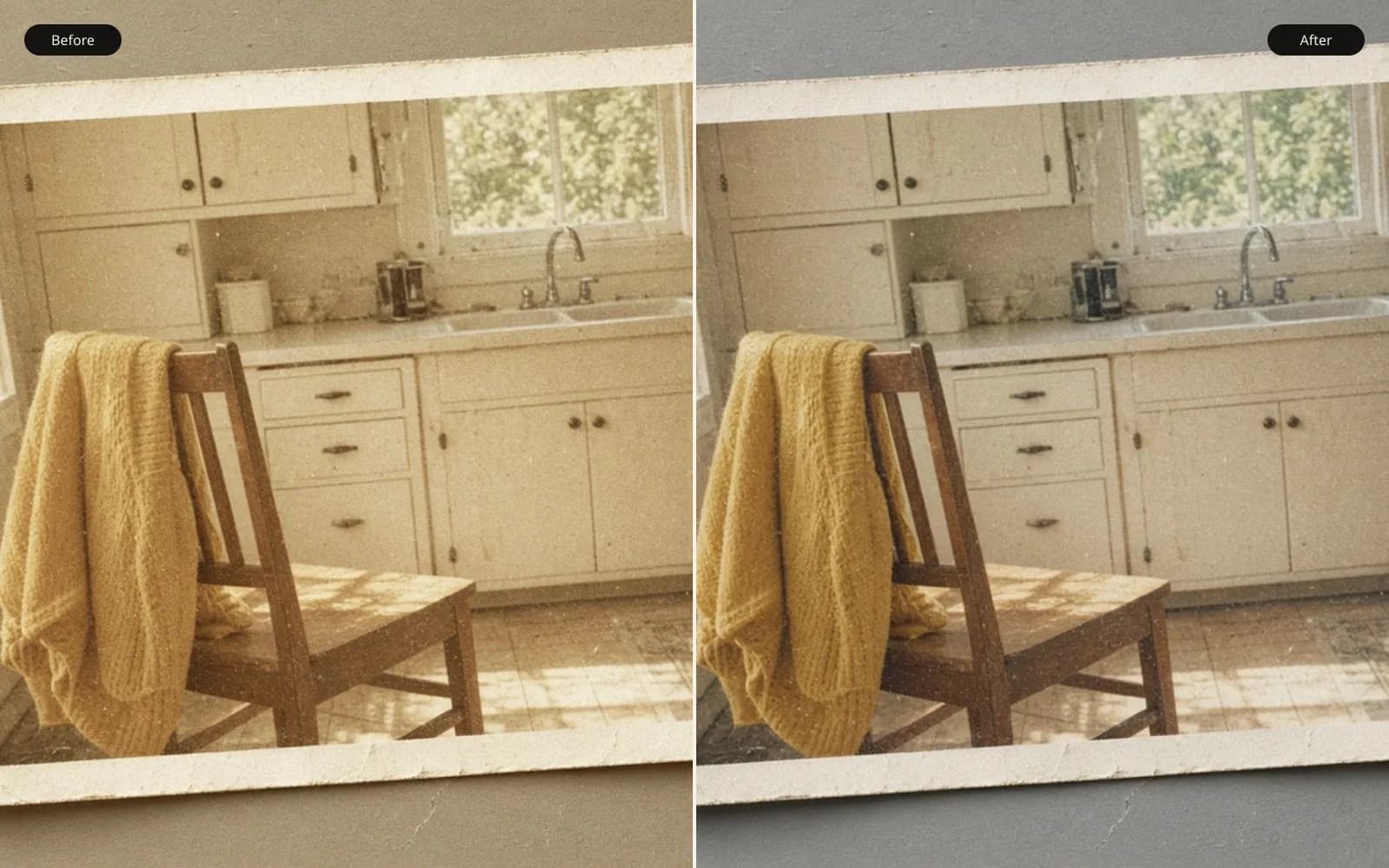
Magenta in a 1984 print is dye, not grain. Restore the old photo and keep the original scan beside the repair.
The lab envelope says May 1984, and the print that lived on the fridge is the one my cousin means by how to enhance old photos. It is 6 by 4 inches. Everyone in the kitchen looks faintly sunburned, including the wall. A yellow sweater near the window has gone pale and a little blue. She asked me to "enhance" it and then, in the next sentence, to make it big enough for a frame. Those are two jobs. The color is the job. The size is already handled by a careful scan, and mixing them is how the sweater becomes orange plastic at poster size.
I scanned the fridge print at an optical 600 pixels per inch, 16-bit color, automatic color correction off. Six inches times 600 is 3600. Four inches times 600 is 2400. The TIFF is 3600 by 2400 and a little over 50 MB. An 8 by 10 crop at 300 pixels per inch needs 2400 by 3000. The short side of the scan is exactly the 2400 we need for 8 inches, and the long side has spare for the crop. Nothing about this request requires an upscaler. How to enhance old photos, on this envelope, means putting the dyes back in a plausible relationship and leaving the pixel count alone.
There is a second print from the same negative in an album, kept shut, less faded. I scanned it the same way. It is not identical in crop, the lab printed it a little tighter, and it is the reference for color. The fridge print is the one with the handwritten date on the back that she wants to use, because the album print has a crease in the border she dislikes. I will borrow the album print's color and the fridge print's cleaner border. I will not blend the two faces. The faces match already. The dyes do not.
TL;DR. The May 1984 fridge print is magenta, and the yellow sweater has faded. A white shirt in the scan reads about 230, 180, 190 instead of a near-neutral high value. The album copy of the same negative still has a yellower sweater and grass that is green. I scan at 600 pixels per inch, 3600 by 2400, with the scanner's auto color off, and I correct channels using the album copy. That file already covers an 8 by 10 at 300. Upscaling is a different job and this print does not need it. Paper grain stays. A denoise made the sweater flat, so I rejected it.
What the three numbers on the shirt are saying
I sample the white shirt in open shade, away from the window glare and away from a shadow under the collar. On the fridge scan the sample is about 230 red, 180 green, 190 blue. Neutral cloth at that brightness would have the three numbers close together. Red is far ahead. Blue is a little ahead of green. The eye reads pink. That is the cast people mean when they say the print went magenta, even if a strict name would argue about the mix. I do not need the strict name to move the sliders. I need the sample and a target.
The album scan's shirt, same fold of cloth, reads about 226, 222, 218. A hair warm, not pink. I move the fridge file toward that, mostly by lifting green and a little blue in the highlights and the midtones, and by easing red if the shirt starts to clip. Red at 230 does not have much room. If I lift red while I chase the other channels, the collar blows out and the weave is gone. I watch the collar. The weave stays visible when the shirt lands near 226, 220, 214. I did not force 218 in the blue. The fridge paper will not go all the way to the album paper, and a perfect match would have meant clipping. Close, with weave, beats identical numbers and a hole in the collar.
The sweater is the other error. It was yellow. On the fridge scan a midtone in the knit reads about 210, 200, 185. The blue is too close to the green, so the knit looks like a gray cream. On the album scan the same knit reads about 230, 210, 120. Blue is the channel that should be low in a yellow. I lower blue in the sweater with a mask, and I add a little red and green only where the knit is not already near the top. I stop around 220, 205, 150. If I push blue all the way to 120, the sweater goes neon and the mask edge shows against the wall. Halfway back to yellow is honest about a dye that is partly gone. All the way to the album's yellow, on a sheet that cannot hold it, is a cartoon.
Grass in the window is the check I do not skip. A bad auto balance turns it purple because the overall file is pink and the grass is the place the error becomes obvious. Fridge grass in the window reads about 140, 150, 160, a gray with a purple tilt. Album grass reads about 120, 160, 90. I aim the window toward green without painting a golf course. Landed near 130, 158, 110. Still a bit hazy, because the window was hazy in 1984, and green enough that a cousin who was in the yard does not ask why the lawn is lilac.
Why the scanner's auto color made a third print
The first scan, the one I did not keep, had auto color on. The software saw a pink histogram and overshot. The shirt went greenish, about 200, 220, 205, and the faces went gray-green in the shadows. The sweater did not become yellow. It became a paler green-gray. Auto color is a single guess about a single cast. This print has a cast and a missing yellow, and they are not the same guess. I turned auto color off, scanned again, and locked that TIFF as the source. The greenish scan is in the folder as a warning, named auto-color-overshot.
A saturation slider on the source TIFF makes the pink shirt pinker. Saturation does not know that the pink is an error. It thinks the pink is the subject's favorite color. Vibrance did the same thing more politely and still pushed the cheeks. I do not start with either slider. I start with channels, because the channels are where the dyes diverged. After the shirt, the sweater, and the grass are in range, a small overall contrast is enough. The kitchen was not a dull scene. The fridge print looks dull because the dyes drifted toward each other. Once they separate, the contrast is mostly already there.
Faces come along with the shirt correction more than with a face slider. Skin in the album scan is the target, not a preset called portrait. The preset I tried, on a copy, warmed the magenta into orange and smoothed nothing I asked it to smooth, and it also lifted the sweater's red until the yellow went muddy. Presets are built for newer files with a normal gray. This gray is not normal. The album cousin is the preset. I sample her cheek on both scans, write the numbers, and stop when the fridge cheek is within a small step of the album cheek without going orange. The small step I accepted was about 8 points in the red channel, fridge still a bit higher, because pushing further stained the teeth.
Teeth and the window edge
Teeth are a harsh target. They are slightly yellow in life and slightly pink in this scan, and "whitening" them is a familiar damage. I left them a little warm. The window side of the print is more magenta than the stove side, which fits a sheet that faced a window for years. After the global correction I add a weak masked lift of green on that edge only, feathered over a wide band, maybe a fifth of the frame. A hard mask would draw a stripe. The band is successful when I cannot find it at arm's length and I can still see, at 100 percent, that the window trim no longer glows pinker than the stove.
Grain is not the cast
At 100 percent the scan shows the color paper's grain, soft dye clouds, a little stronger in the shadows under the table. It is regular in the way that paper is regular. It is not the chunky chroma noise of a high-ISO phone file. I ran a denoise aimed at those clouds, the kind of pass on the grainy photo tool, because I wanted to see the sweater without the distraction. The knit went flat. A cable in the pattern, about 6 pixels wide in the scan, became a smooth ridge with no wool. I rejected that file. The cast is a color problem. The grain is the material. How to enhance old photos does not mean how to turn paper into a screen.
A lighter denoise, masked only to a patch of wall, was unnecessary. The wall is supposed to be quiet, and it is quiet enough at print size. Denoising it made a plastic patch next to a grainy sweater, which is worse than uniform grain. Uniform grain says 1984. A plastic patch says this was edited. I would rather the cousin see grain than see my mask.
Enhance photo quality as a general pass, tried on a copy after the color was right, sharpened the grain and the cable together and added a little bite to the window trim. Some of that bite was fine. It also started to carve the teeth. I kept a very light amount of local contrast on the sweater cable only, masked, and I did not run the general pass on the faces. The color work was the enhancement. The extra bite was optional and mostly declined. If I had run a general enhance on the pink source, before the channel work, it would have enhanced the pink. Order is the whole warning.
Size, settled with division, so it stops distracting her
She bought an 8 by 10 frame. 2400 pixels on the short side of the scan, divided by 8 inches, is 300. I crop the 6 by 4 down to the 8 by 10 shape, which trims the ends of the counter, and I export 2400 by 3000. The tag says 300 because the inches say 300. We do not have a resolution deficit. We had a color deficit and a frame that made her think of enlargement.
A 16 by 20 would be a different division. 2400 divided by 16 is 150 pixels per inch. For a wall, from a few feet, 150 from a real scan can be all right, and it will look like a big print of a 1984 lab photo, grain and all. It will not look like a modern camera. I told her that and she stayed with 8 by 10. Upscaling the 3600 side to chase 300 at 16 inches would enlarge dye clouds and any residual pink I failed to catch. I will not upscale a cast I just measured. If a future crop needs it, the color TIFF happens first, and the enlargement is a separate, suspicious step.
The album print's scan is the reference, not the deliverable, because of the border crease. I did repair a small dust spot on the fridge scan, a white fiber in the sky of the window, about 5 pixels wide. Spot, not denoise. There is a tiny emulsion nick on the sweater, about 4 pixels, that exists on both prints, so it is in the negative's printing or in the paper from day one. I left it. Enhancing does not mean a sweater without a history. The crease on the album print stays on the album print. I did not clone the fridge's clean border over the album file, because I am not delivering the album file.
A table of samples, before and after
These are the patches I re-sample every time I think I am done. If I cannot face the table, I am decorating.
| Patch | Fridge scan, about | Album reference, about | Where I stopped |
|---|---|---|---|
| White shirt | 230, 180, 190 | 226, 222, 218 | 226, 220, 214 |
| Sweater knit | 210, 200, 185 | 230, 210, 120 | 220, 205, 150 |
| Window grass | 140, 150, 160 | 120, 160, 90 | 130, 158, 110 |
| Cheek | red about 8 points high | the target | within that 8, not orange |
| Scanner auto color | shirt went greenish | not used | Rejected scan |
| Denoise on the knit | cable 6 pixels wide | wool lost | Rejected |
| 8 by 10 export | crop of the corrected TIFF | 2400 by 3000 | 300 per inch, no upscale |
The sweater row is the one that keeps me humble. I did not reach the album's 120 in the blue. I wrote the stop in the table so the next session does not "finish" the yellow and ruin it. Finishing is how neon enters a kitchen.
The order on the envelope
I pencil this on the lab envelope itself, on the back, light pencil, so the next print from the box gets the same sequence.
- Scan optical, 16-bit, auto color off. Keep that file untouched.
- Find a less faded print from the same negative if it exists, and scan it the same way.
- Sample a white or near-white cloth before you touch a slider.
- Correct the overall cast with channels, watching for clipped weave.
- Mask the faded color that the overall correction cannot restore, and stop short of neon.
- Check a known color that should not be purple, such as grass, and a face against the reference print.
- Spot dust. Leave nicks that are in both prints. Leave paper grain.
- Only then export the print size, and do not upscale as part of the color pass.
Pencil wipes off. I also put the same lines in the text file, because pencil is for me in the moment and the text file is for a cousin in five years. The envelope still has the lab's own printing, the date, and a price in faded ink. I do not cover that. The print is an object with a back. The TIFF is the enhancement.
A speckled drawing, so grain and color stay unconfused
Color casts are hard to discuss on a public page without dumping a family kitchen onto it. Grain is easier to point at with a prop. I use a generated drawing covered in coarse speckles: a round head, a teal body, a teal panel, a yellow circle, three tan bars, a small green shape, a brown floor. The speckle sits on top of flat color. Removing the speckle is not the same task as changing the yellow circle's color.
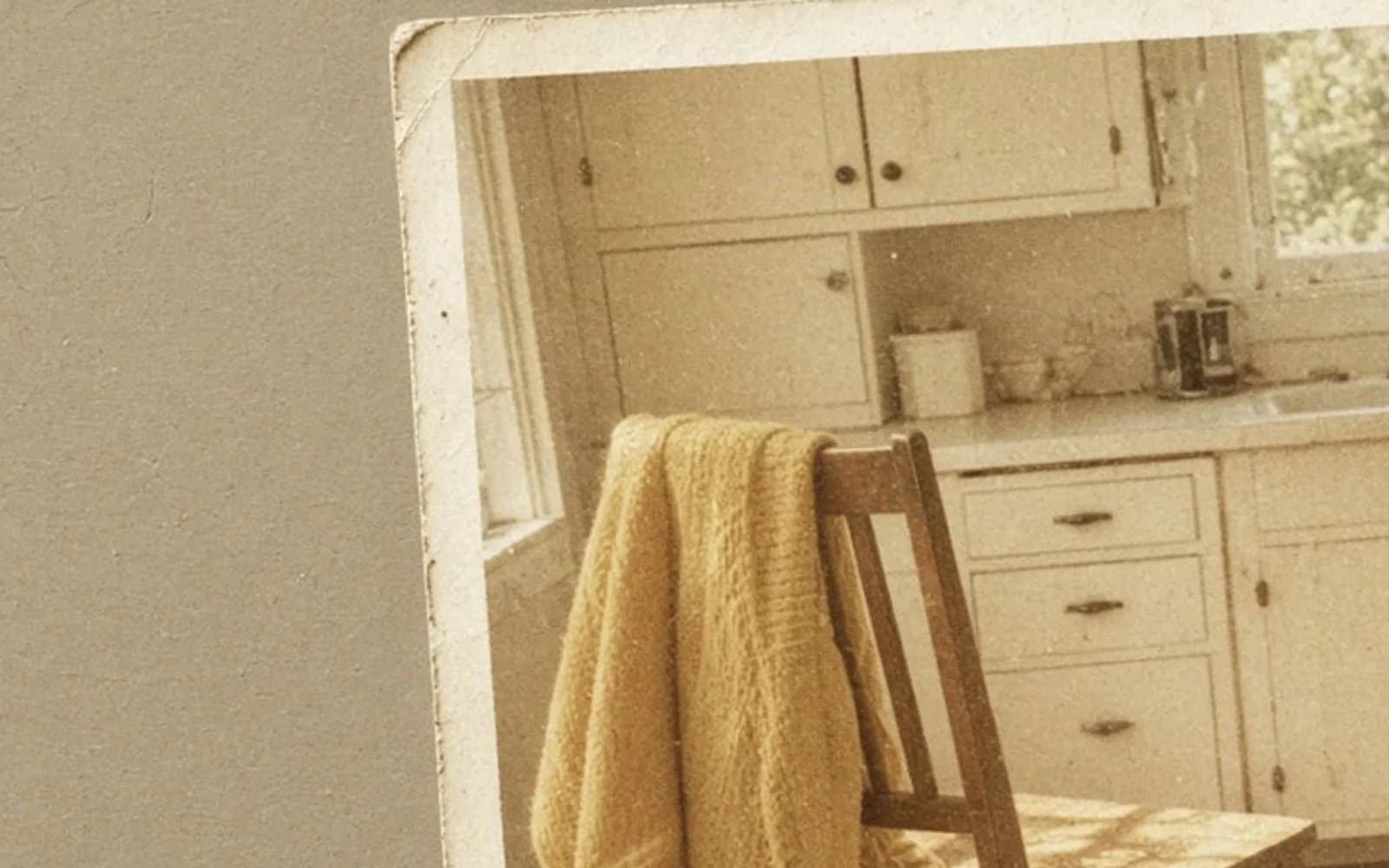
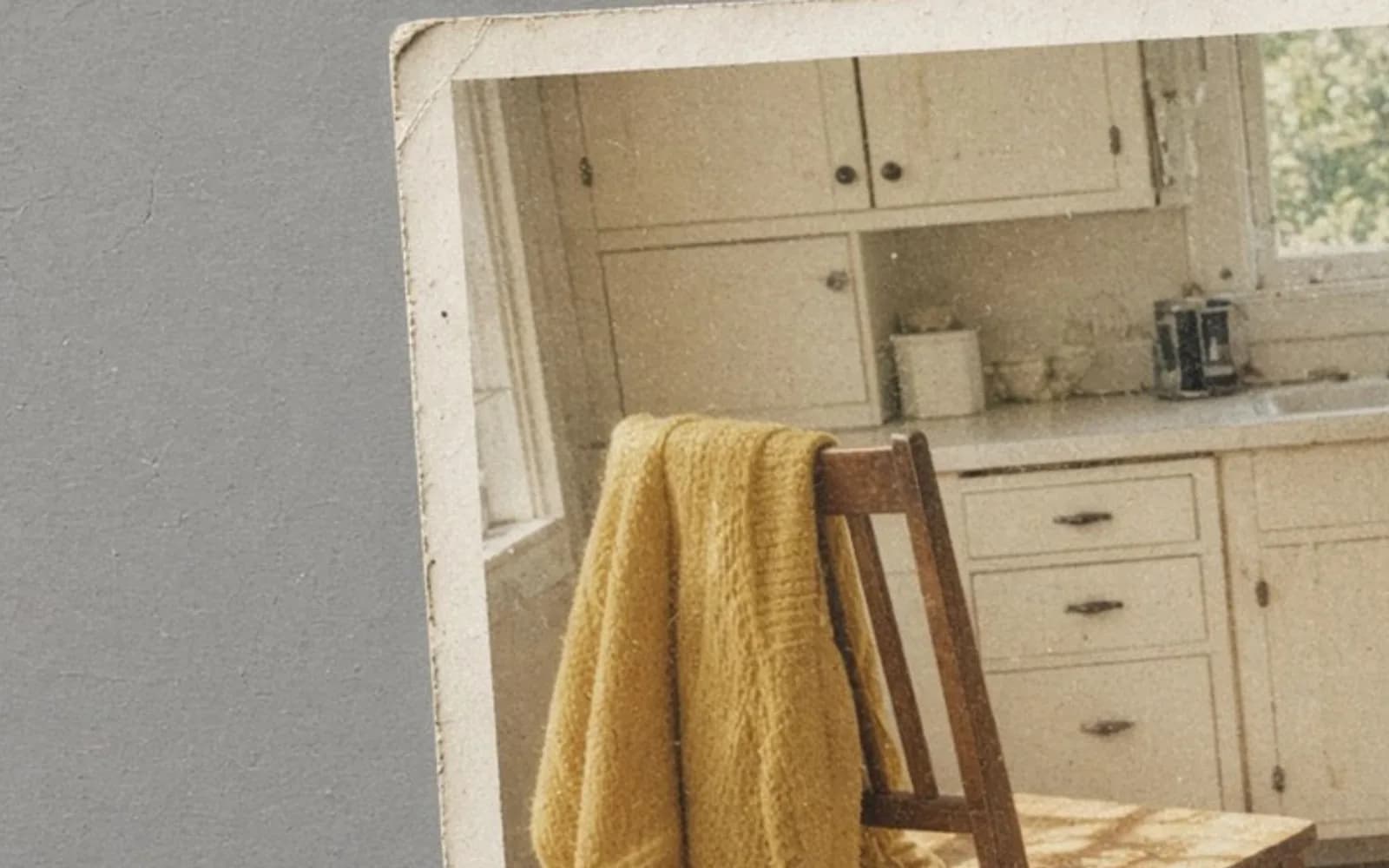
If I shift the drawing's colors, the circle can move from yellow toward cream and the speckle remains. If I blur or denoise the speckle, the circle's color may stay and the flatness changes. That split is the split in the 1984 file. The sweater's yellow is a color I can move partway back. The paper's grain is a texture I intend to keep. The drawing has no grandmother and no kitchen. The head is a circle. It lets me show the split without sampling a relative's cheek on a blog.
The prop also stops me from practicing wild channel moves on the TIFF. I can push the drawing's circle until it breaks, see the breakup, and reset. The TIFF gets the modest moves in the table, and nothing wilder. Practice belongs on a file I can throw away.
Prints, side by side, under the kitchen bulb
I printed the corrected 8 by 10 and a small proof of the uncorrected scan, plus a small proof of the album reference. Under the bulb in that same kitchen, the uncorrected proof is obviously pink. The album proof is the best color and has the border crease she dislikes, which does not show in the small crop I printed. The corrected 8 by 10 sits between them, closer to the album, sweater clearly yellow and not screaming, grass green, shirt not sunburned. She asked if we could go "all the way" to the album. I showed her the neon test, a 4 by 6 of the over-pushed sweater. She agreed the between state was the photograph and the neon test was a marker.
The frame shop does not get the pink TIFF "to see if their machine can fix it." Shops have auto buttons too. I send the 2400 by 3000 JPEG made from the corrected file, and I ask them not to apply an additional color profile surprise. I included a note with the shirt numbers so a well-meaning operator can see that the highlight is already near the top. One extra contrast bump in a driver would clip the collar. We got the print back without the bump. The collar weave is there. I checked with a loupe I probably did not need, and then I looked with my eyes, which was the real test.
The fridge print went back into a sleeve, not onto the fridge. The album print went back into the album. The date on the envelope is still May 1984. Nothing in the enhancement rewrites the date or the fact that one sheet lived in the light and one lived in a book. The framed picture is allowed to look more like the book. It is not allowed to look like it was shot yesterday.
What I will not call an enhancement
I will not call an upscale an enhancement when the scan already divides cleanly into the frame. I will not call a denoise an enhancement when it removes the paper. I will not call auto color an enhancement when it turns a pink error into a green error. I will not colorize, because the picture was always color, and the task is to undo a drift, not to invent a palette. I will not heal the 4 pixel nick that is in both prints.
I will call it an enhancement when the shirt is no longer 230, 180, 190, the sweater is on its way back to yellow, the grass is not purple, the faces match the better print within a tolerance I can write down, and the grain still says lab paper. That is a specific list. "Make it pop" is not on it. Pop is what the saturation slider sells, and pop on this file is a pinker shirt.
If the album print had not existed, the list would be shorter and more cautious. Shirt toward equal channels, sweater bluer channel down until it just reads as yellow, stop, grain left in place, no claim about accuracy. The album print is a gift. Many fridge prints do not have a twin in a book. I do not want this essay to sound as if every 1984 roll has a reference sitting in the hall closet. This one did. I used it. The method without it is the same method with a humbler stop.
The folder, named for the cast and not for a vibe
fridge-1984-scan.tif, album-1984-reference.tif, fridge-1984-autocolor-rejected.tif, fridge-1984-denoise-rejected.tif, fridge-1984-corrected.tif, fridge-1984-8x10.jpg, fridge-1984-neon-sweater-rejected.jpg. The text file holds the table of samples and the sentence that we did not upscale. A cousin who opens the folder later should be able to see which file is the print and which files are lessons. The word rejected is doing work that "final2" has never done for me.
The 8 by 10 is in the kitchen now, not on the fridge, in a frame with glass that I hope is decent. If it hangs in the same sun, it will drift again in physical materials, and the TIFF will still be the reference we made in 2026 from a 1984 sheet. I told her to keep the file with the envelope. Enhancement is not a one-time gloss. It is a set of numbers we can return to when a new print starts to wander.
Notes that split the phrase into real jobs
How to restore old pictures is the crease and the curl, physical damage, which this fridge print mostly escaped. How to repair old photos is the broader repair list, stains and missing pieces, if the next envelope is worse than a cast. How to enlarge old photos is the size question I am refusing to mix into the color. Read that one when the division says you are short of pixels. We were not short.
How to enhance old photos is the phrase on the note she left on the envelope. For May 1984 it meant channels, a masked sweater, grass that stayed out of the purple, grain that stayed in the paper, and an 8 by 10 that did not require a single invented pixel. The shirt is near 226, 220, 214. The sweater is yellow enough to be a yellow sweater and humble enough to be forty years old. That is the enhancement I will repeat.
Questions that come up after the file is open
Will a bigger file fix the magenta cast?
No. The scan is already 3600 by 2400 from a 6 by 4 inch print at 600 pixels per inch, which covers an 8 by 10 at 300, and enlarging first only spreads the pink and the paper grain. I correct color on this scan and I do not upscale it.
Can one auto button balance a faded yellow and a magenta cast?
Not this print. The white shirt is pink and the yellow sweater has lost its yellow, which are different errors, and a single button made the grass purple. I correct with the album copy as the reference.
Should I remove the paper grain while I am in the file?
I tried, and the sweater went flat. The grain is the paper from 1984, not a digital noise problem, so I left it. A denoise is a separate decision, and on this scan the answer was no.
What if I only have the fridge print and not the album copy?
Then I still balance the shirt toward neutral and I stop before the sweater turns neon. Without the album copy I will not claim the yellow is accurate. I will claim the pink cast is reduced and the grain remains.