Repair · July 16, 2026
How to repair old photos
How to repair old photos when a picnic print has a torn corner and a patch of missing emulsion. Spotting versus fill.
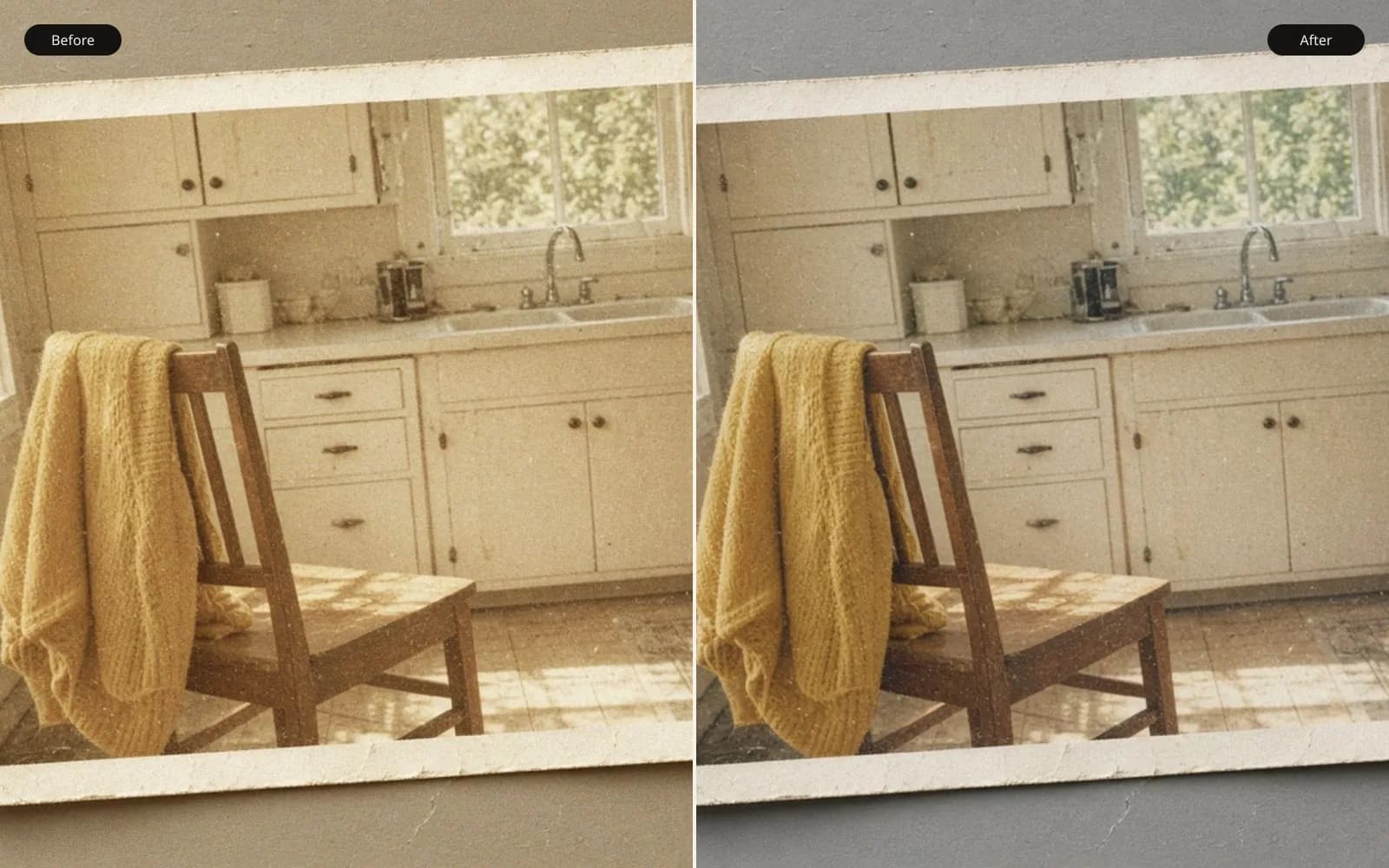
Repair starts with the scan you can still hold, not with a color you remember. Restore the old photo and leave colorization to a tool that actually paints it.
The print on the tool was a black-and-white picnic, and the question was how to repair old photos when the damage is physical. A corner was torn. A patch of emulsion was gone from the blanket. The people, luckily, were intact. I say luckily because I have tried to repair a face that was missing, and I will not do that again for a family who can still remember the face. This job was cloth, paper, and a border. That is the kind of damage spotting was invented for.
The print measures 3.5 by 5 inches, including a white border about 4 millimeters wide. On the back, in pencil, "June 1954" and a name I was asked not to put in a filename. The tear is at the lower left, a rough triangle about 18 millimeters along the bottom edge and 14 millimeters up the side. Most of that triangle is border. A sliver, about 2 millimeters, clips the grass. The missing emulsion is a different wound, on the blanket at the lower right of the scene: a bald patch about 9 by 14 millimeters where the gelatin has flaked and the paper shows through, cream rather than the gray of the cloth.
TL;DR. I scanned the 3.5 by 5 picnic print at 1200 ppi, emulsion up, with a black card behind it. The tear was mostly white border, so I rebuilt border, not picnic. The bald patch on the blanket was 9 by 14 millimeters of paper showing through a plaid. A generative fill painted a basket handle that was never in the scene. I spotted the plaid from the surviving repeat instead, left the film grain, left the pencil impression from the back, and knocked the silvering on the dark coats back only partway. The people were not retouched. The file is a repaired print, not a new day in 1954.
The object, before any pixels
I looked at the print under a lamp, tilted, before I scanned it. Tilt matters. Silvering on the two dark jackets flashed milky when the lamp raked across, and it went dull when I held the print flat to the light. A scan will freeze one of those angles and pretend it is tone. I wanted to know which patches were metal and which were faded wool, because I was not going to "correct" metal as if it were a stain.
The emulsion hole has hard, flaky edges. Under a loupe the plaid continues right up to the flake: a dark stripe, a light stripe, a thinner dark line, repeating about every 6 millimeters. I measured three repeats to be sure the 6 millimeters was the cloth and not my eye. It was consistent within half a millimeter. That measurement is the whole repair plan. If the pattern continues on both sides of a hole, I can carry it across. If it does not, I should not invent a new pattern that "feels" picnic-like.
The tear's paper fibers stick up. There is a crease running 30 millimeters in from the tear, visible as a shine, not as missing emulsion. Creases scan as pale lines. I decided before the scan that I would ease the crease only if it crossed a face. It crosses grass and the border. It can stay.
Dust sat in the tear and in the emulsion hole. I used a rocket blower. I did not use canned air. I used canned air once, on a different print, and drove the print onto the floor. The crease on that one was my fault. This print did not need a second crease. After the blower, a few specks remained stuck to the flake edge. Those are a spotting problem, not a blowing problem.
There is a longer scan-side note in how to digitise photographs. This page is the repair after the scan exists, plus the scan mistakes that would have made the repair lie.
The scan that would have ruined the repair
First attempt: I laid the print on the glass, tore corner toward the hinge, and closed the lid. The lid is white. Through the tear, the scanner saw the lid, so the missing triangle came in as a bright, slightly warm white with a soft shadow along the fiber edge. Through the thin paper at the emulsion hole, the lid bounced light back and the bald patch scanned lighter than the paper looks on a table. I also had the print rotated a degree and did not notice until the border was wider at the top than the bottom by about 40 pixels.
Second attempt: emulsion up still, but I slipped a piece of matte black card behind the print, larger than the print by a centimeter on each side, and I hinged the lid down gently so the crease would not take a new fold. I cleaned the glass with a dry microfiber first. A smear I had been calling "age" on the first scan disappeared. It had been on the glass.
The keeper is a 16-bit grayscale TIFF, 4200 by 6000 pixels. The arithmetic: 3.5 inches times 1200 is 4200, and 5 inches times 1200 is 6000. I checked the scanner's reported size because I have had a flatbed claim 1200 and deliver something closer to 1000. The border, which I had measured at 4 millimeters with a ruler, came in at about 190 pixels. 4 divided by 25.4 times 1200 is 189. So the scale was honest. I wrote "1200 confirmed" on the sheet. That line has saved me from upscaling a scan that was never 1200 in the first place.
At 1200 ppi the 9 by 14 millimeter hole is about 425 by 660 pixels. The 18 millimeter tear edge is about 850 pixels. These are large areas in pixels and small areas in the scene. The temptation to hit them with an automatic fill is exactly the size of that temptation: the marching ants look small on a 6000-pixel file, and the invention inside them will be printed at the size of a thumb.
Spotting, and the fill I rejected
The basket that was not in 1954
I tried a generative fill on the emulsion hole, once, on a duplicate layer, because I wanted a record of the failure and not only a policy. The fill was pretty. It continued a woven texture. It also grew a curved light shape at the upper left of the patch that reads, immediately, as a wicker handle. There is no basket in the surviving frame. There is a blanket, a wedge of grass, a shoe, and the edge of a paper photo that is already fully in frame outside the hole. The model saw picnic and proposed the prop a picnic is supposed to have.
I flattened nothing. I hid that layer and named it fill-rejected-basket. Deleting it would have been cleaner and worse. I want the next session to see the handle and remember why the slow repair exists.
Carrying the plaid by hand
The plaid's repeat is 6 millimeters, about 283 pixels at this scan. I made a guide: two vertical lines and two horizontal, spaced to the dark stripe, and I moved them until they sat on the stripes on both sides of the hole. They lined up. The cloth was not badly folded there. If the guides had missed, I would have stopped and told the family the hole stays.
Spotting was a soft clone, 5 pixels across, opacity 30 percent, aligned to the source so the stripe phase would not drift. I worked from the edges inward. I sampled from the side of the hole that had the same illumination, because the blanket is darker toward the bottom of the frame and a sample from the bright side paints a patch that floats. Each dab is boring. After about forty minutes the paper color was gone and the stripe continued. At 100 percent I can see a slight stutter in the thin dark line, a place where my phase slipped by a pixel. I left the stutter. Chasing it started to polish the grain off the surrounding cloth, and a polished patch is more visible than a one-pixel stagger in a stripe.
I did not reconstruct the paper photo into the hole. The photo is outside the damage. Extending it would have been a new drawing. The same rule kept me from adding crumbs, a fork, or a shadow that would make the fill "sit." The blanket can be continuous. The picnic does not need new objects to be a picnic.
The sliver of grass in the tear, about 2 millimeters, is 90 pixels. Grass at this sharpness is a texture without a countable structure. I cloned from the adjacent grass, short strokes, following the direction of the blades I could see, which run mostly left to right because of how the print was focused. I stopped when the tone matched. A few blades end abruptly. So do real blades.
The border, the crease, the silvering
The torn corner is border. I sampled paper white from the opposite corner, which is about hex E4E0D8 in an sRGB conversion of the gray TIFF, not a pure digital white. Pure white would have looked like a sticker. I filled the triangle, then I added a little of the paper's own speckle by cloning at very low opacity from the good border, so the repair would not be a flat vector shape sitting on a fibered sheet. I did not draw a fake deckle and I did not invent a copyright line.
Where the tear clipped the grass, the border repair and the grass repair meet. I let the border overlap the scene by nothing. The scene wins up to the original image edge, which I could see as a darker line on the intact sides. I continued that line across the tear. The line is 2 pixels wide and slightly soft. It is the print's own frame, not a design.
The crease stayed. I reduced the pale shine by 20 percent, a local curve, so it would not flash on a glossy reprint, and I stopped when the grass along the crease started to look darker than the grass beside it. A crease is a physical fact. Erasing it completely, on a glossy reprint, often means a smear you see only after the lab has printed it.
Silvering on the jackets: I cloned from nearby wool at 15 percent opacity, enough to take the milkiness down, not enough to repaint the shoulders. The right jacket still has a pale bloom along the sleeve. In the loupe, that bloom is the silver. A fully even black jacket would be a different garment, one that this negative may never have printed. I have over-cleaned silvering before, on a studio portrait, and the coat became a hole of black with no cloth direction. The picnic coats still show weave.
Dust that survived the blower I spotted one speck at a time, a 2-pixel heal, only when the speck was sharper than the grain and sat on top of it. Grain is not dust. Dust is a point with a halo. Grain is the whole sky. I refused a global denoise after a test pass turned the sky into paper and the children's cheeks into porcelain. The test is in the folder, named denoise-too-far. The enhance photo quality tool is where I compare a mild cleanup of scanner speckle against the original, and on this file the mild pass was the one that left the grain structure visible in the sky. The strong pass was the porcelain. I shipped the mild sky and the hand-spotted blanket.
What I would not retouch
The faces are small in the frame. The nearest child, head about 11 millimeters tall on the print, is roughly 520 pixels at this scan. That is enough to see eyes as eyes. I did not sharpen them. I did not rebuild teeth. A scratch I thought I saw at the corner of one mouth was, under the loupe on the physical print, a catchlight and a bit of grass blur. I had nearly cloned it. The rule I wrote after that is: if you cannot see the damage on the object, you may be seeing the scan.
The pencil on the back pressed a faint line into the border, the descender of a letter. It shows in the scan as a groove of shadow. I left it. It is evidence, and it is not across a face. The same goes for a fingerprint in the sky, a real fingerprint, oils on the emulsion, visible on the print. I eased the darkest ridge by about a third and left the rest. Removing a fingerprint completely from a sky is how you get a smeared moon.
Colorization came up, because it always comes up. I said no. I do not know the blanket's colors. A red plaid and a blue plaid are both plausible and they are not the same memory. The family can colorize a copy later if they want a guess. The archive file stays gray. There is a note on the gentler end of this work in how to enhance old photos, and the wider restoration frame is how to restore old pictures. This picnic did not need either of those as a substitute for the clone tool.
A table of damage and the tool that matched it
| Damage | Size on the print | In the 1200 ppi scan | Tool I used | Tool I rejected |
|---|---|---|---|---|
| Torn corner | 18 by 14 mm, mostly border | about 850 pixels on the long edge | Paper-tone fill plus border speckle | Extending the picnic into the margin |
| Emulsion hole | 9 by 14 mm of blanket | about 425 by 660 pixels | 5-pixel clone along a 6 mm plaid | Generative fill that added a basket |
| Crease | 30 mm shine | a pale line a few pixels wide | Local curve, 20 percent | Full removal |
| Silvering | both dark jackets | milky bloom, moves with tilt on the object | Low-opacity clone, partial | Full black repaint |
| Dust | specks | 1 to 3 pixels, sharper than grain | Spot heal, one by one | Global denoise |
| Grain | the whole print | fine, tighter in the sky | Left it | A strong denoise test |
The pixelated-photo tool got one test, and only for a reason I should confess. A small copy of the scan, saved for a chat, came back blocky, and a relative asked if that blockiness was "the damage." It was the chat export. I put the TIFF and the chat JPEG on the pixelated photo tool so they could see the squares appear in the JPEG and not in the scan. We did not repair the TIFF there. The squares were never in the object.
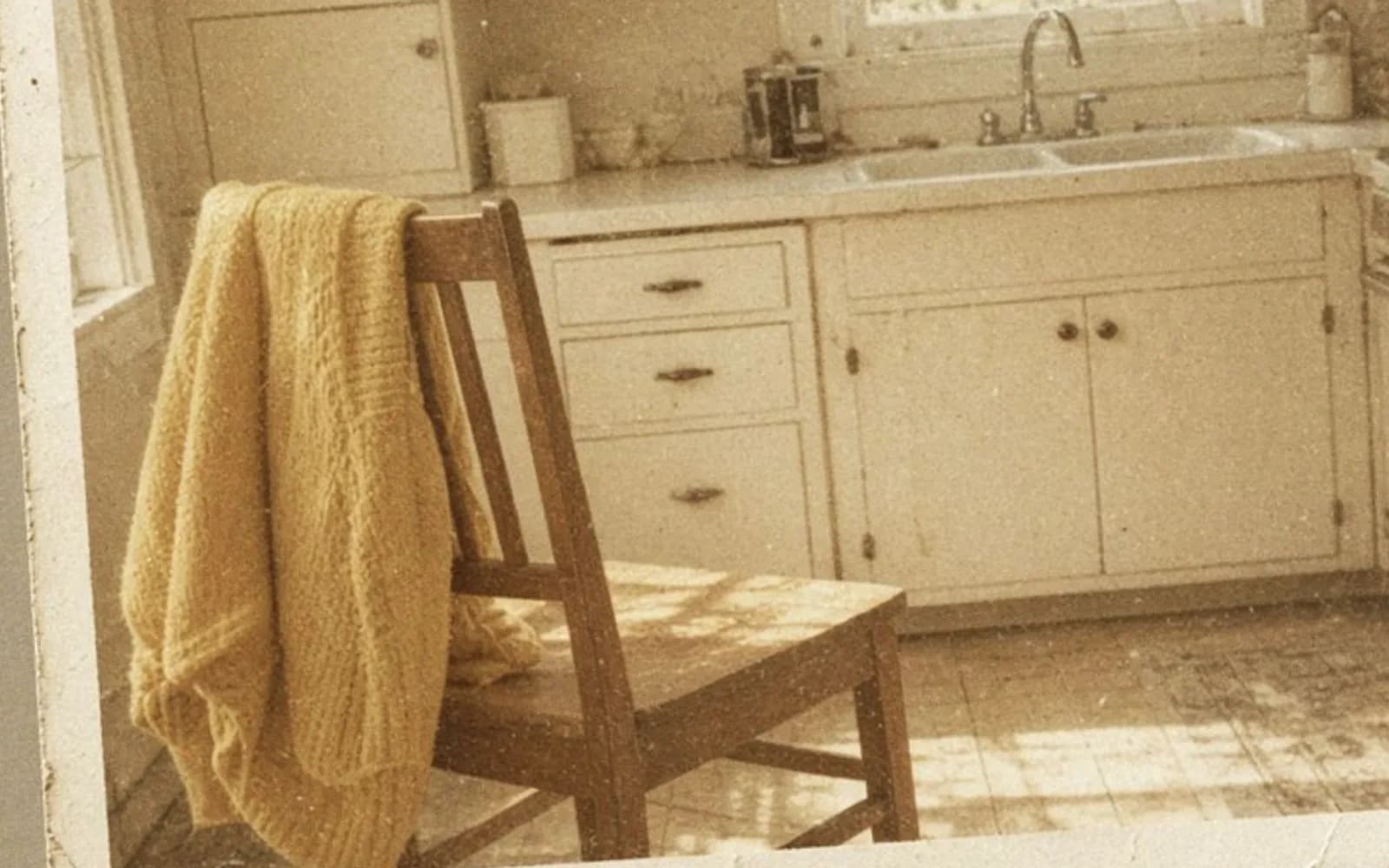
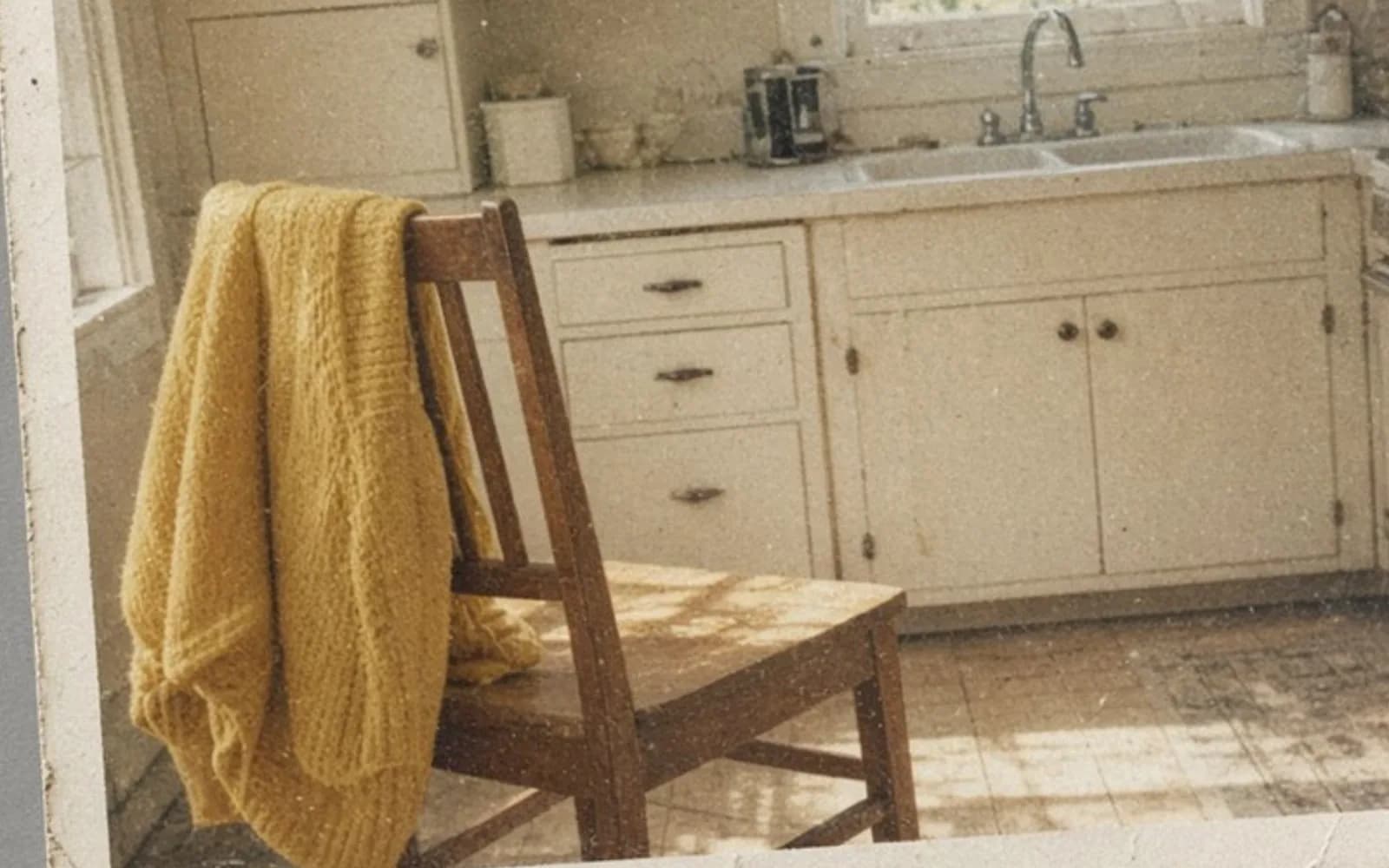
That generated sample is the picture I use when I need to talk about grain without putting a family's picnic on a screen share. A figure and a frame sit under speckle. The speckle is the point. On the real print, a cleanup that deletes that kind of speckle deletes the decade.
The reprint, and the file that stays in the drawer
The family wanted a 5 by 7. The repaired TIFF is 4200 by 6000, which at 300 ppi would support a print about 14 by 20 inches. The pixel count is not the limit. The limit is the sharpness of a small contact-printed face and the honesty of a spotted blanket. At 5 by 7 the heads are still small, the plaid repair holds, and my one-pixel stutter in the stripe is invisible. I ordered 5 by 7 on a matte paper, because a glossy sheet re-lit the crease I had only partly eased. I know that because I printed a glossy proof and the crease flashed under the kitchen light exactly the way the silvering had flashed on the original. Matte hid the residual shine without my pretending the crease was never folded.
I delivered three files. The raw scan, untouched. The repaired TIFF. A JPEG at 3000 pixels on the long side for ordinary sharing, made from the repaired TIFF, sRGB, quality high enough that a second save will not retile the sky. I also delivered the rejected fill as a small PNG crop, the basket handle visible, with the word "rejected" in the filename. The person who receives the drawer in twenty years deserves to see what we refused.
Before the reprint order I walked the sleeve and the files once more, out loud, because the basket layer was still in the folder and I did not want to export the wrong one.
- The master TIFF is the straight scan with the black card, not the lid-backed attempt.
- The basket layer is hidden and named rejected, and it is not in the export.
- The plaid guides still match the surviving stripes on both sides of the hole.
- Faces, the pencil impression, and most of the fingerprint are unretouched.
- Grain is still visible in the sky at 100 percent.
- The glossy proof is marked "crease flashes" so nobody reprints on that surface by habit.
The physical print went back into a sleeve. I did not try to fill the emulsion hole with paint. I am not a conservator, and the flake edge is brittle. The digital file is the copy that can travel. The object still has its tear. Repair, on this job, means the copy tells the truth about the blanket and does not invent a basket to comfort the hole.
Mistakes that nearly shipped
The lid-backed first scan almost became the master, because it looked "more open" in the shadows. It was the white lid shining through thin paper. I caught it by comparing the bald patch to the print on the table, not to the screen. Screens are backlit. Prints are not. A bald patch that glows on the screen and sits dull on the table is a scan problem.
The rotated first crop wasted an hour of spotting before I noticed the border geometry was wrong and the plaid guides would not stay square. I re-spotted on the straight scan. There is no shortcut around a crooked master except starting over. I looked for one.
I sharpened the repaired TIFF, amount modest, and the flake edge that I had blended sprang back as a white contour. Sharpening a repair outlines the repair. I undid it and sharpened nothing. If a later print looks soft, the softness is the 1954 lens and my refusal to halo the clone work. I can live with that. I could not live with a white contour around a hole I had claimed to close.
The work took a long afternoon and a reprint the next day. Most of the afternoon was the plaid. The basket took thirty seconds and would have been the thing everyone noticed. Speed, on a missing emulsion patch, is a tell. The slow stripe is the one that belongs to the blanket that was actually on that grass.
Questions that come up after the file is open
Can a torn corner of an old photo be repaired honestly?
If the tear is in the white border, fill the border with paper tone and leave the scene alone. If the tear eats the picture, you can continue a pattern you can still see, and you should not invent an object to make the hole interesting.
Is generative fill a good way to replace missing emulsion?
It is a fast way to get a plausible texture. On this picnic blanket it invented a basket handle that was not in the print. Spotting from the surviving plaid was slower and did not add a prop.
Should I denoise an old black-and-white scan?
Only the dust and the scanner speckle you are sure are not grain. The grain of a 1950s print is part of the object. A heavy denoise turns faces waxy and calls it clean.
What scan resolution is enough for a 3.5 by 5 inch print?
A 1200 ppi scan of a 3.5 by 5 is 4200 by 6000 pixels, which is more than a same-size reprint needs. Scan for the repair, then decide the print size from the detail you still have, not from the pixel count alone.