Repair · June 30, 2026
How to restore old pictures when the crease is in the coat
How to restore old pictures when a 1950s print is curled and the crease misses the eyes.
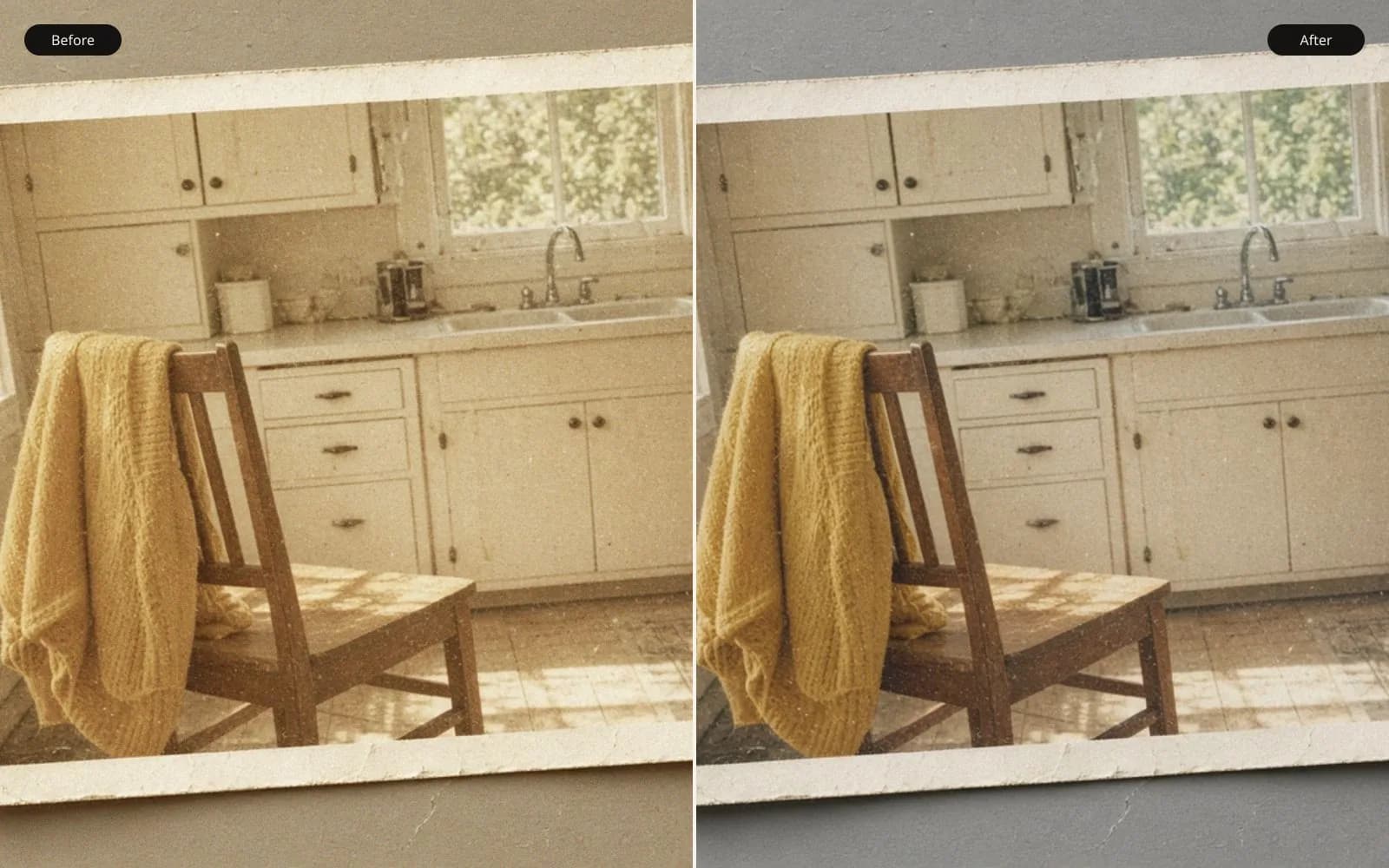
A crease through a coat is physical. The scan can lift dust. It cannot un-fold paper. Clean up the scanned photo and keep the crease if the person is still recognizable.
The shoebox print is a 1950s black and white, my grandfather in an overcoat on a sidewalk, and the note on the envelope asked how to restore old pictures. The print measures 3.5 by 5 inches. The corners rise about 0.4 inch off the table. A crease runs through the coat, about 2 inches of diagonal damage, and it stops before the collar. The eyes are clear. I can see the catchlight in each one. That fact decides the job more than the crease does.
People hear "restore" and picture a new face. This face does not need a new face. The emulsion over the eyes is unbroken. The damage is a ridge in the wool, plus curl, plus a scatter of dust, plus a sky that has gone a little flat and gray-green from age. If I "restore" the eyes I am replacing the only part of the print that still looks like him. I will not do that for a coat.
I turned the print under a lamp before I turned on the scanner. The crease is a physical fold. One side of the ridge catches light and reads white. The other side throws a thin shadow. The white line is about 1.5 millimeters across at the worst point. It is not a hair on the glass and it will not blow off. How to restore old pictures, for this sheet, starts with a scan that does not add glare to that ridge.
TL;DR. The 3.5 by 5 inch print is curled and creased through the overcoat, not through the eyes. I rested it overnight instead of heating it, then scanned at 1200 pixels per inch on a flatbed, about 4200 by 6000 pixels. The crease is a ridge about 70 pixels wide in that scan, and I rebuilt only the wool twill. Eyes stayed locked. A phone photo of the curled print was rejected for glare. The scan is already big enough for an 8 by 10, so I did not upscale the damage.
Getting the sheet flat enough to scan
I do not iron photographs. I have seen a glossy print go dull in a band where someone used a warm iron through a towel, and I have seen emulsion crack at a crease that was forced. This print went into a clean polyester sleeve, under a smooth piece of mat board, with a light book on top, overnight, in a room that was not damp. In the morning the corners rose about 0.1 inch instead of 0.4. That was enough.
The flatbed glass got a dry microfiber pass. The print never met liquid. I laid it emulsion up, sleeve removed for the scan, and I closed the lid with ordinary pressure, not a shove. A shove would have used the crease as a hinge. The lid's job was to keep the 0.1 inch rise from becoming a focus falloff, not to erase the fold. The fold is in the paper. The scan records it. The repair happens in the file, where a mistake is undoable.
A phone photo was the other option, and a cousin had already tried it. That JPEG is 3000 by 4000, taken by a window. The curl throws a bright band across the coat, the near corner is soft, and the far corner is darker. It looks dramatic and it is a worse record than a mediocre scan. I kept it in the folder as evidence of the glare and I did not paint on it. How to restore old pictures from a picture of a picture adds the camera's problems to the print's problems.
The scanner was set to optical 1200 pixels per inch, grayscale, 16-bit TIFF, no automatic dust brush, no unsharp, no "fade correction." Automatic dust brushes see the crease as dust and smear it. Fade correction sees the white ridge as a feature to brighten. I want a dumb scan. Dumb scans are honest.
What 1200 pixels per inch made of the crease
A 3.5 inch side at 1200 per inch is 4200 pixels. A 5 inch side is 6000. The TIFF is in that neighborhood, 4200 by 6000, a bit under 50 MB at 16-bit gray. The crease's 1.5 millimeter width is about 70 pixels in this file. I measured the white core at about 30 pixels and the shadow beside it at about 40, and the pair wanders as the ridge twists. Near the pocket the white core narrows to about 15 pixels. Near the button it widens again where the paper buckled.
The button is a good landmark. It is round, about 90 pixels across, with four holes. The crease clips the edge of the button and does not cross the holes. I can rebuild the clipped arc from the rest of the circle. I should not rebuild the holes. They are intact and slightly oval from the camera angle of 1950-something, and that oval is information. A "perfect" round hole would be a drawing.
The wool reads as a twill, diagonal, lower left to upper right, with a repeat I can follow for a few hundred pixels on either side of the damage. That repeat is the source. I sample short patches, 20 to 40 pixels, from the same light on the coat, and I lay them along the twill, not across it. Across it, the repair looks like a bandage. Along it, the repair looks like cloth, and at print size it disappears. I work at 100 percent and then I check at 25 percent, because 100 percent makes me over-paint.
The sky is a separate, easier mess. A few white dust specks, high and sharp, and one hairline scratch about 200 pixels long and 2 pixels wide. Those get a small spot repair. They are not the crease and they do not need the twill method. A denoiser would have treated the scratch and the film grain as the same problem. The grain is fine and even, and I want it kept. The scratch is a line. Lines are cloned. Grain is left alone.
Eyes locked, on purpose
I made a mask from the eyebrows to the chin, plus the hat brim where it meets the forehead, and I named the layer eyes-locked. Every coat stroke that wandered into the mask got undone. The catchlights are two small white shapes, not identical, about 6 pixels wide in the 1200 scan. They sit where a street window would put them. A restoration that "clears" the eyes tends to round those shapes and enlarge them. Then he looks alert in a way the negative never recorded.
The mouth is a thin dark line with a particular dip at the left. I did not touch it. A cousin asked if we could make him look a little happier. That is a different assignment, and I declined. The print is a record of an expression. The crease is damage. Happiness is not damage repair.
There is a small scar on the coat's lapel, a light nick about 12 pixels, that predates the crease. It appears in a second, smaller print from the same negative that has no crease at all. I used that second print as a guide, not as a clone source across a different scan, and I left the nick in place. Removing it would have made the coat look ironed. The second print also confirmed that the eyes I locked match the undamaged copy. I was not imagining the catchlights.
The second print stayed a guide
It is a 2.5 by 3.5 inch drugstore print, softer, and it has its own dust. I scanned it at the same 1200 setting so I could compare, and I did not composite the two faces. Different papers, different sizes, a composite would have shown a seam in the grain. The guide print answered one question: was the nick original? Yes. Then it went back in the sleeve.
Tone after the paint, not before
The sky is flattened and slightly warm if I scan it as color, which I did once as a test. As gray it is a narrow range, maybe 30 levels from the lightest cloud to the darker top. I left that until the crease was closed. A contrast stretch before the repair makes the white ridge harsher and the shadow blacker, and then I am cloning from a coat whose tone I have already bent.
After the paint, I set a gentle black point and white point using the overcoat's deep fold, which should be near black but not clipped, and the sidewalk highlight, which should stay short of paper white. The face lightened a little with the curve and I watched the catchlights. They did not bloom. If they had bloomed I would have pulled the curve back. A faded print can take a curve. A crease cannot take a curve until it is no longer a bright line.
I did not colorize. Nobody asked, and the second print is also gray. Color would have been a guess about a coat that might have been navy or brown. Guesses about color belong in a conversation, not in a default filter. The file I delivered is gray, grain intact, crease quiet, eyes original.
Sharpening was a last, small pass on the coat texture only, radius under 1 pixel, masked away from the face and the sky. The sky grain popped when I forgot the mask on a test, and the scratch I thought I had removed reappeared as a darker line because the unsharp found the leftover. I redid the sky spot and kept the sharpen off the sky. The face needed no sharpen. It was the sharpest part of the negative.
Phone pixels versus scanner pixels
The cousin's phone JPEG, enlarged on a screen, shows stair steps along the hat brim. That is not the 1950s. That is a small crop scaled up, and it is the problem described on the pixelated photo page. I opened that page beside the phone file so he could see blocks along a diagonal, then I opened the TIFF, where the brim is a smooth dark curve against the sky. We are not fixing blocks. We are filling a ridge in cloth.
If the TIFF had been the only file and someone had shrunk it "for email" to 800 pixels and then asked for a poster, we would be in a different repair, and I would say so. That is not this box. The original print is on my desk. The optical scan is the master. Email copies can be small because the master exists.
Enhance photo quality is the pass I would use for the flat sky and the mild overall softness of a drugstore print, after the crease is closed. I used a light touch of that thinking on the tone, and I did not run a heavy model over the face. Models that "enhance" old portraits like to repaint eyes. His eyes are 6-pixel catchlights with a specific shape. I will not donate them to a model that prefers rounder ones.
A table of damage, and what each kind got
Writing the rows down kept the face out of the coat's repair and the coat out of a dust brush.
| Damage | Where | Size in the 1200 scan | What I did |
|---|---|---|---|
| Curl | All four corners | 0.4 inch down to 0.1 | Overnight press, no heat, then lid |
| Crease ridge | Overcoat, 2 inches | about 70 pixels wide | Clone along the twill only |
| Button edge | One button | arc missing, holes intact | Rebuild the arc, leave the holes |
| Dust | Sky and sidewalk | specks, a few pixels | Spot repair |
| Hairline scratch | Sky | about 200 by 2 pixels | Spot repair, sharpen kept off |
| Lapel nick | Coat | about 12 pixels | Left, confirmed on the second print |
| Eyes and mouth | Face | catchlights about 6 pixels | Locked, no paint |
| Phone glare | Cousin's JPEG | 3000 by 4000 | Kept as a bad example, not a source |
The lapel row and the eyes row are the refusals. A restoration that removes every mark has edited the day, not the damage. The crease is damage. The nick is the day. I want those words on the ticket because relatives use "flaw" for both.
Before I paint on a family print
The sticky note for this shoebox is specific. A color slide would get a different note.
- Measure the print in inches and look at the damage under a lamp, not only on a screen.
- Do not heat the sheet. Rest it, scan it, repair the file.
- Scan optical, 16-bit, with automatic brushes off.
- Reject a phone photo that adds glare and soft corners if the print can go on a flatbed.
- Lock any face region the crease did not touch.
- Follow texture direction in cloth. Stop when the repair looks like a bandage at 25 percent zoom.
- Use a second print from the same negative as a guide, not as a face swap.
- Adjust tone after the ridge is closed, and do not colorize unless someone asked in words.
The last line came up at dinner. Someone had seen a colorized version of a neighbor's wedding and thought color was part of "restore." I asked which brown they wanted for a coat that might have been black. The conversation ended. The TIFF stayed gray.
A speckled drawing, so grain and damage stay different ideas
Film grain and a crease are easy to confuse once both are pixels. I keep a generated drawing that has been covered in coarse speckles: round head, teal body, teal panel, yellow circle, tan bars, a small green shape, brown floor. The speckles are noise laid over flat shapes. They are not a fold in paper.
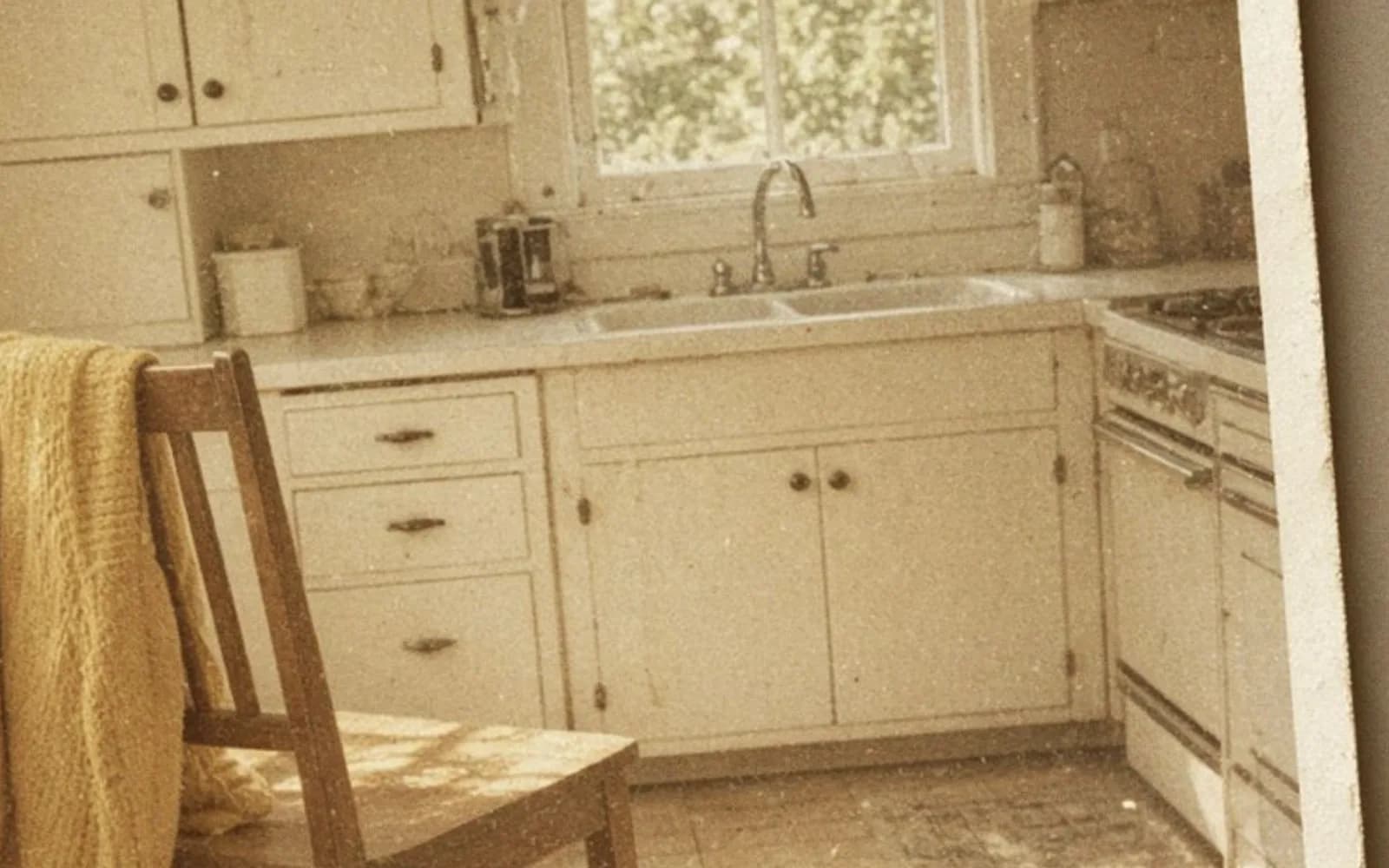
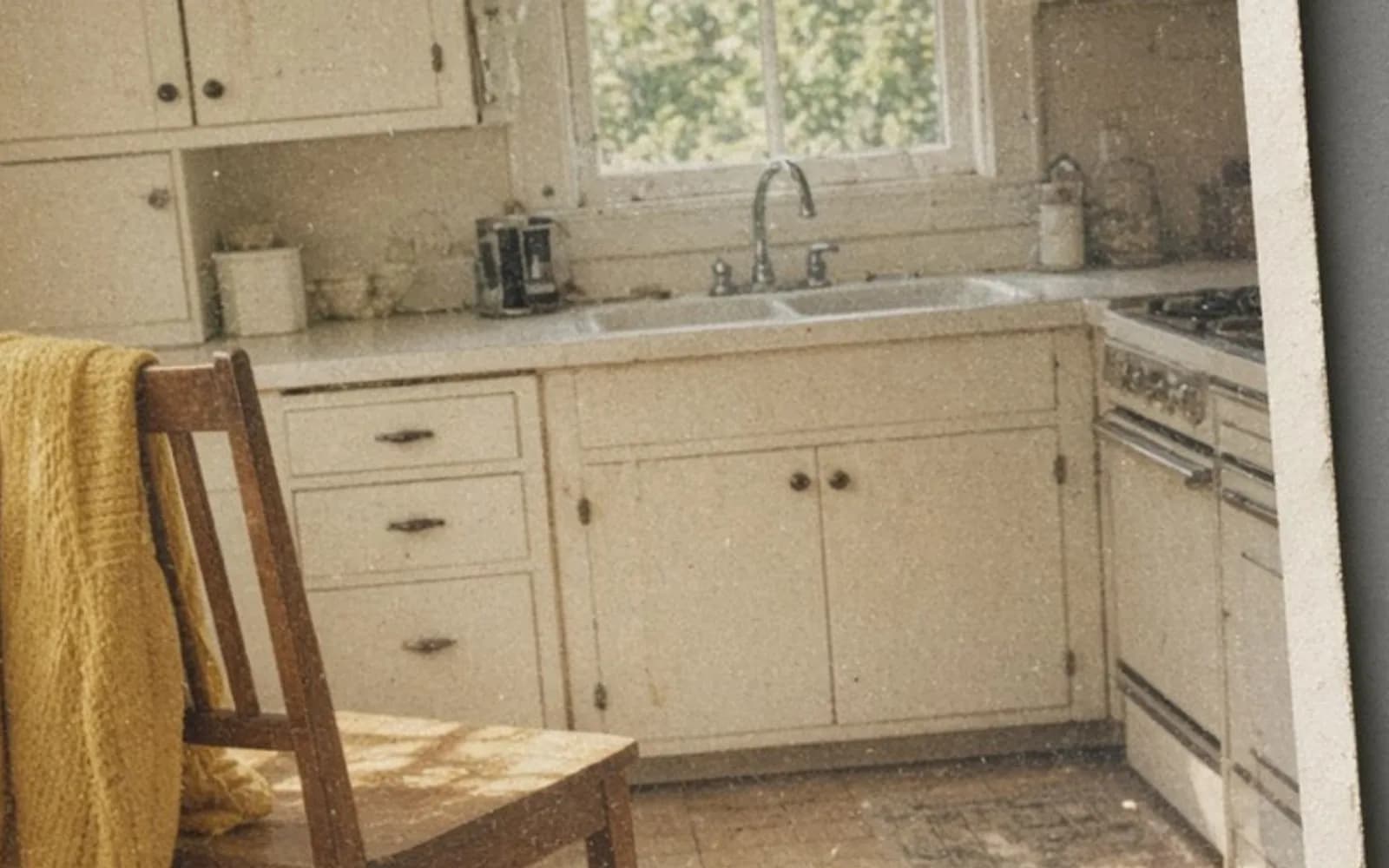
I show it when a relative points at grain and says the face is ruined. The drawing's round head is still a round head under the speckle. My grandfather's face is still his face under the film grain. The crease is the thing that is not grain. It has a direction, a white core, and a shadow, and it runs for 2 inches. Speckle does not run for 2 inches in a line. If a tool treats the drawing's speckle and a paper fold as the same slider, it will either leave the fold or sand the face. I would rather spot the fold and keep the grain.
The drawing is not a photograph of him and it is not a photograph of anyone. It is a prop with a yellow circle and a smile made of two dots and a curve. I can smear it, speckle it, and throw the file away. I cannot treat the shoebox print that casually. The prop keeps the experiment off the emulsion.
Print size, and why I did not enlarge
An 8 by 10 inch print at 300 pixels per inch wants 2400 by 3000 pixels. The scan is about 4200 by 6000. I have surplus even after a crop that levels the horizon, which was about 1 degree off. I scale down into the 8 by 10. Scaling down makes the twill repair quieter. Scaling up would have made the 70-pixel ridge a project it did not need to be, had I forgotten to paint it first.
He asked about a 16 by 20. At 200 pixels per inch, which I will accept on a wall print seen from a few feet, 16 by 20 wants 3200 by 4000. The scan can do that with a modest crop. At 300 per inch it would want 4800 by 6000, and we are a little short on the short side. I would rather print 16 by 20 at 200, from real samples, than upscale a face I promised not to repaint. I told him the viewing distance. The hallway where it would hang is about 5 feet of standing room. Two hundred per inch holds there. I printed 8 by 10 first anyway, because an 8 by 10 on the table tells the truth faster than a promise about a hallway.
The paper I used is a matte baryta-style sheet, not glossy. Gloss would have echoed the ferrotype shine of the original and shown every remaining grain of my clone work. Matte hid the last imperfect twill patch, a region about 25 pixels wide that I could still find at 100 percent and could not find at arm's length. I left that patch rather than overworking it into mush. Arm's length is the viewing distance of the gift.
Sleeves, names, and the print that goes back in the box
The original went back into a sleeve, crease and all. I did not fill the ridge with anything. Physical repair of a cracked emulsion is a conservator conversation, and this print is a family object, not a museum loan. The digital file is allowed to look mended. The paper is allowed to stay folded. I wrote that on the envelope so the next person does not "finish" the job with steam.
Files: grandfather-coat-1200.tif, grandfather-coat-phone-glare.jpg, grandfather-coat-repaired.tif, grandfather-coat-8x10.jpg, and the small guide scan, grandfather-coat-guide-2x3.tif. A text file lists the 70-pixel ridge, the locked eye mask, and the decision not to colorize. The repaired TIFF is 16-bit. The JPEG is for the frame shop, 8 by 10 at 300, which is 2400 by 3000.
The frame shop called to ask if the softness in the sky was a mistake. It is grain and a gentle curve, and I asked them not to sharpen the print. They had a default. Defaults are how skies get crunchy. I sent a second JPEG with a note in the filename: no-sharpen. They printed that one. The coat's twill reads as cloth. The eyes match the little guide print. The crease is a story I can tell and a line I can no longer see at arm's length.
Where the neighboring jobs differ
How to repair old photos walks a more general damage list, including stains and missing corners, which this coat did not have. How to enhance old photos is the tone and color pass, and I am strict about doing it after the ridge is closed. How to digitise photographs is the scan itself, the part I refused to skip by using the phone. This essay is one print: curl, a 70-pixel ridge in wool, eyes left alone.
How to restore old pictures is a wide phrase. On this desk it meant a night under a board, a 1200 scan, a twill I could follow, a mask over a face that was already a good photograph, and an 8 by 10 that does not show the fold. The corner of the paper still lifts a little in the sleeve. I can live with that. The file does not have to copy the curl to be true, and it does not have to invent a smile to be kind.
Questions that come up after the file is open
Should I iron a curled 1950s print flat?
No. Heat can crack the emulsion or glaze it. I let this print rest overnight under a smooth board in a sleeve, and the corner rise dropped from about 0.4 inch to about 0.1 before I scanned.
Do I rebuild the face if the crease missed it?
No. The eyes and the mouth were intact, so I locked that region and did not paint it. The repair is the coat, where a wool twill can be continued from beside the crease.
Is a phone picture of the print good enough?
Not this one. The phone frame was 3000 by 4000 and it held glare along the curl plus soft corners. The flatbed TIFF at 1200 pixels per inch is the file I restore.
Will an upscaler fix the crease?
It will enlarge the crease. The white ridge and the shadow beside it become a wider pair of lines. I repair the ridge on the scan, and this scan is already large enough for an 8 by 10.