Repair · July 20, 2026
How to enlarge old photos from a locket
How to enlarge old photos when the original is a locket picture smaller than a postage stamp, scanned under a dirty lid.
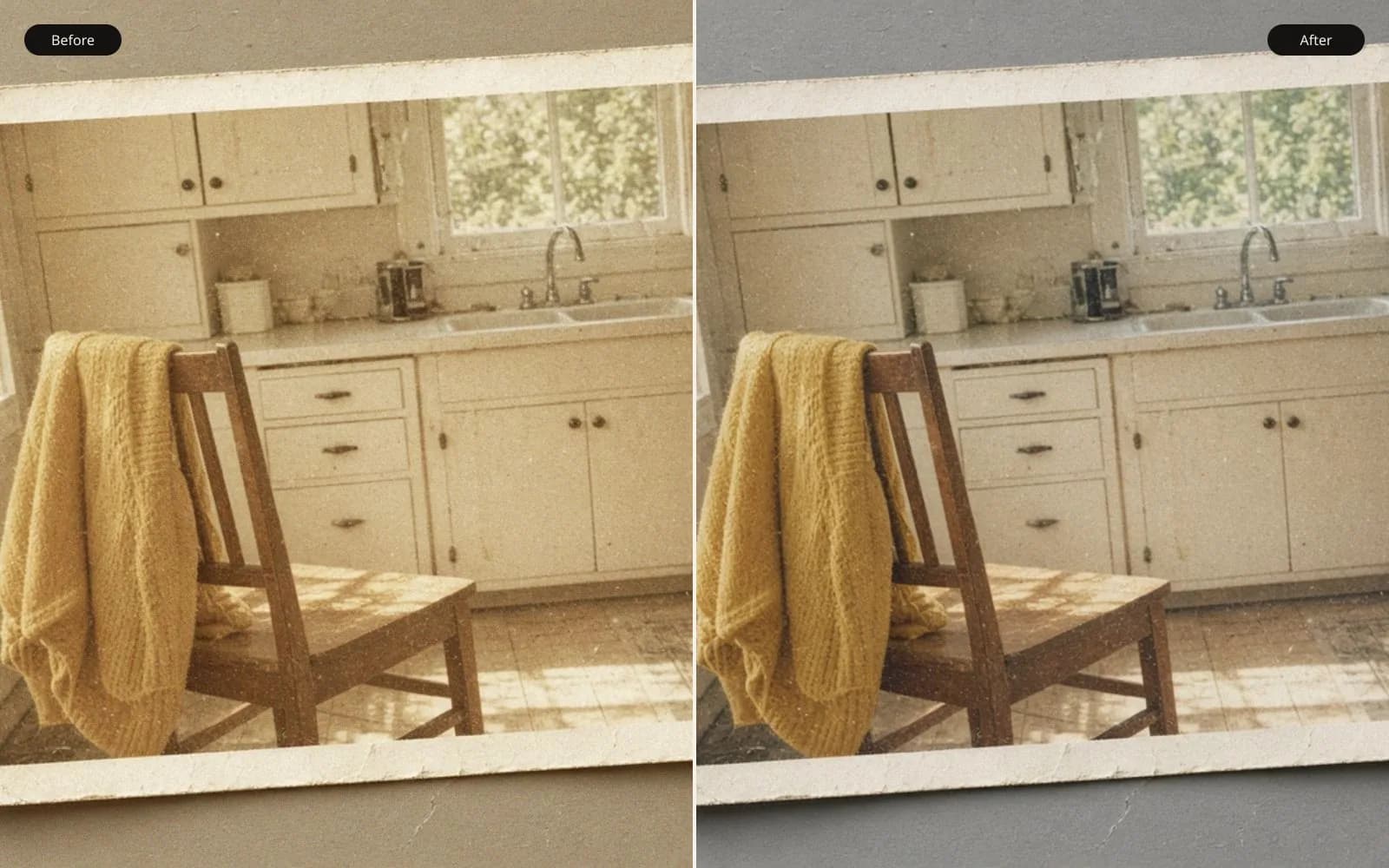
A locket print is small because the object was small. Enlarge the old photo only to the paper you will actually print.
A locket arrived in a small box, and the note on the lid of the box said how to enlarge old photos, as if the phrase were a single button. The photograph inside the locket is smaller than a postage stamp. I measured both on the desk with the same steel ruler, because I did not want "smaller than a stamp" to stay a figure of speech. The stamp, a current flag issue I had in a drawer, is 22 by 25 millimeters. The locket picture, lifted out of the case, is 13 by 16 millimeters. It loses on both sides. The face inside it is the entire point, and the face is most of that tiny sheet.
The case had a domed cover glass. I did not scan through the dome. The first time I tried, a bright ring sat on the forehead and I spent twenty minutes cloning the ring and cloning the hairline with it. The glass came off. The print came out. Everything after that sentence is a scan of paper, not a scan of a relic with a reflection on it.
TL;DR. The locket print is 13 by 16 millimeters. A dirty scanner lid painted clouds through the glossy sheet, and I spotted those clouds for an hour before a clean rescan made them vanish. The flatbed's 2400 ppi setting wrote a 1228 by 1512 file, but a line target in the same session showed the lens giving up past about 1200. Honest pixels support a 4 by 5 more than they support an 8 by 10. A 4× pass on the dirty scan turned lid specks into freckles. I enlarged from the clean scan, modestly, and I kept the locket-sized original in the folder as the witness.
Getting the print out without adding damage
The locket is a brass oval, hinged, with a paper print held by a thin metal bezel. I lifted the bezel with a wooden toothpick, not a knife. A knife was the first tool I picked up, and I put it down after I saw the slip it would make toward the emulsion. The print is glossy and slightly cupped. One corner had a staple scar, two holes, where it had been pinned into the case. I did not heal the holes until I had a clean scan. Healing before scanning is how you heal the wrong thing, which I then did anyway with the lid dirt. The holes, at least, are real.
The dome glass has a chip at the rim. I set it in a separate envelope. People ask to scan "the whole locket" for sentiment, glass and brass together. That is a picture of an object, and it is a fine picture, and it is not an enlargement of the face. I made that object photo with a camera, one frame, so the family would still have the locket as a locket. The enlargement job used the print alone.
Fingerprints: mine, immediately, on the glossy surface. I had washed my hands and I still left a crescent. I let it sit rather than rubbing. A rub on a glossy print from this era can polish the emulsion. The crescent scanned as a faint tone and I spotted it later, once, lightly, after I was sure it was not a highlight in the hair. It was at the edge. The hair was safe.
The dirty lid, and the foxing that was not foxing
First scan: glass wiped in a hurry, lid closed on the print, 2400 ppi, color, because I thought I might want the warm paper tone. The file was 1228 by 1512 pixels. I got that from the ruler, not from hope. Thirteen millimeters divided by 25.4, times 2400, is about 1228. Sixteen millimeters is about 1512. The scanner agreed. The agreement only means the motor stepped that many times. It does not mean each step resolved a new bit of the face.
The scan showed tan clouds across the lower half, soft-edged, some of them round. I called them foxing. Foxing is what I wanted to be heroic about. I sampled nearby cheek and background and I painted for an hour, 30 percent opacity, a hundred dabs. The face got smoother and a little younger, which I noticed and did not like, and I kept dabbing because the clouds were still faintly there. Sunk-cost spotting. I have a folder for it now.
Then I lifted the lid and looked at it. The white plastic was speckled with a gray fingerprint and a spray of something that might have been dried soap. The glass, held at a raking angle, had a smear I had missed near the hinge. I cleaned the glass with a dry microfiber, then with a drop of water on the cloth and a dry pass after, and I taped a clean sheet of bright white paper onto the lid so the print would see paper and not the dirty plastic. I rescanned at the same setting, same crop area, same bit depth.
The clouds were gone. Not reduced. Gone. The cheek I had been reconstructing was a cheek with its own small moles, two of them, which my spotting had lightened. The moles are in the clean scan and they match the print under a loupe. I had been erasing the person and preserving the soap. The dirty file is saved as locket-lid-dirt.tif and the spotted version as locket-spotted-dirt-rejected.tif. I open the rejected one when I feel the urge to heal a scan I have not compared to the object.
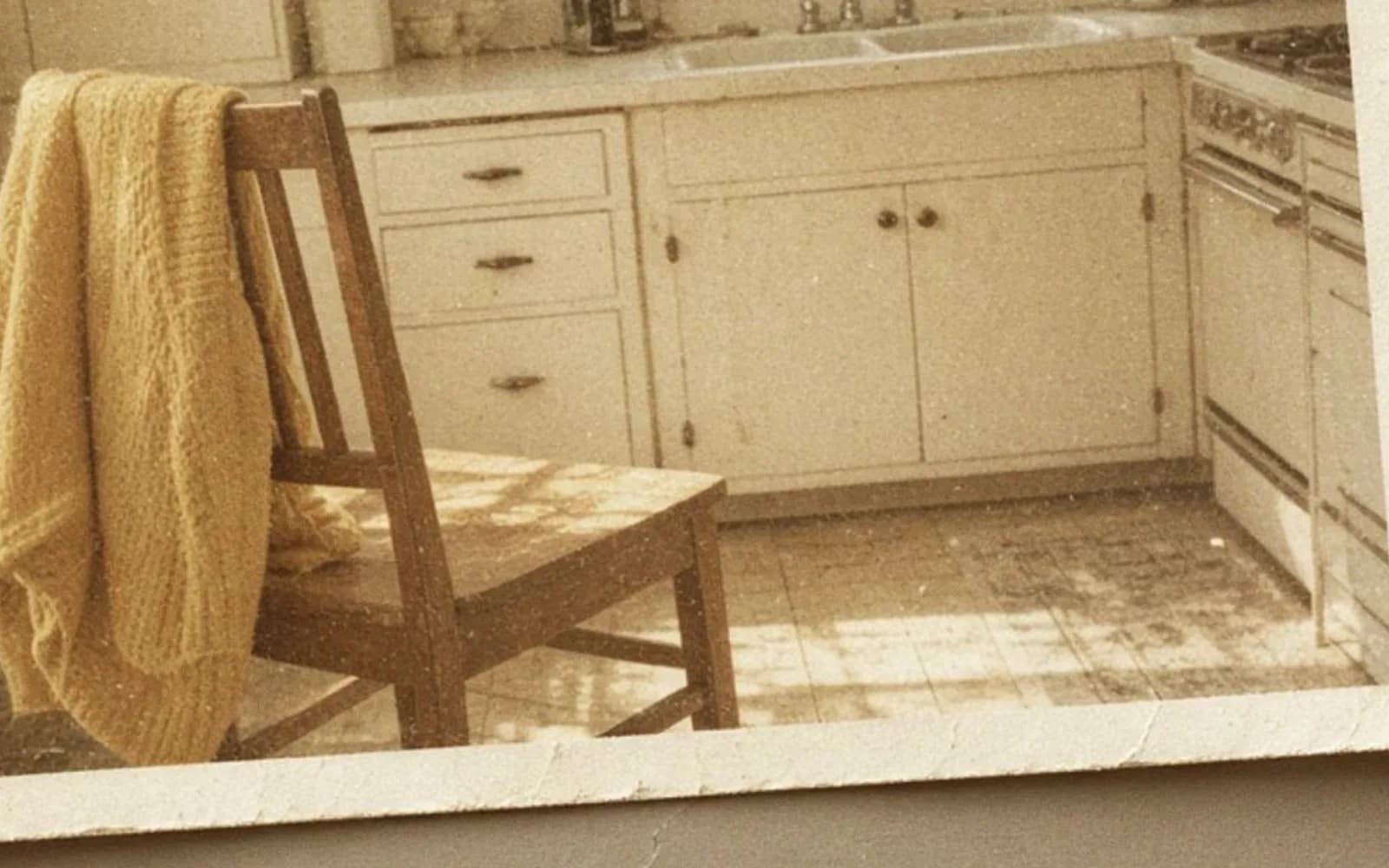
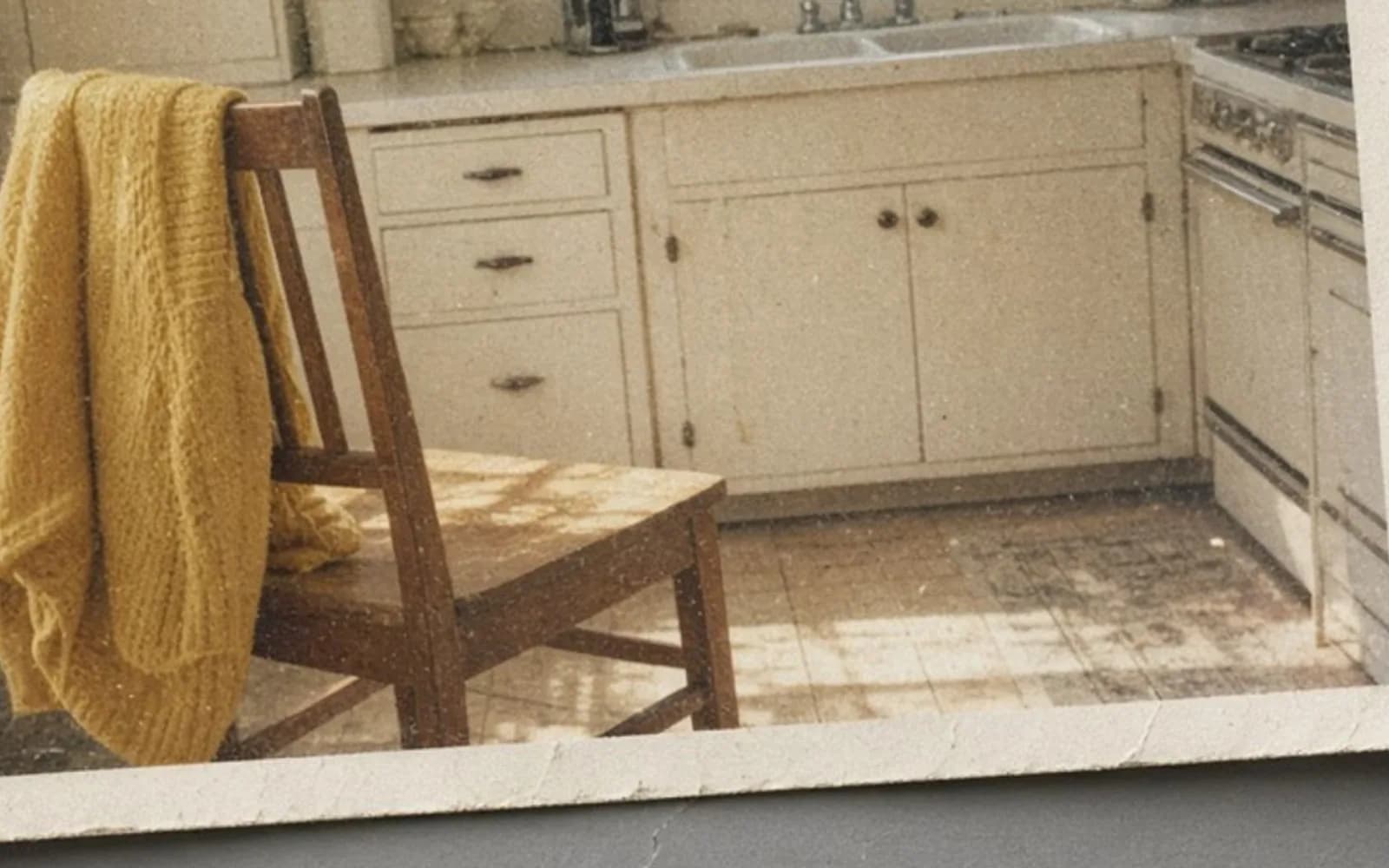
The generated sample I attach to this lesson is a grainy flat scene, a figure and a framed sun under speckle. It is not the locket and it is not foxing. It is a way to talk about a veil that sits on top of a picture. Lid dirt sits on top. Emulsion damage is in the picture. The clean rescan is how you tell them apart, not a more talented brush.
What 2400 ppi was worth
I scanned a printed target in the same session, a small card of line pairs I keep in the scanner drawer. At the 1200 setting I could still separate the finest block the card offers in the center of the glass. At the 2400 setting those lines were not cleaner. They were thicker in pixels and just as merged. Toward the corner of the glass they were worse, which I already knew and which is why the locket went in the center, not near the hinge.
So the 1228 by 1512 file is a real grid with about the detail of a 1200 ppi scan, plus extra samples that do not carry extra face. Half of 1228 is about 614. Half of 1512 is about 756. That is the honest pixel count I am willing to defend: roughly 614 by 756 of independent picture, embedded in a larger file. I do not throw the 2400 file away. I refuse to treat its extra pixels as extra history.
The face on the print is about 8 millimeters tall by my loupe scale, from chin to hair top. At a true 1200 ppi that is 8 divided by 25.4 times 1200, about 378 pixels of head. That is not the 80-pixel disaster of a tiny JPEG. It is a small portrait with a real mouth and real eyes, limited by the original print's focus and by the grain of the paper. Under the loupe the eyes are soft dots with a darker upper edge. You can tell the gaze aims slightly camera-left. You cannot count eyelashes. No enlarge will count them.
There is a digitising companion in how to digitise photographs that covers targets and glass more generally. The locket is the version where the lid itself became the subject.
How large the face can go
Inches, not slogans
I drew the print sizes on the sheet before I opened an upscaler. Using the honest 614 by 756, not the flattered 1228 by 1512.
A 4 by 5 inch print at 200 ppi wants 800 by 1000 pixels. We are a little short. At 150 ppi, 4 by 5 wants 600 by 750, which we almost exactly have. A 4 by 5 at roughly 150 to 180 ppi, viewed in a frame on a table, is a generous enlarge from a 13 by 16 millimeter original. The original is about half an inch wide. Four inches wide is an eight-times linear enlarge of the physical print, which sounds dramatic and is still only asking the scan for the detail it actually resolved.
An 8 by 10 at 300 ppi wants 2400 by 3000. From 614 by 756 that is about a 4× scale. From the flattered 2400-ppi file it looks like a 2×, which is how people talk themselves into it. The 4× upscale will make the pixels. It will also make pores the loupe cannot find, and it will make them more confidently if I feed it the dirty scan, because the soap clouds become a texture to explain.
| Pro | Pixels wanted at 200 ppi | Scale from honest 614 by 756 | What I saw |
|---|---|---|---|
| Same as the locket, about 0.5 by 0.6 inch | already exceeded | under 1× | The object itself |
| 4 by 5 at 150 ppi | 600 by 750 | about 1× | Clean, a little soft, the right face |
| 5 by 7 at 200 ppi | 1000 by 1400 | about 1.7× | Mild resample, still the moles |
| 8 by 10 at 200 ppi | 1600 by 2000 | about 2.6× | Starts to invent cheek texture |
| 8 by 10 at 300 ppi | 2400 by 3000 | about 4× | A different skin |
I printed the 4 by 5 from the clean scan, no model, just a gentle resample to 600 by 750 and a light output sharpen that I checked against the moles. The moles stayed the same two marks, same place, same size relative to the eye. That is my definition of an enlarge that worked. The face is bigger than the locket and it is not a new face.
The 4× I ran and did not deliver
I did run a 4× on the clean honest crop, after I had downsampled the 2400 file to the 614 by 756 I trust, so I would not be upscaling scanner interpolation with a neural interpolation. Output about 2456 by 3024. The eyes gained irises with structure I cannot see on the print. The hair, which is a dark mass with one lighter streak, became strands, and the streak moved by a few pixels. The staple holes, which I had left in, became neat dark circles with shaded rims, more finished than two punctures in paper.
On the dirty scan, the same 4× was worse in a way that looked like history. The soap clouds sharpened into faint freckles and a scratch that followed the wipe mark on the lid. If I had not done the clean rescan first, I would have believed the scratch. It aligned with nothing on the print. I put that file in rejected-dirt-upscale and I showed it to the owner once, side by side with the locket under the loupe, so we could both see the scratch fail to exist. That ten minutes saved a family story about a scar.
The enhance photo quality pass I trust on this job was a mild one on the clean scan, aimed at scanner chroma speckle in the paper tone, not at the face. The paper around the head had a little color noise from the color scan. I scanned again in grayscale to confirm. The grayscale was cleaner and the face was the same. I used the grayscale as the master. The color scan's warmth was paper, and I can add a warm tone in print if they want the locket's yellowed look, without baking a scanner's color noise into the cheeks.
What I spotted after the clean scan, and what I left
The staple holes stayed in the archive file. In the print file for the 4 by 5 I filled them with nearby background, because the holes are the locket's hardware, not the day the picture was made, and the owner asked for the face rather than the fastener. I kept the fill on a separate layer. It is 40 pixels of background, not a reconstruction of a hidden ear. One hole clips the background only. The other touches a dark edge of hair by about 4 pixels. I did not rebuild hair across it. I stopped the fill at the hair.
A pale hairline crack in the emulsion, 6 millimeters long and maybe a tenth of a millimeter wide, is real. I left it. Filling it would have required drawing a cheek gradient with a one-pixel brush, and the crack is the print's biography. At 4 by 5 it is visible if you look. At the locket size it was a glint. Enlargement makes true damage louder. That is a reason to stop at 4 by 5, not a reason to paint harder.
Dust that was actually on the print, three specks, confirmed by the loupe, I removed. Dust that was only in one scan and not the other I did not touch, because the rescan had already removed it by being clean. Two scans are a better dust tool than any healing brush.
The list I wish I had taped to the lid before this job:
- Take the print out of the glass. Do not scan a dome and call it the face.
- Clean the glass and cover the lid with paper you have just looked at under a lamp.
- Scan twice, and believe only the marks that survive both scans and the loupe.
- Put a line target on the glass in the same session. Let it tell you the real ppi.
- Downsample to the resolved ppi before you ask a model for more pixels.
- Check moles, scars, and gaze against the object after every pass.
- Keep the rejected spotting of the dirty scan. It is the lecture.
The deliverable
The owner got a 4 by 5 print on a warm matte paper, the grayscale master, the 2400 file untouched, the downsampled honest file, and a one-paragraph note that says the flatbed did not truly resolve 2400 and the clouds were the lid. They also got the camera photo of the closed locket. They asked for an 8 by 10 the way people ask for one more stop of enlarge, and I showed them the 4× proof with the migrated hair streak. They agreed the 4 by 5 was the picture. Agreement was easy in front of the locket and would have been hard in an email of a pretty file.
I did not colorize. I do not know the dress. A note on the broader restore, when the damage is the picture and not the lid, is how to restore old pictures. The upscale path, when the pixels are real and you still need a modest jump, is upscale a photo. This locket needed a clean scan more than it needed either.
The mistake I will repeat if I do not write it here
I believed a stain because I had a story for it. Foxing in a locket is a perfect story. Soap on a lid is a boring one. The brush followed the story. The rescan followed the object. On a print this small, every dab is a large fraction of a cheek, and an hour of dabs is a new portrait of a person who cannot correct it. The two moles are the correction. They were under my brush the whole time, on the loupe, if I had looked at the paper instead of the clouds on the screen.
Enlarge old photos by scanning them cleanly, finding the resolution the scanner actually achieved, and printing at a size those samples can carry. The locket is already an enlargement of a face onto a piece of paper the size of a fingernail. Asking it to become a poster is a different request, and the 4× file shows exactly what that request costs. I kept the cost in the folder and the face on the 4 by 5.
Questions that come up after the file is open
Can a locket photo smaller than a stamp become an 8 by 10?
The scan can be given enough pixels for that page. The print inside the locket did not hold an 8 by 10 worth of detail. A 4 by 5 from a clean scan is the size I would sign.
Why did spots disappear when I cleaned the scanner?
They were on the lid and the glass, not in the emulsion. A dirty lid shines through a thin, glossy print and looks like foxing until you rescan against clean paper.
Is a 2400 ppi scan twice as much detail as 1200?
Only if the scanner's lens actually resolves it. On this flatbed the 2400 setting added pixels and did not add a finer line on a resolution target. I trust the lower figure.
Should I upscale before or after I clean the scan?
After, and only if a clean rescan is impossible. Upscaling dirt turns lid specks into texture you will then defend by mistake.