Blur · August 12, 2026
Is there a way to make blurry pictures clear in a family stack
Is there a way to make blurry pictures clear? Sort the family stack first: mildly soft, worth one test, or hopeless.
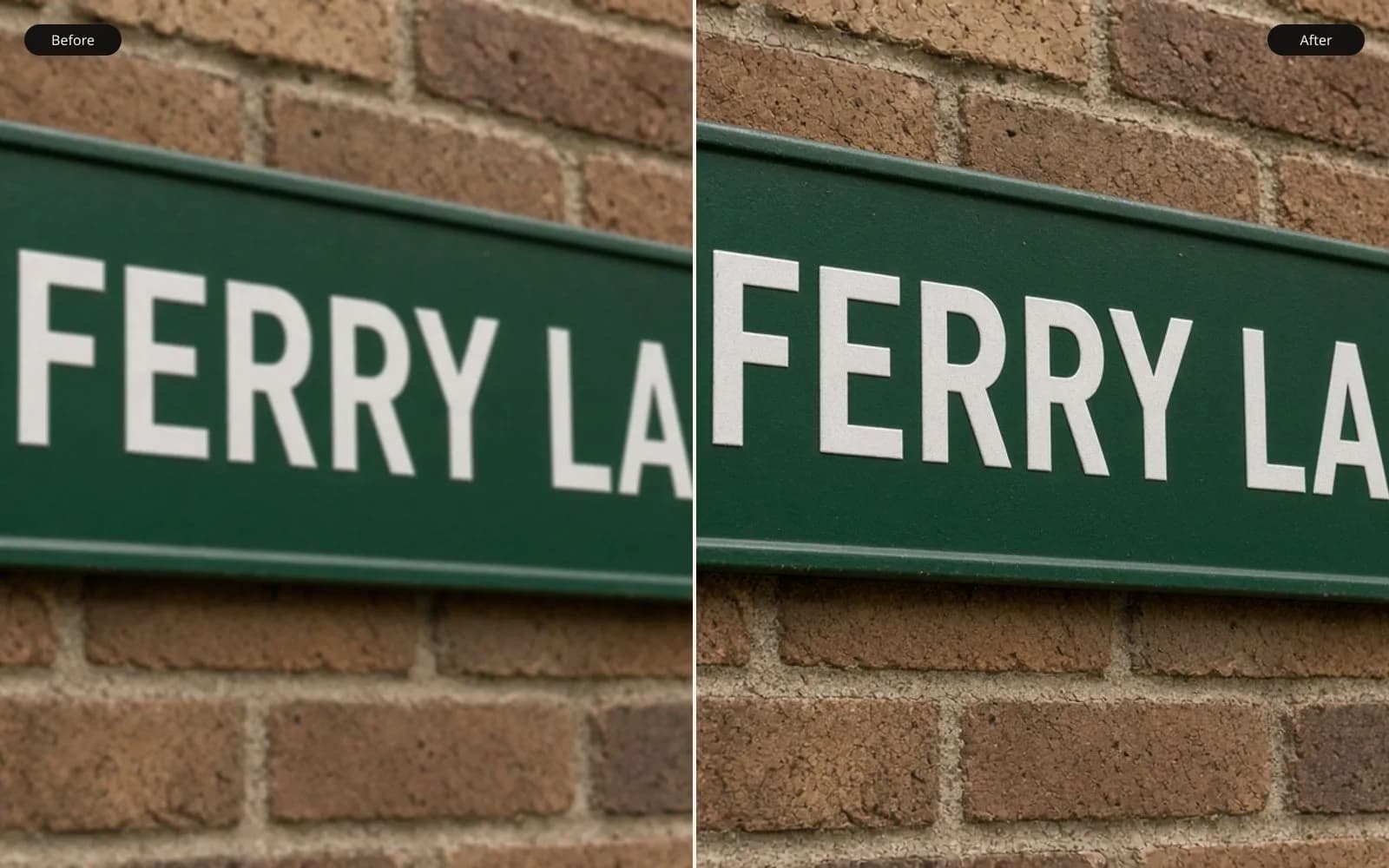
A stack of family frames should be judged one at a time. Make the blurry picture clear on the worst frame first.
A cousin put a biscuit tin and a USB stick on the table and asked is there a way to make blurry pictures clear. The USB was labeled DAD PHONE in marker. The tin held a CD from 2011 and a rubber band around a stack of lab prints I was not going to rescan that day. Forty-two files were already digital. The honest work was sorting, not a single button. Some of the forty-two can be helped. Some can be tested once. Some are finished being photographs, and a sharper-looking file would be a different event.
TL;DR. I sort a family stack before I repair anything. First I look for a sharper copy of the same moment. Then I look at how many pixels the face actually has, and whether the blur is a little softness, a short shake, or a person who moved. Mild frames get a careful local or light pass. Borderline frames get one test, judged on the eyes, and then I stop. Tiny files, screenshots, and long motion go back in the tin. Clearing the stack means knowing which pile a file is in. It does not mean every file becomes crisp.
What was on the table
I copied the USB to family-2011-2018/dad-phone/ and the CD to family-2011-2018/cd-2011/, and I left the stick and the disc alone after that. Twenty-eight files came off the phone, JPEGs, mostly 2016. Fourteen came off the CD, already compressed by whatever lab or home scanner made them in 2011. I did not mix the folders. The phone files have camera names, IMG_1844.jpg and so on. The CD files are scan-01.jpg through scan-14.jpg, which is a bad name, and I did not rename them until a file earned a place in a pile. Renaming all forty-two first is how an afternoon disappears.
I made a free plan, one page, and a paper list with three columns: mild, test, leave. Pencil, because I change my mind and I want to see the changes. The list ended at 14 mild, 11 test, and 17 leave. Those counts are the result of the rules below, not a vibe. I wrote the rule at the top of the page so I would not promote a file because I liked the person.
The rules, in the order I actually apply them:
- If a sharper frame of the same moment exists, use that and stop.
- If the face is tiny in the file, stop. I use a rough line: a face under about 400 pixels tall is a weak candidate, and under about 150 is not a candidate.
- If the blur is one moving person against a sharp background, stop. The background is the picture you already have.
- If the whole frame is a little soft and the face is large, it can go in mild.
- If I cannot tell which of those it is, it goes in test, and it gets one pass, not three.
- Screenshots, photos of screens, and photos of prints shot at an angle go in leave, unless the only goal is a small memoir page where softness will not show.
None of these rules asks a tool to be clever. They ask me to throw files out before a tool can be clever on the wrong ones.
Sharper copies, which end the job early
Four of the phone files were pairs. IMG_4410.jpg and IMG_4412.jpg are the same sofa, the same afternoon, two seconds apart if the numbers mean what they usually mean. 4410 is soft. 4412 is not. Both are 3264 by 2448. 4410 is 1.7 megabytes. 4412 is 2.4 megabytes, which fits a file with more real edge in it, though I do not use file size as proof. I looked at the eyes. 4412 has a catchlight with a shape. 4410 has a smear where the catchlight is. I put 4410 in leave and wrote "use 4412" in the margin.
That sounds too obvious to be a rule, and it saved more grief than the clever rules. A repaired 4410 would have been a guessed face sitting next to a real one in the same album. The album would have looked inconsistent, and the guessed one would have been slightly wrong. Asking the cousin "do you have the other frame" is part of the method. On the USB I did not have to ask. On scan-07.jpg I did ask, because the print in the tin looked sharper than the CD file. We found the print, and I did not repair the scan. The print can be digitised later if anyone needs a file. The CD JPEG is 1400 by 900, 400 kilobytes, and it is the third generation of that picture. I am not spending a test on the third generation when the paper is in the tin.
IMG_0888.jpg was a screenshot, 1080 by 1920, of a photo open in a phone viewer, including the interface. The photograph inside it also exists as IMG_0884.jpg at 3264 by 2448. Leave the screenshot. The interface is not going to survive a repair in any way I want, and the real file is two numbers away. I moved screenshots into family-2011-2018/leave/screens/ so they would not leak back into the free plan tomorrow.
Size of the face, which is a pixel count
I zoom until the face fills my judgment, and I read the height of the head in pixels off the crop box. I do not need a precise chin. I need to know if I am looking at a portrait or a speck.
IMG_1844.jpg is the birthday cake, 3264 by 2448, 2.1 megabytes. The child's face is about 700 pixels tall. Mild softness, probably a little motion of the candle hand and a slightly missed focus on the eyes. The eyes are large enough that I can see if a repair redraws them. This went to mild. A mild file is allowed a light pass because I can check it.
IMG_2210.jpg is the beach, and it is not 3264 anything. It is 1024 by 768, 280 kilobytes, an emailed file from years ago. The face is about 90 pixels tall. The whole child is a smear against the surf, and the surf is also soft. There is nothing to check. A pass that produces eyes at that size is drawing a child. I put it in leave. Is there a way to make blurry pictures clear when the face is 90 pixels and already an average of a motion? Not one I will sign. A small print of the untouched file, on a memoir page, is the honest use. The cousin agreed as soon as I showed the crop at 100 percent. On the phone's thumbnail the beach picture had looked merely "old."
scan-02.jpg from the CD is 3000 by 2000, 1.6 megabytes, a school photo, face about 900 pixels tall, and the softness is the mush of a copy, not a direction. Large face, exhausted detail. I put it in test rather than mild, because large does not mean the detail is still in the file. The test is allowed to fail. I expected it to fail, and I wanted the failure on one file rather than as a surprise in the middle of a batch.
The line I will defend: under about 150 pixels of face height, I do not test. Between 150 and 400, I test only if the blur is slight and the person is identifiable already. Over 400, the file may be mild or test depending on the kind of blur, not depending on my affection for the subject. Affection is why these stacks exist. It is also why the worst repairs get framed.
Kind of blur, judged without a laboratory
I am not deriving a kernel on a Saturday stack. I am naming the defect in plain words so the pile is right. The longer argument for why a long mixture has no single scene is is it possible to unblur a photo. On this table I only need the name.
Whole frame a bit soft, no direction, face large: missed focus or a soft lens. Mild, if the eyes are still the right eyes, or test, if I am unsure. IMG_1844.jpg is this, with a moving hand I will not try to freeze.
Whole frame soft in one direction, highlights turned into short streaks: shake. Test, not an automatic mild, because the direction tempts people into a strong pass. scan-09.jpg is a Christmas tree, 2400 by 1600, streaks of about a dozen pixels on the lamps. Test. One pass. If the lamps become rings or double, I stop.
One person smeared, room sharp: subject motion. Leave. scan-11.jpg is a child on a swing, background fence crisp, child a horizontal ghost. The fence is already the clear picture. The child is several children added together. I cropped a version that is mostly fence and garden, scan-11-garden.jpg, 2000 by 1400, 1.1 megabytes, for the cousin who wanted the yard. I did not invent a child on the swing.
Center sharp, corners soft: a lens, not a shake. That is not a global clear. I set those aside for a local treatment and I do not upload the whole frame as if the center were guilty. Two phone files were like this, IMG_0901.jpg and IMG_0904.jpg, both 4032 by 3024. They went to mild with the note "corners only." The method for that note is how to clear blurry photos. I am not repeating it here. The sorting decision is the part that belongs in this pile: do not run a global pass on a file whose middle is the reference.
Grain and fade showed up on the CD scans and I did not call them blur. scan-04.jpg is noisy and slightly soft. Noise is a different pile in a different notebook. If I had denoised it as if that were clearing, I would have waxed the faces. I left a note and did not hide the file inside the blur piles. A stack of "bad pictures" is not one defect. Calling them all blur is how the wax happens.
One borderline file I almost promoted
scan-04.jpg is the porch group, 3000 by 2000, 1.8 megabytes. Six people, faces around 380 to 450 pixels tall, focus a little behind them so the door knocker is sharper than the eyes. I had it in mild, then moved it to test. The reason was the smallest face, a child at the side, nearer 380, and already softer than the adults. A pass that flatters the adults can invent the child. I wanted a pile that forced me to look at that child once and quit.
The test output is experiments/scan-04-once.jpg, 3000 by 2000, 2.2 megabytes. The adults looked a little clearer. The child's mouth changed shape. I rejected the file and put the original in leave for repairs, though it stays available as a print. One test. That was the rule I wrote at the top, and the mouth was why the rule exists. If I had allowed a second pass "only on the adults," I would have spent the afternoon masking, and the cousin did not want a masked composite. They wanted to know if the picture could be clear. The answer on that file is no, not without changing the child.
What I actually ran on the mild pile
Fourteen files. I did not batch them. The mild pile is "allowed," not "the same treatment."
The cake, IMG_1844.jpg, got a light pass aimed at the face and not at the candle flames. Flames are small bright mixtures and they turn into ugly disks if you insist. The face was slightly more awake. The eyes matched the original in shape. I kept experiments/IMG_1844-light.jpg, 2.4 megabytes, and I printed it at 5 by 7 in a proof. At 5 by 7 I could not see a lie. I delivered that one.
IMG_0901.jpg stayed in mild and did not get a global pass at all. I cleared only the soft corner, a person cut off by the frame edge, and I checked that the center pixels did not move. The delivery is the local file. The center is the original center. That is a successful mild repair precisely because most of the file was left alone.
Three mild files I later demoted. They were "a bit soft" at thumbnail size on the free plan and, at 100 percent, they were motion of a hand or a head. I had been lazy on the free plan. The morning look caught them. They joined leave. Demotion is part of the method. The pencil list is allowed to get messy.
The tool I used when the mild problem was overall dullness rather than a real smear was a light enhance, and only after the blur question was answered. Enhancing a smeared file makes a punchier smear. I enhanced two files that were in focus and underexposed, IMG_2750.jpg and IMG_2751.jpg, which had been put in the stack because they "looked bad." They were not blurry. They were dark. Sorting includes throwing files out of the blur conversation. Both went to a separate dark/ folder. They are not in the fourteen.
What one test means
Eleven files. Each one gets a single saved attempt in experiments/ and a yes or no the same day. No second engine. No "try a stronger setting" unless the first result is obviously the wrong strength and I am still looking at the same attempt's slider, before I have talked myself into a project. If I leave the computer and come back, the test is over.
scan-09.jpg, the tree lamps, was a yes. The streaks were short, the lamps are not faces, and the ornaments did not gain extra patterns I could name. I kept it. A tree is a kinder test than a child. I still looked for new sparkles that were not in the original. I did not find a fifth point of light on the star. Good.
scan-02.jpg, the mushy school portrait, was a no. The file came back with even skin and a sharper collar and a mouth that belonged to a generic school portrait. The collar is not the child. I deleted nothing. I moved the output to experiments/rejected/ and wrote "no" on the list. The CD original remains the photograph.
IMG_3104.jpg is a dog, 3264 by 2448, slight shake, face about 800 pixels. I tested it because the cousin cares about the dog as much as about the people, and because fur hides lies. That is a reason to be stricter, not looser. The test added a wiry texture that the original dog, a smooth-coated animal in every other frame, did not have. No. The original is a little soft and it is the right dog. A wiry dog is a sharper wrong species.
The page I use when I do run that single test is fix blurry photo. I mention it so the pile has a place to go. The pile is the decision. The page is not the decision. A stack of forty-two uploaded at once would have erased the columns I pencilled, and I would have been sorting outputs instead of inputs, which is slower and worse.
| File | Face or subject | What I called it | Pile | Result |
|---|---|---|---|---|
| IMG_4412.jpg | Sofa, sharp pair | Use this, not 4410 | Leave the soft twin | Delivered the sharp one |
| IMG_1844.jpg | Cake, face ~700 px | Mild softness | Mild | Light pass, 5 by 7 |
| IMG_0901.jpg | Corners soft, center sharp | Lens edge | Mild, local only | Center untouched |
| IMG_2210.jpg | Beach, face ~90 px | Tiny and smeared | Leave | No repair |
| scan-11.jpg | Swing, fence sharp | Subject motion | Leave | Cropped the yard only |
| scan-04.jpg | Porch group | Behind the faces | Test once | Rejected, child's mouth |
| scan-09.jpg | Tree lamps | Short streaks | Test once | Kept |
| scan-02.jpg | School portrait | Copy mush | Test once | Rejected |
| IMG_0888.jpg | Screenshot | Not a photo master | Leave | Used IMG_0884.jpg |
| IMG_3104.jpg | Dog, smooth coat | Short shake | Test once | Rejected, fur changed |
The leave pile is a delivery too
Seventeen files. The cousin expected them to come back clear, because the question was is there a way to make blurry pictures clear, and questions like that sound like they want a method that covers the stack. The method covers the stack by refusing most of it.
I printed a free plan of the leave pile with one line under each frame: "sharper frame exists," "too small," "moved," "screenshot," or "failed the one test." That sheet did more than the repaired cake. It showed that the tin was not one problem. The beach file stayed small. The swing stayed a swing. The screenshot never got a second life. The porch group stayed the porch group, soft, true, and preferable to the changed mouth.
A few leave files can still be used at a size where the defect is invisible. The beach JPEG at 1024 wide, printed at 3 inches, looks like a beach. I will not print it at 8 inches. The use is the size, not a repair. I wrote the maximum print size I would sign on the sheet. For the beach that number is 3 inches on the long side. For the swing crop of the yard, 6 inches. For the soft twin of the sofa, zero, because 4412 exists.
How to make photos more clear is the note I point at when a file is already the right file and only needs a lighter hand, contrast and a touch of edge, with no claim that blur was removed. Some of the mild pile ends there instead of in a deblur. I would rather send a cousin to that page than let them run a strong pass on the leave pile at midnight. Midnight is when the seventeen start to look like a challenge. They are not a challenge. They are a sorted no.
What I handed back
I handed back a folder with twelve files in deliver/, not forty-two. The cake repair, the two local corner files, the tree, a handful of frames that were never blurry and had only been dark or slightly dull, and the sharp twin of the sofa. I handed back the paper list. I handed back the leave free plan. I did not hand back experiments/, including the rejected dog and the rejected school portrait. Those are my record of the nos. They are not alternatives for an album.
The cousin asked, at the door, whether the others could be done "with a better app." A better app does not add pixels to a 90 pixel face, and it does not put a swinging child back in one place. I said the twelve are the ones I will put my name near. The tin can stay a tin. That is a complete answer to the question they actually asked, which was about the stack, not about a miracle for the worst file in it.
Questions that come up after the file is open
How do I sort a stack of blurry family pictures?
I make three piles: mild, one test, and leave it. Mild means the subject is large and the softness is small, and one test means I will run a single pass and stop if the face changes. Leave it means the subject is tiny, the motion is long, or a sharper copy already exists.
Which pictures should I leave alone?
Screenshots of photos, faces under a few hundred pixels, and anyone who moved through a sharp room. Making those crisp invents a person or a limb. I would rather print the soft file small or pick another frame.
Is a mildly soft group photo worth a pass?
Often, if the faces are recognizable and large enough to check. I treat that as a test, not as a batch, and one frame gets the pass. If the eyes move, the rest of the similar frames stay as they are.
What if a sharper copy is on someone else's phone?
Then the blurry file is not the job. I ask before I repair. A sharp original from the same afternoon beats a guessed repair, and it saves the afternoon.